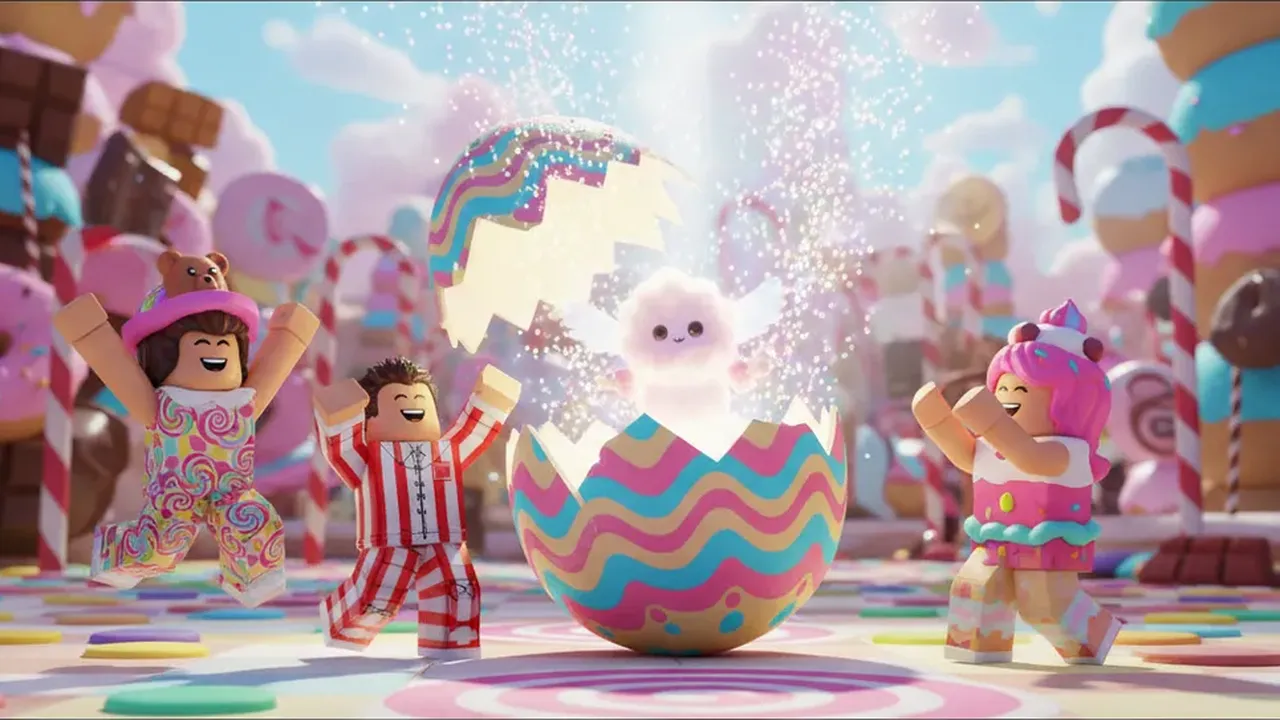
Thumbnails get letterboxed
On phones and in some lists the edges are cut or covered by buttons. Keep characters and key objects inside the central 80%.
Drop an image here
Every Roblox image size
The Roblox thumbnail size is 1920×1080 (16:9). The Roblox game icon size is 512×512. Badges and game passes use 512×512 too, shown as a circle.
Drop any image into the free resizer above to crop it to the right Roblox size. Nothing is uploaded — it all runs in your browser.
02 / The short answer
“1920 × 1080 px · 16:9 · PNG or JPG”
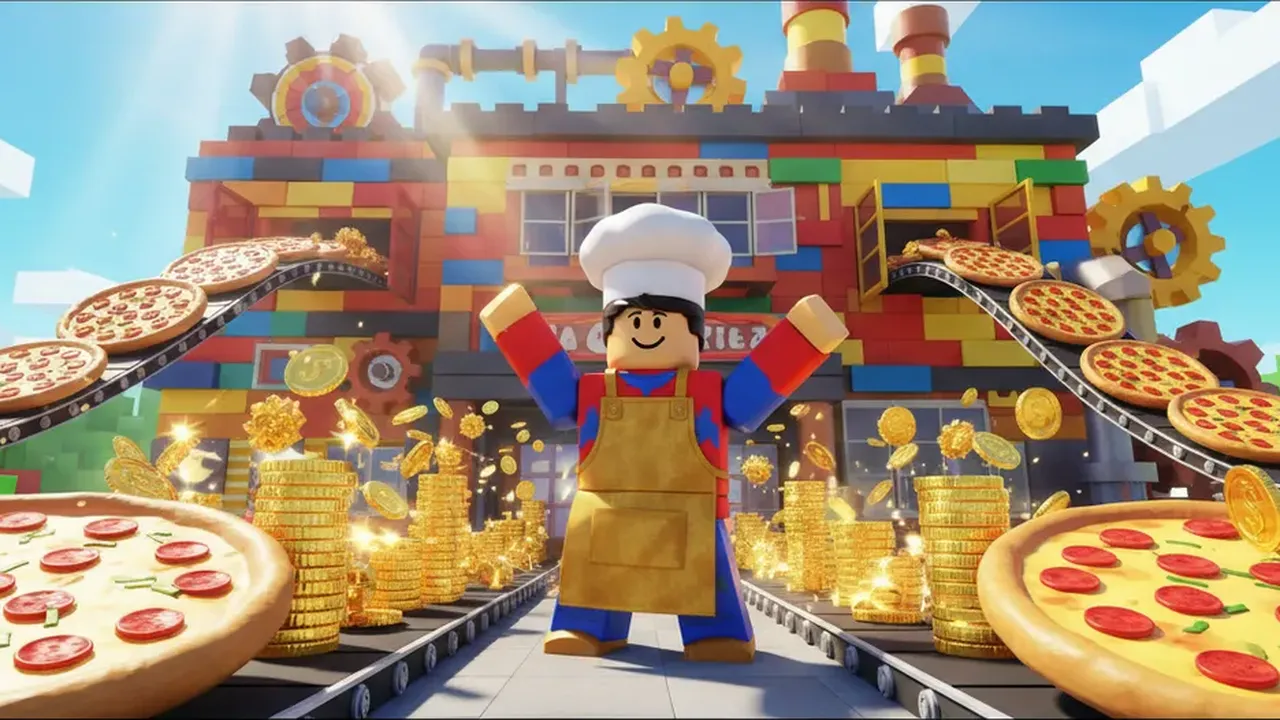
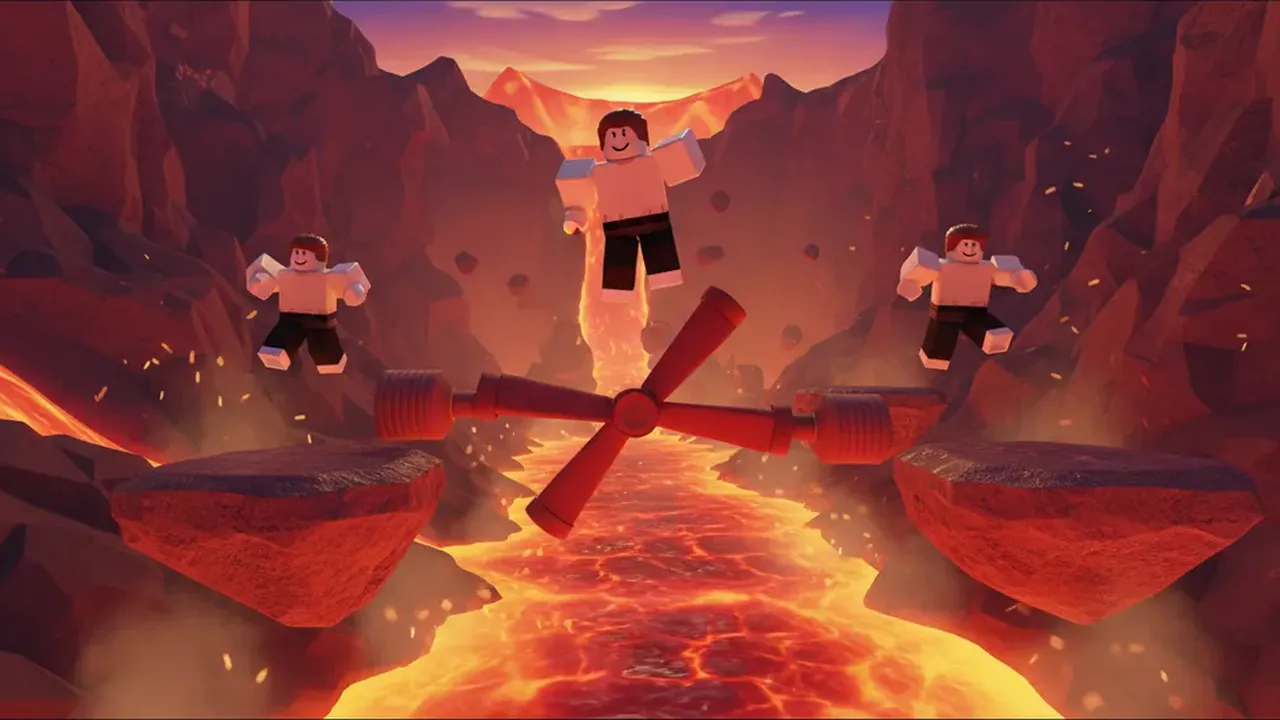
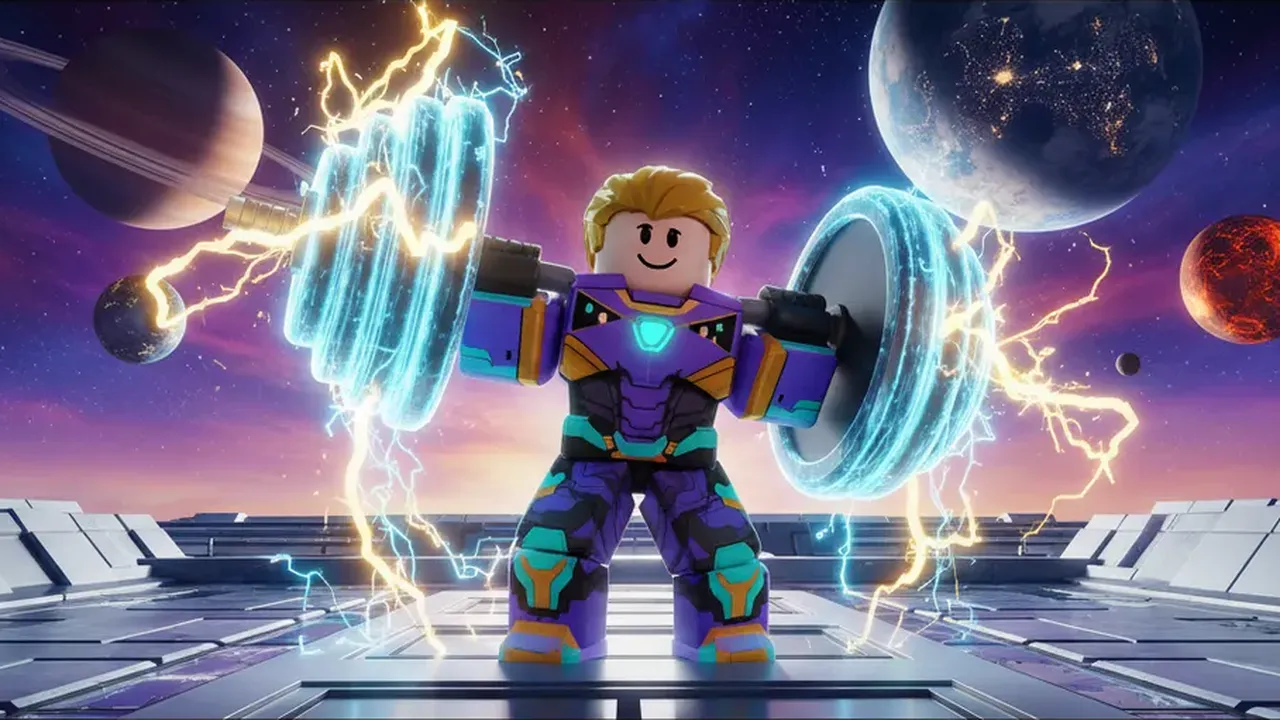
Thumbnails are the wide images on your game page. Upload them at 1920×1080; smaller 16:9 images work but look soft on big screens. You can add up to 10 thumbnails or videos per experience.
The icon is the square players tap in search and on the home page. Upload 512×512 — Roblox shows it much smaller and with rounded corners, so keep the subject centered.
No image yet? Make one with the AI Roblox thumbnail maker or the Roblox icon maker — both download at these exact sizes.
03 / Safe areas
The same file is shown at many sizes. Design for the smallest one.
On phones and in some lists the edges are cut or covered by buttons. Keep characters and key objects inside the central 80%.
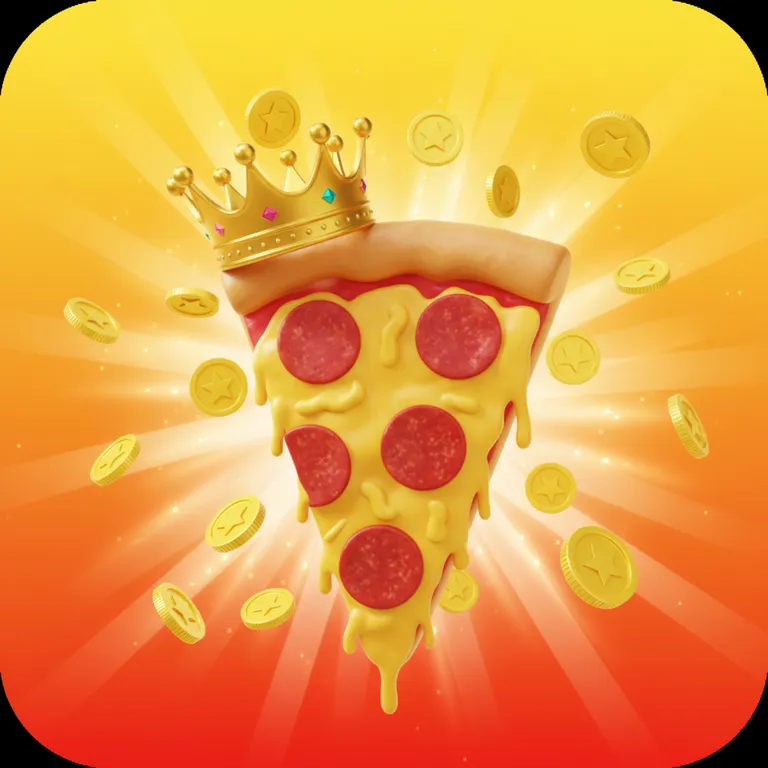
Most places show the icon with rounded corners at around 150 pixels. Fine details and text disappear first.
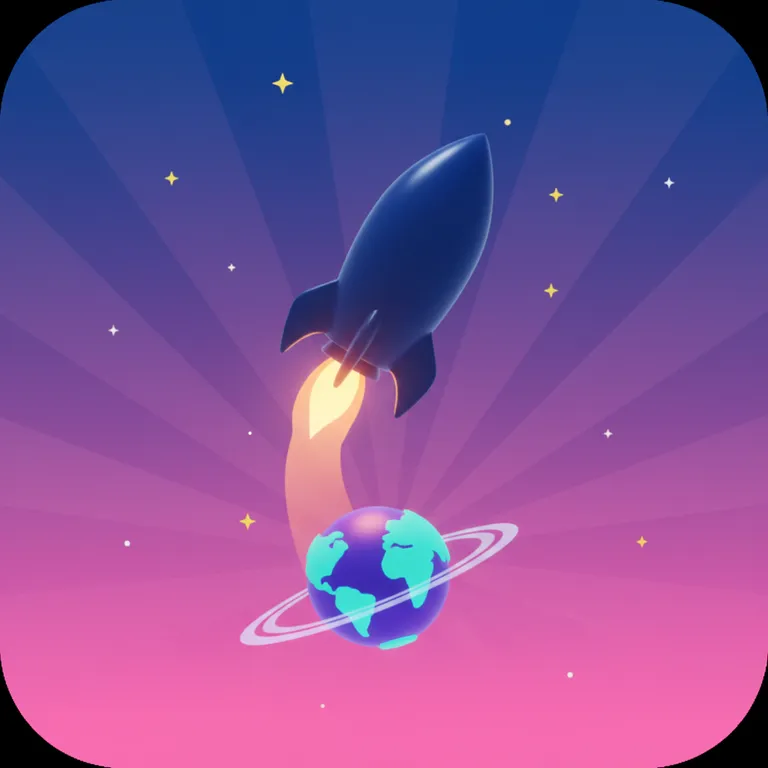
Anything in the square’s corners is cut off. Use the round preview in the resizer to check.
05 / How it works
“my-thumbnail.png”
Any PNG or JPG. It stays on your device.
Thumbnail, game icon, badge / pass or group icon.
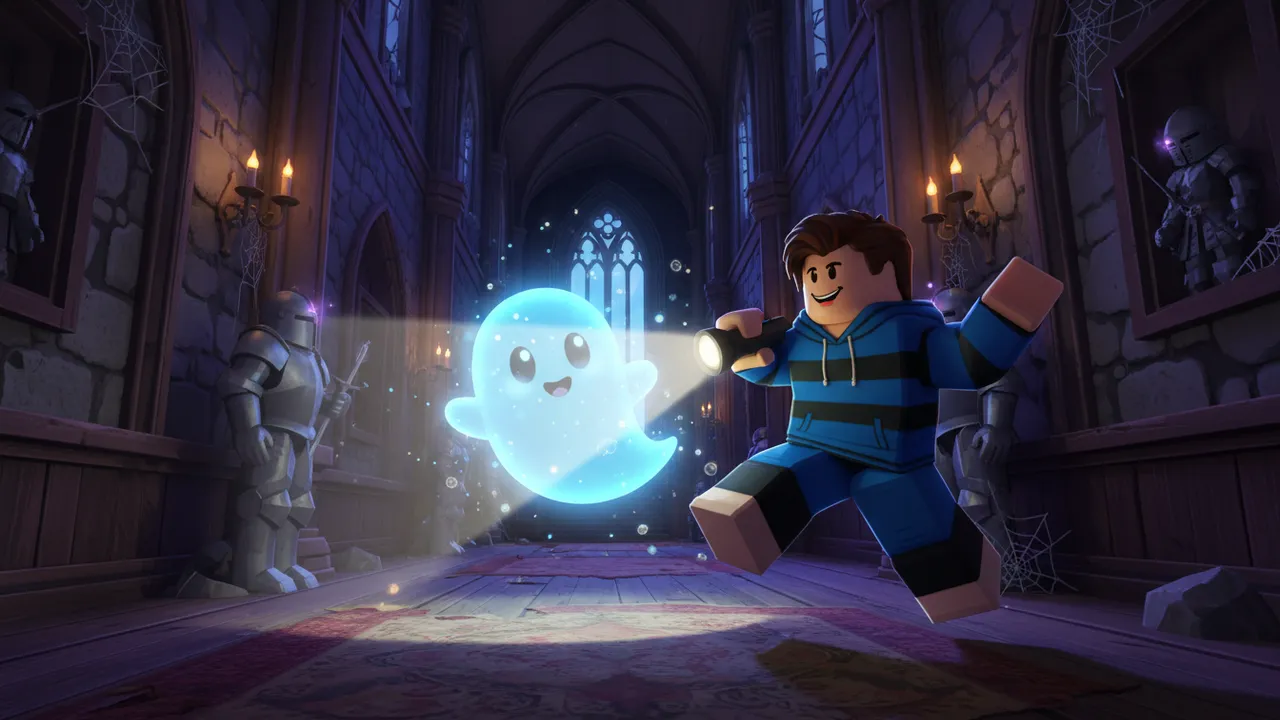
The image fills the size. Zoom and drag the preview to frame it — badges preview as a circle.
Download the PNG and upload it in Creator Dashboard.
06 / Know what you get
Free with no sign-up and no watermark.
Your image never leaves your device — resizing happens in your browser.
Want a brand-new image instead? The thumbnail maker and icon maker create them at these sizes.
07 / Before you begin
1920×1080 pixels, a 16:9 ratio. Smaller 16:9 images work but look blurry on large screens.
512×512 pixels. Roblox shows it smaller and with rounded corners, so keep details away from the edges.
Upload a 512×512 image. Roblox displays badges and game passes as circles, so the corners are cut off.
Group icons are square and shown small. A 420×420 image is a safe choice and is one of the presets in the resizer.
PNG, JPG, TGA and BMP. PNG is best for sharp edges and flat colors.
Up to 10 thumbnails or videos per experience.