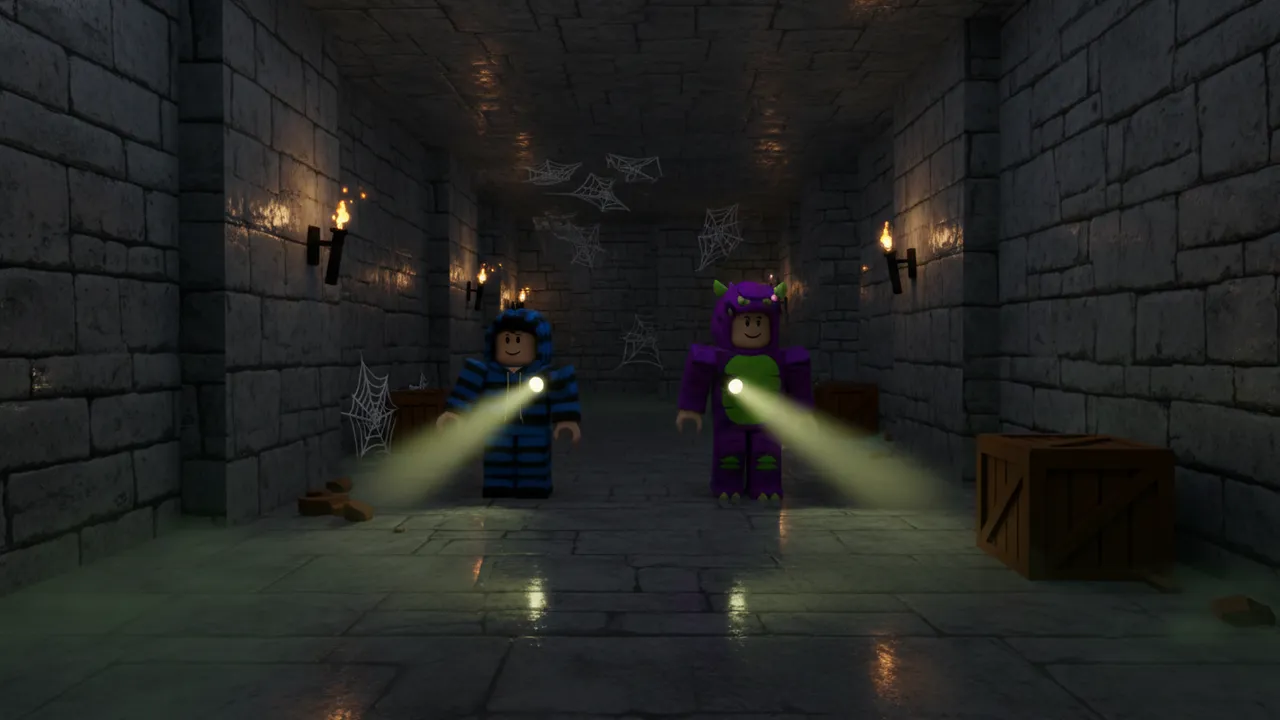
Explore the maze
A new maze every game, with dead ends and a few loops so there is always another way around. Dim wall lamps and a flashlight on every player.
A theme, a genre and one twist is plenty.
Your first game is free · No credit card
Your first Roblox game starts with a sentence.
See what one prompt builds, then make it yours.
Example prompt
“Escape a haunted school at midnight: find the keys before the janitor monster catches you”
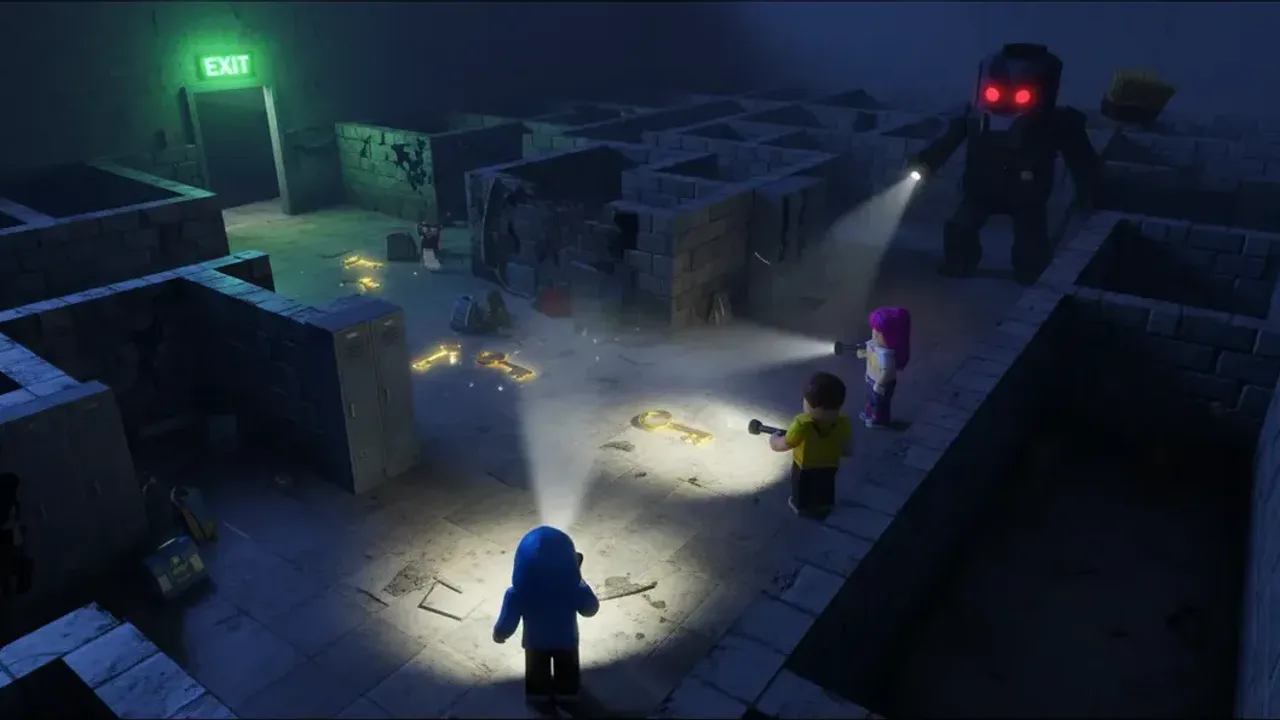
Midnight School Escape
Preview it in 3D and download the real file — free.
Find the keys. Don’t get caught.
Describe a creepy place and a monster, and this horror game maker builds a dark maze, hides the keys, locks the exit and sends the monster after your players — named and themed for your idea.
You download a real Roblox Studio file: press Play and the monster wakes up, hunts the nearest player through the halls and sends anyone it catches back to the start. It is part of the Roblox AI game maker, which also makes obbies, tycoons and simulators.
02 / The idea
“Escape a haunted school at midnight: find the keys before the janitor monster catches you”
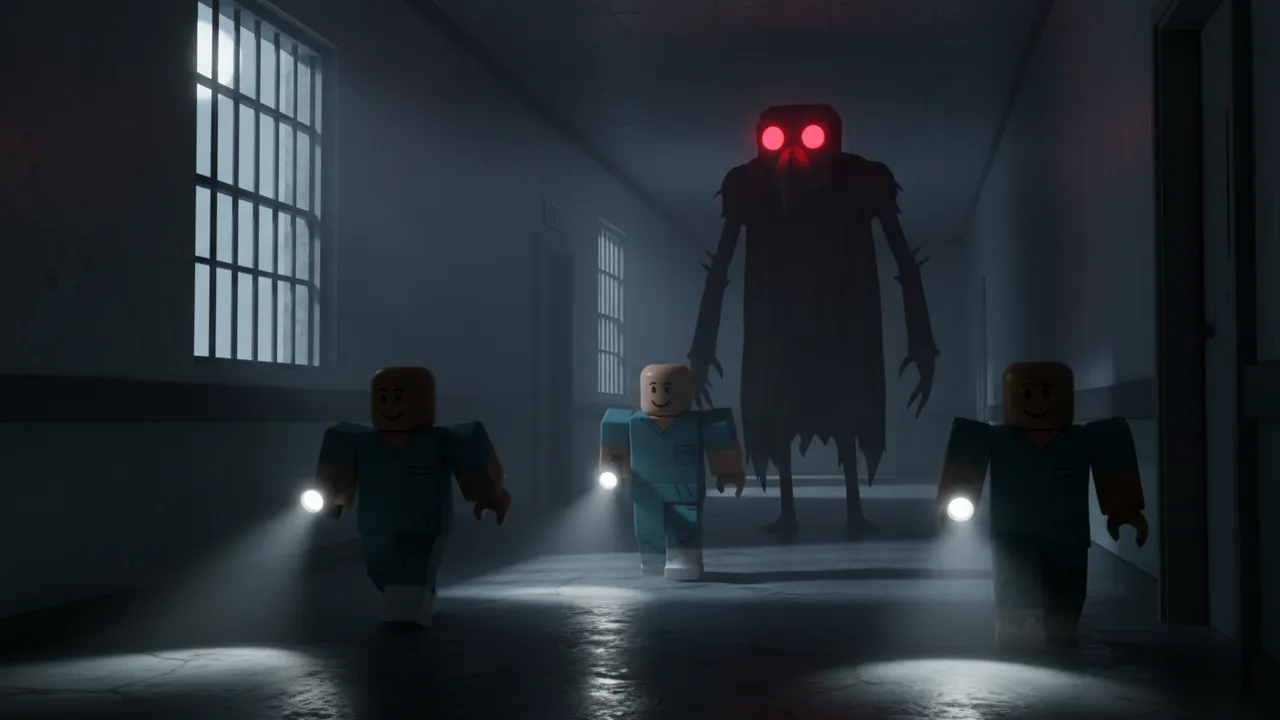
A good Roblox horror game is a chase with a goal: somewhere tense to explore, something to find, and something hunting you while you look. LevelShaper builds that loop from a tested template and lets AI design the scare — the place, the monster, what players collect and how fast the monster moves.
The monster finds its way to players with Roblox pathfinding, so it follows them around corners instead of walking through walls. It is spooky, never gory: being caught just sends you back to the start.
03 / The loop
Explore, collect, run. Then a new round starts and the monster wakes up again.
A new maze every game, with dead ends and a few loops so there is always another way around. Dim wall lamps and a flashlight on every player.
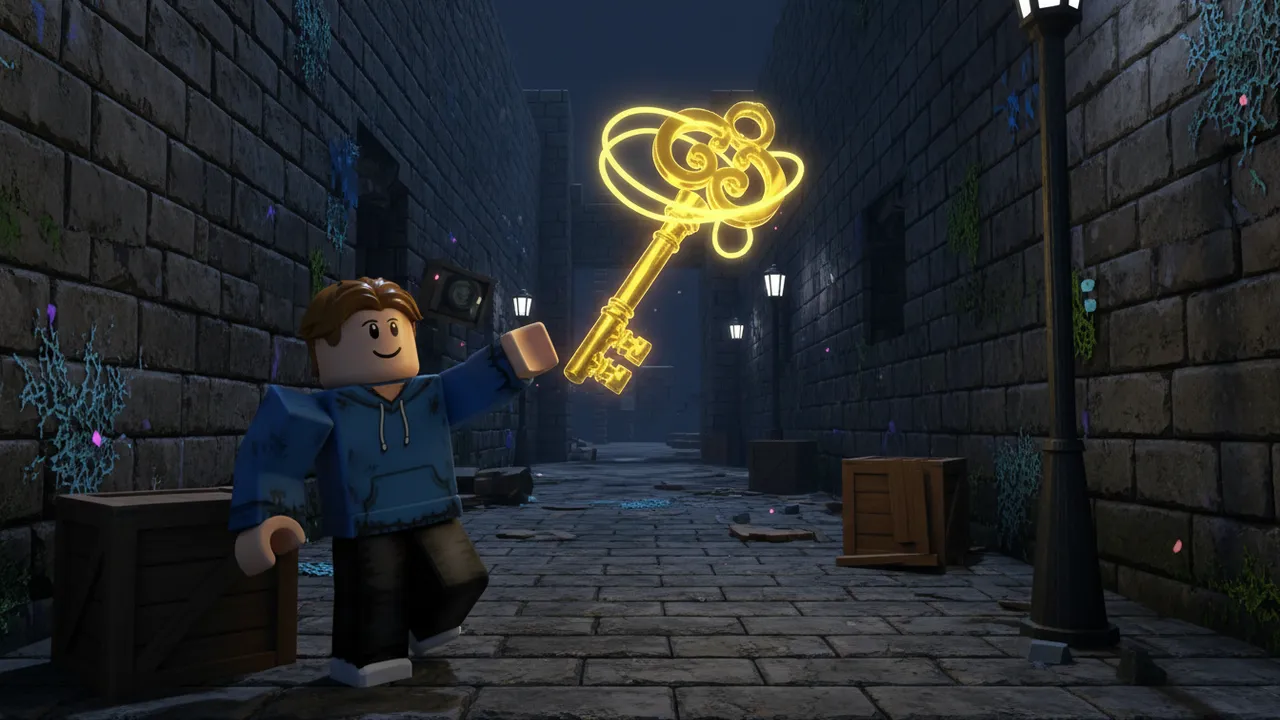
Keys glow in the far dead ends. They count for everyone, so a team can split up and cover more of the maze.
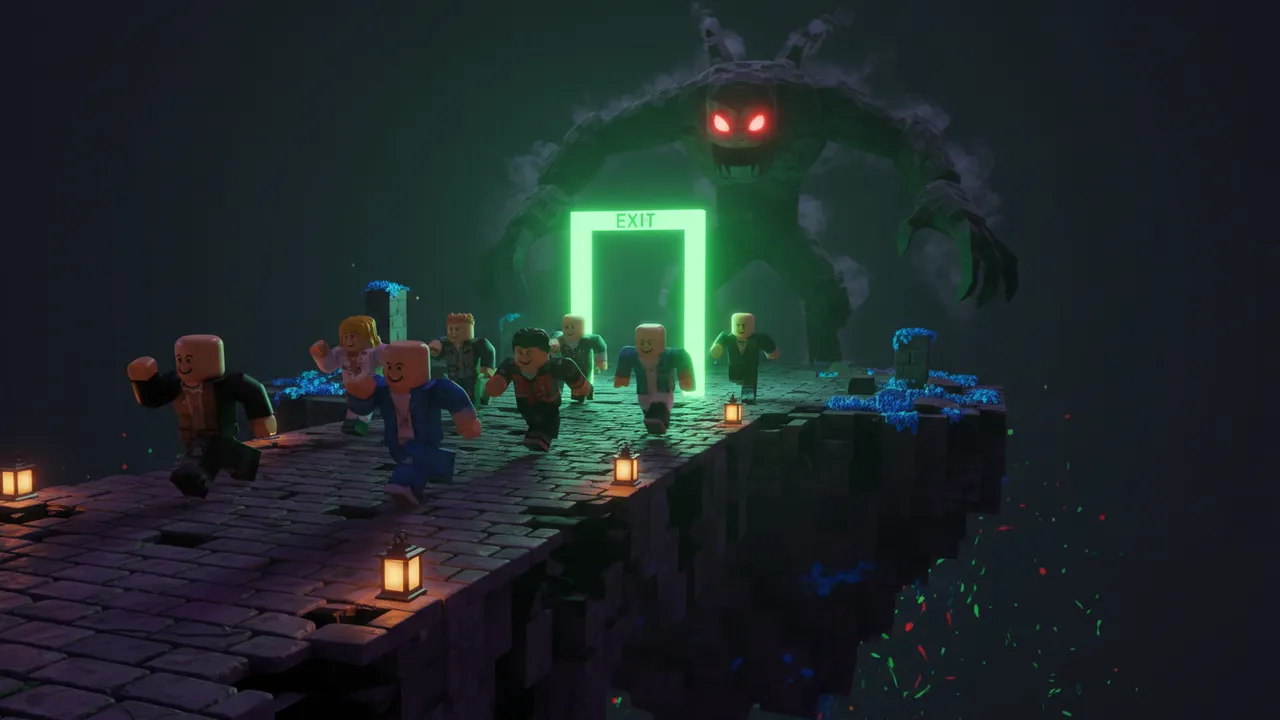
Once every key is found the exit opens. Reach it before the monster reaches you — escapes are counted and saved.
04 / Inside every horror game
Everything is normal Parts and scripts you can edit in Studio. Click a card to load a horror idea built around it.
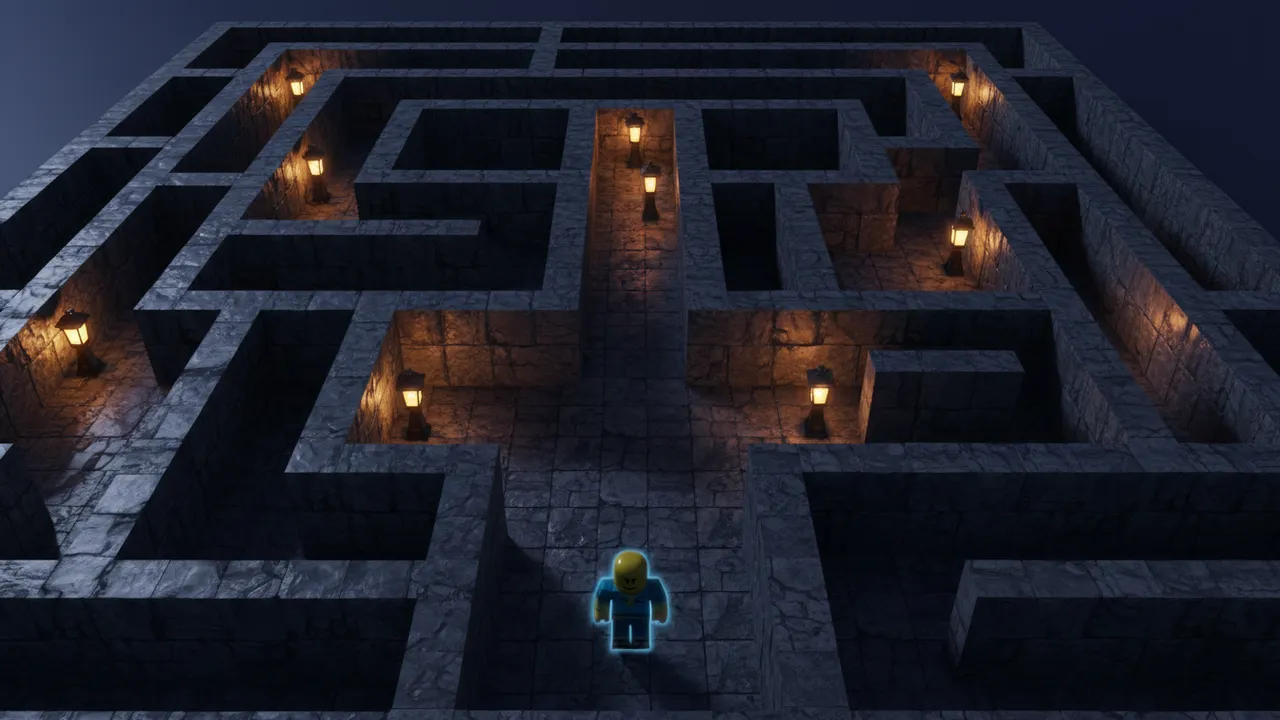
Small, medium or large (large on Pro), built from a seed with extra loops so it never feels like one long hallway.
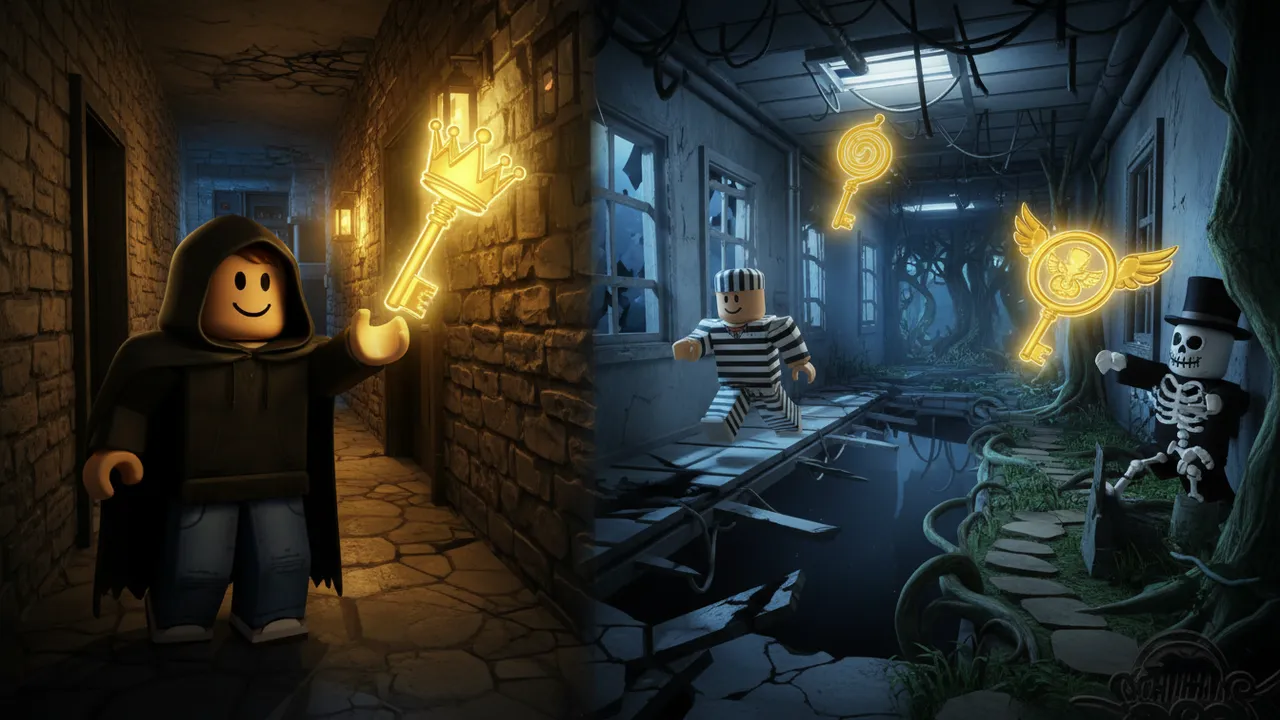
Three to six keys hidden in the dead ends farthest from the start.
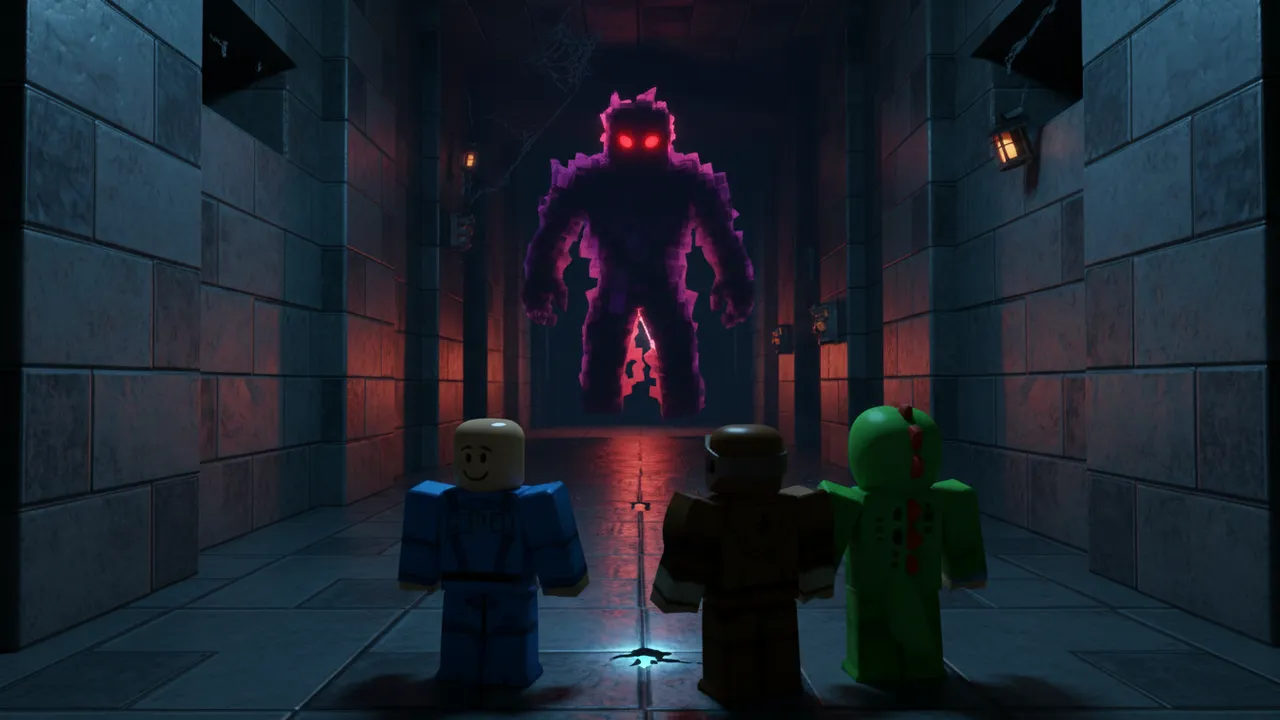
Hunts the nearest player with pathfinding. Slow, normal or fast — fast is almost as quick as a player.
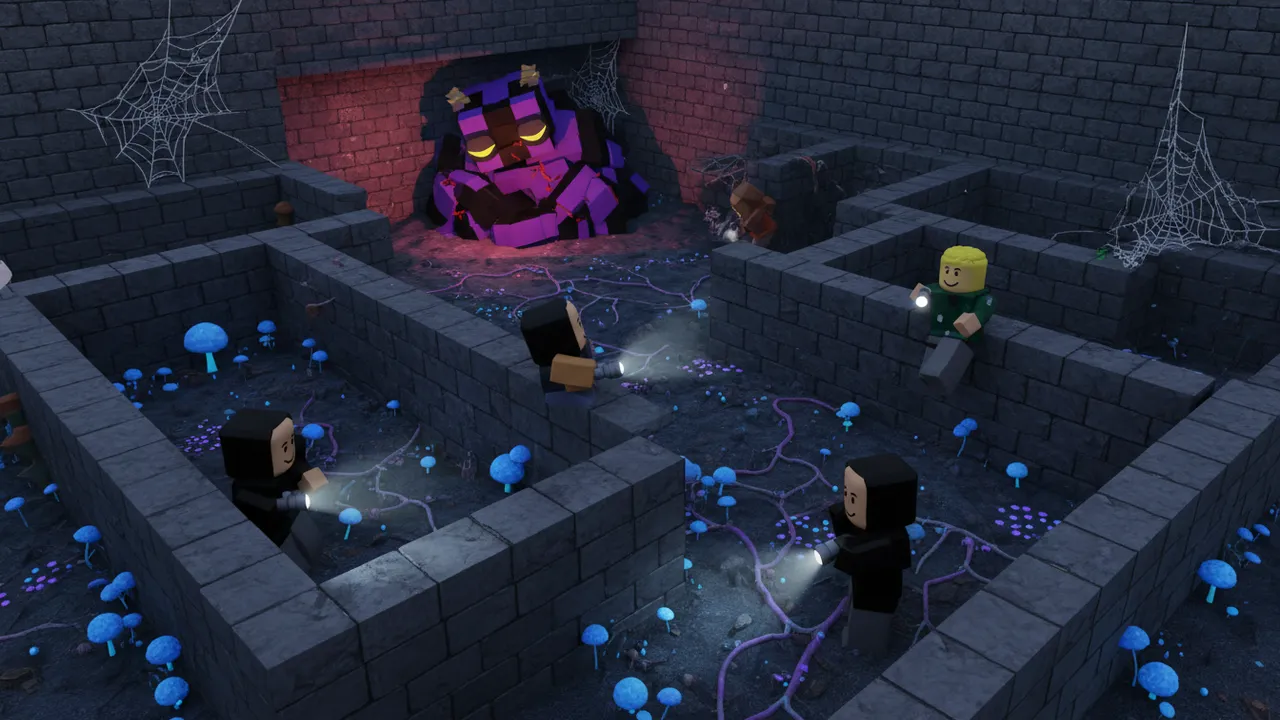
The monster sleeps for a few seconds at the start of each round, with a countdown on screen.
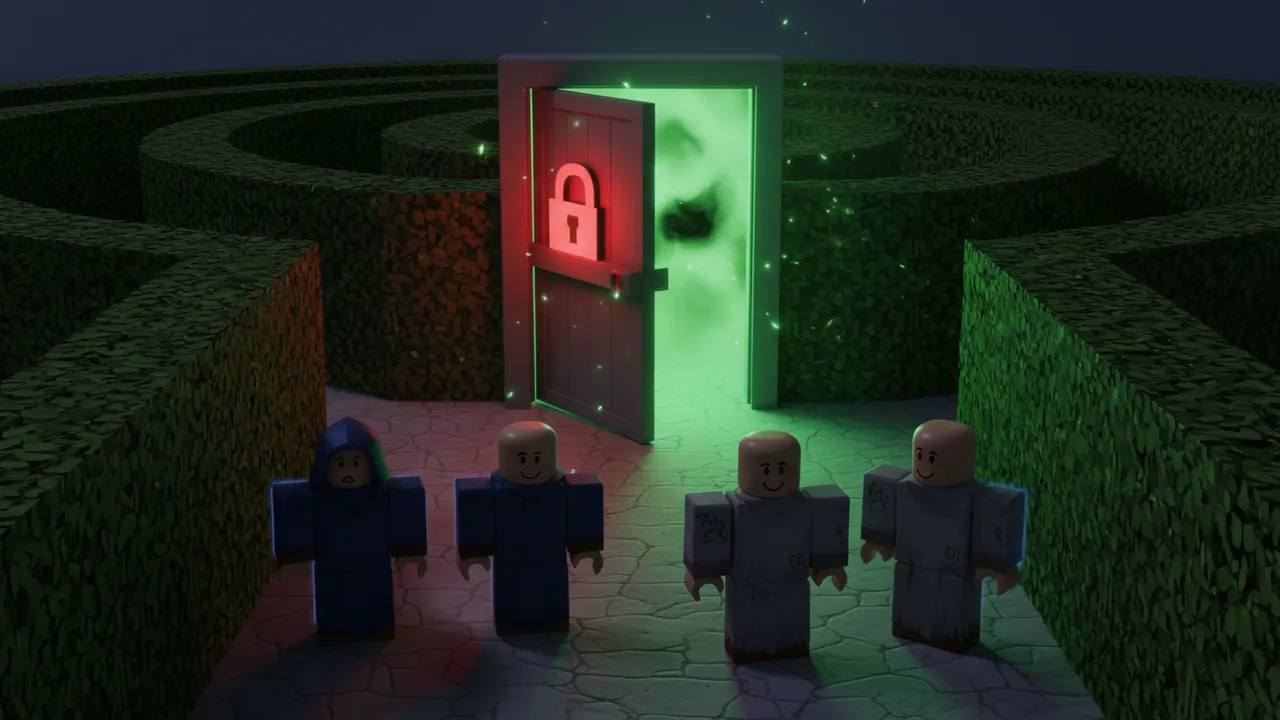
Locked until every key is found, then it opens for everyone.
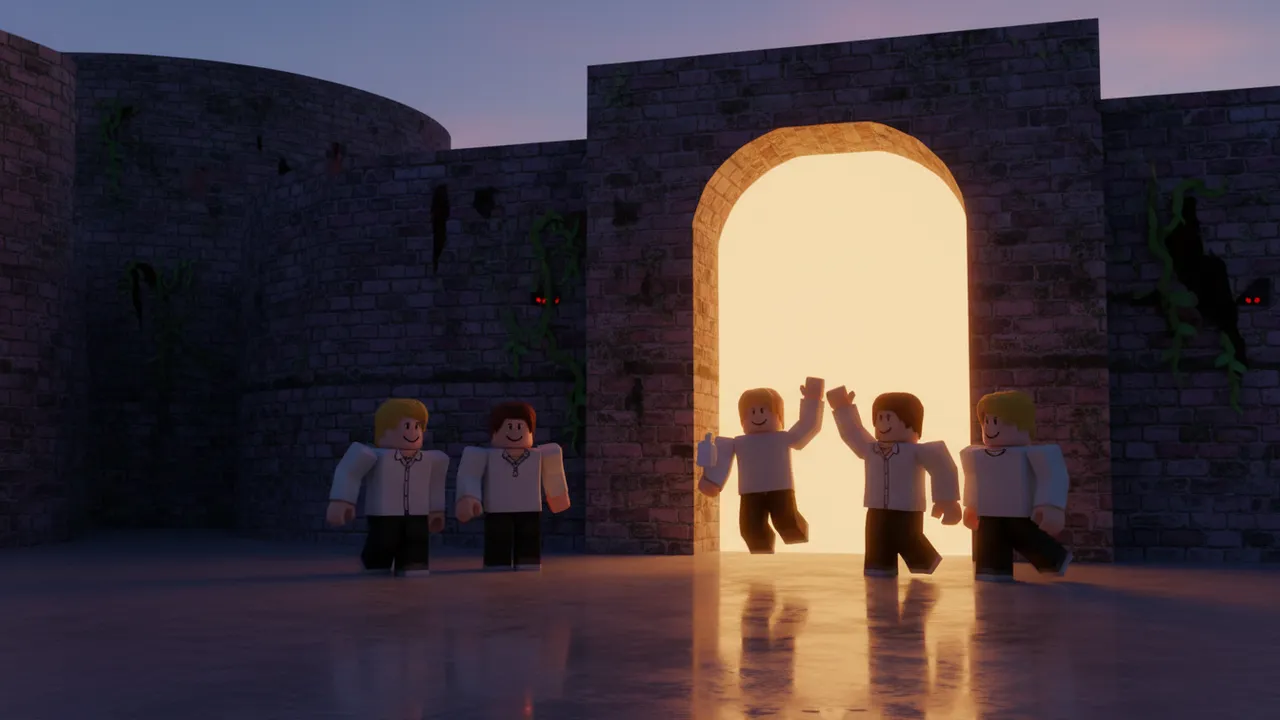
A new round starts after someone escapes. Escapes are saved with DataStores.
05 / How it works
“Escape an abandoned hospital at night while a creepy doctor monster hunts you”
A school, a hospital, the backrooms, a toy factory — and who is hunting you.
Or leave it on Auto — mention a monster and the AI picks horror.
Spin the whole maze in 3D before you download. Want it scarier? Type “make the monster faster”.
Workspace
  Horror
    Maze
    Keys
    ExitDoor
    Monster
ReplicatedStorage
  GameConfig  -- MonsterWalkSpeed, GraceSeconds
ServerScriptService
HorrorServerChange the monster speed, catch distance and grace period in GameConfig, then publish.
06 / Know what you get
Sign up and get 60 free credits, so your first game (50 credits) is on us — no credit card. After that, Creator and Pro plans or credit packs keep you building.
Change anything with one sentence after it is made — “add more keys”, “make the maze bigger” — for 10 credits per edit, refunded if nothing changes.
No gore and no jump scares: being caught sends you back to the start, so it stays within the Roblox Community Standards for all ages.
07 / Try these
Load a prompt into the horror game maker and change the place or the monster to yours.
HorrorEscape a haunted school at midnight: find the keys before the janitor monster catches you
IdeaEscape an abandoned hospital at night while a creepy doctor monster hunts you
 Idea
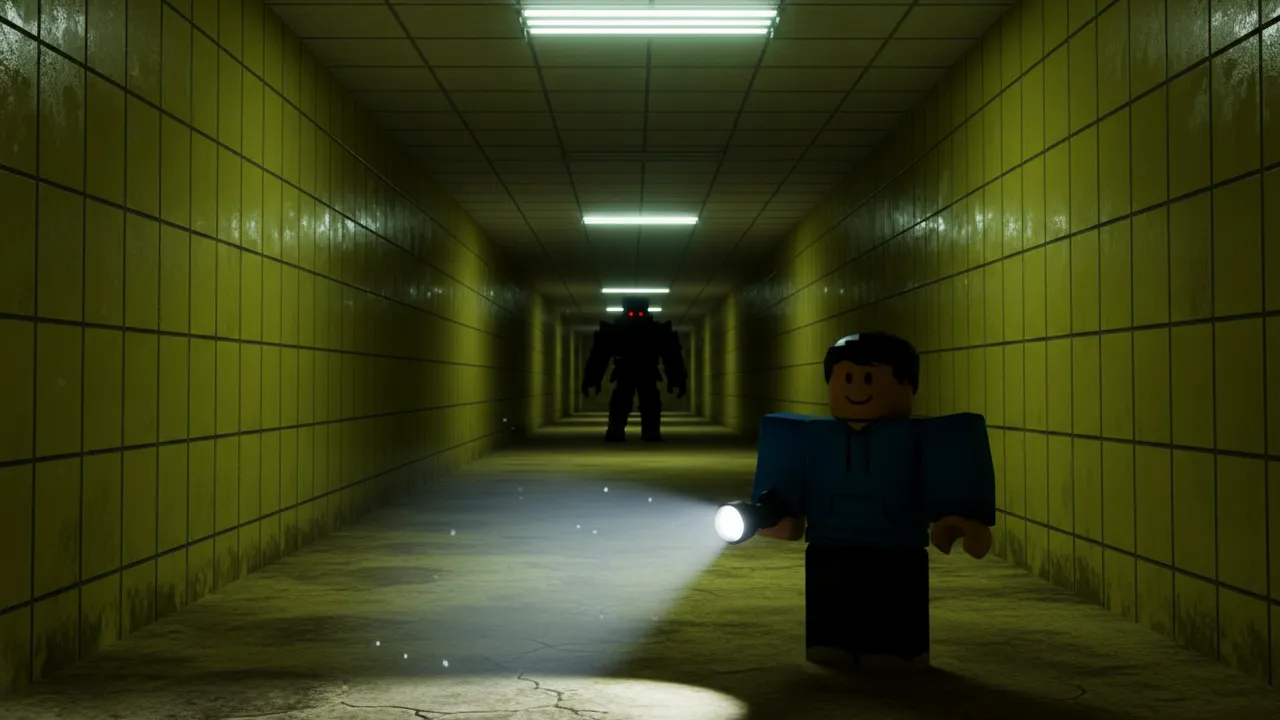
IdeaA backrooms style escape game with yellow hallways and a lurking entity
08 / Before you begin
Describe the place and the monster above, pick Horror and generate. Download the .rbxlx, open it in Roblox Studio, press Play to test, then File → Publish to Roblox.
It is spooky, not gory: dark halls, a flashlight and a monster that chases you. Being caught just sends you back to the start, and there are no jump scares.
Yes. Keys count for the whole server, so players can split up, and the monster always hunts whoever is closest.
Yes. After it is made, type the change — “make the monster faster”, “add more keys”, “make the maze bigger” — for 10 credits. Large mazes are a Pro option. You can also edit MonsterWalkSpeed in GameConfig yourself.
Yes. Each player’s escapes are saved with DataStores. Turn on “Enable Studio Access to API Services” in Game Settings to test saving inside Studio.