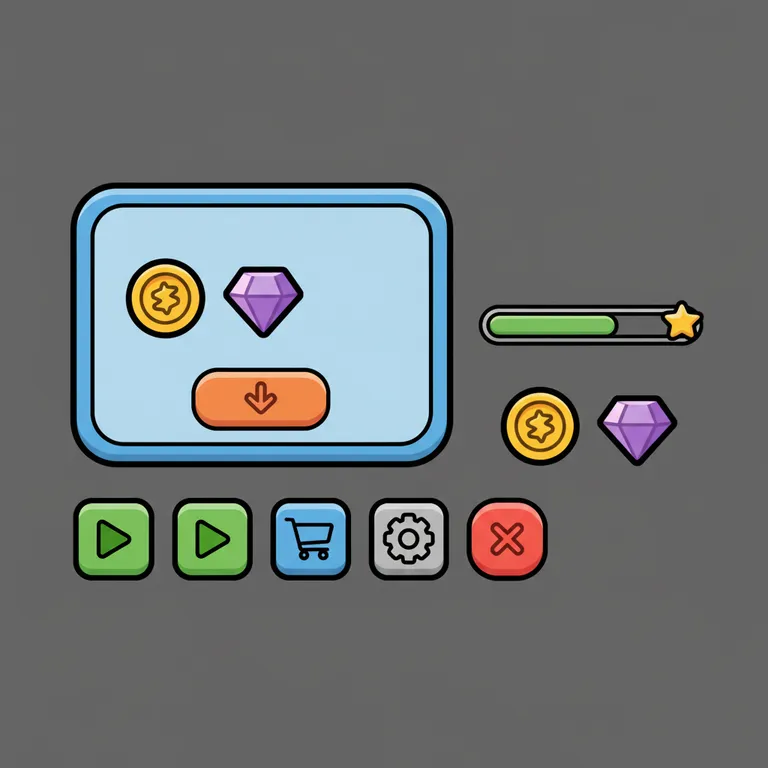
Shop screens
A frame, a buy button and coin and gem icons that match. Wire it up with a shop script.
We add the Roblox look for you — just describe what’s in it.
60 free credits on sign-up · No credit card
Describe it. We make it look like Roblox.
Example prompt
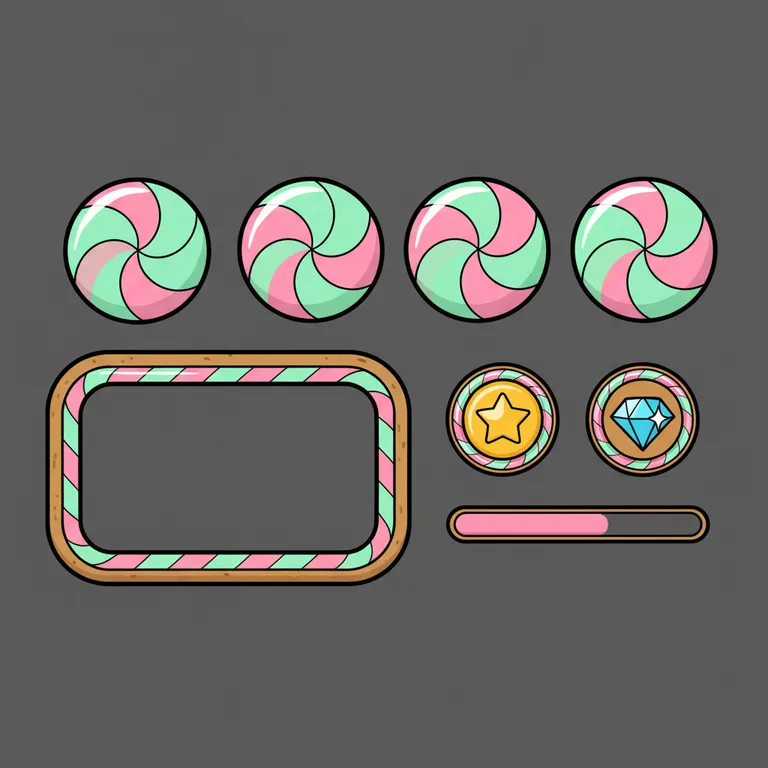
“Chunky candy buttons, a rounded inventory frame, coin and gem icons, pink and mint”
New here? Create a free account to get starter credits.
A matching UI kit in one prompt
Good Roblox UI design is consistency: every button, frame and icon in the same style. Pick a style and colors, and this Roblox GUI maker draws play, shop, settings and close buttons, a panel frame, currency icons and a progress bar that all match.
You get one 1024×1024 sprite sheet. Slice it into ImageButtons and ImageLabels in Roblox Studio — the logic comes from your scripts.
02 / The idea
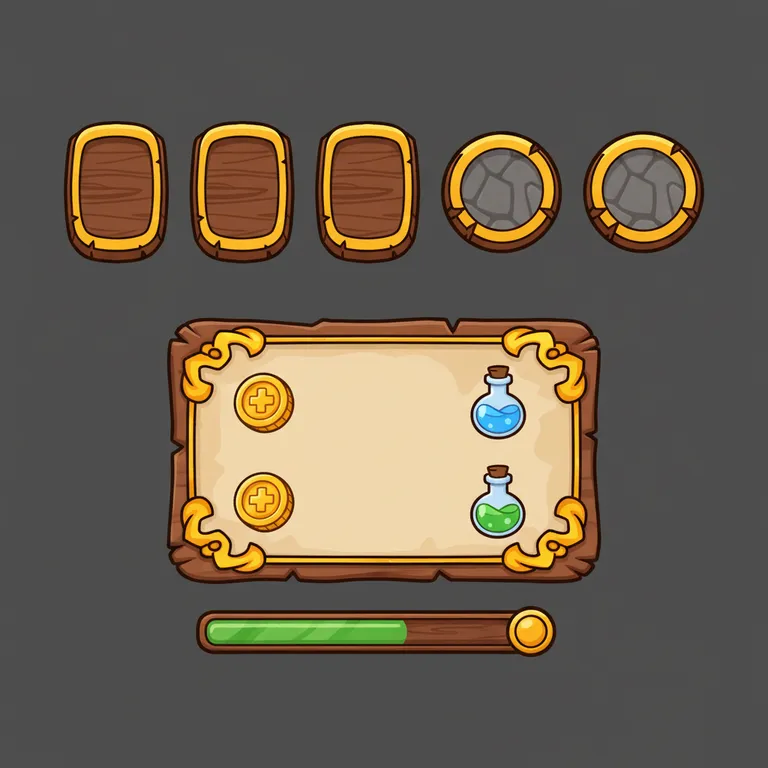
“Wooden and stone buttons with gold trim, a parchment panel…”
Most Roblox games mix free-model buttons, a borrowed frame and default text. That is why they look unfinished. The prompt behind this tool asks for a complete set — chunky buttons, a rounded frame, currency icons and a bar — with bold outlines, even spacing and a flat front view so each element is easy to cut out.
What it is not: a working GUI. It makes the art, on a plain dark background (not transparent). For the code that opens a shop or a settings menu, use the Roblox script generator.
03 / What you can build
Describe the screen you are building and the kit will include the pieces for it.
A frame, a buy button and coin and gem icons that match. Wire it up with a shop script.
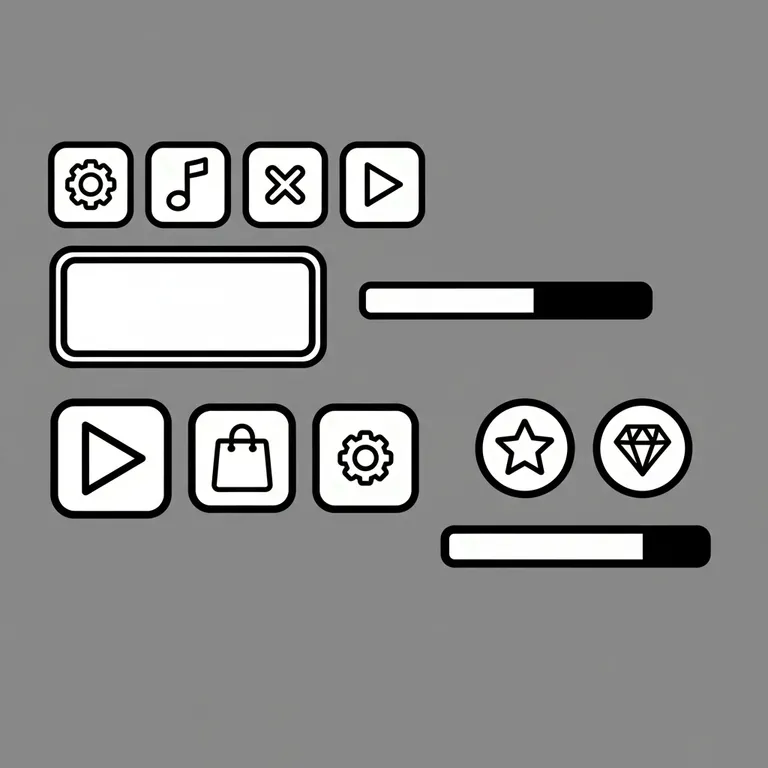
Clean toggles, close buttons and slim frames for the screens players open every session.
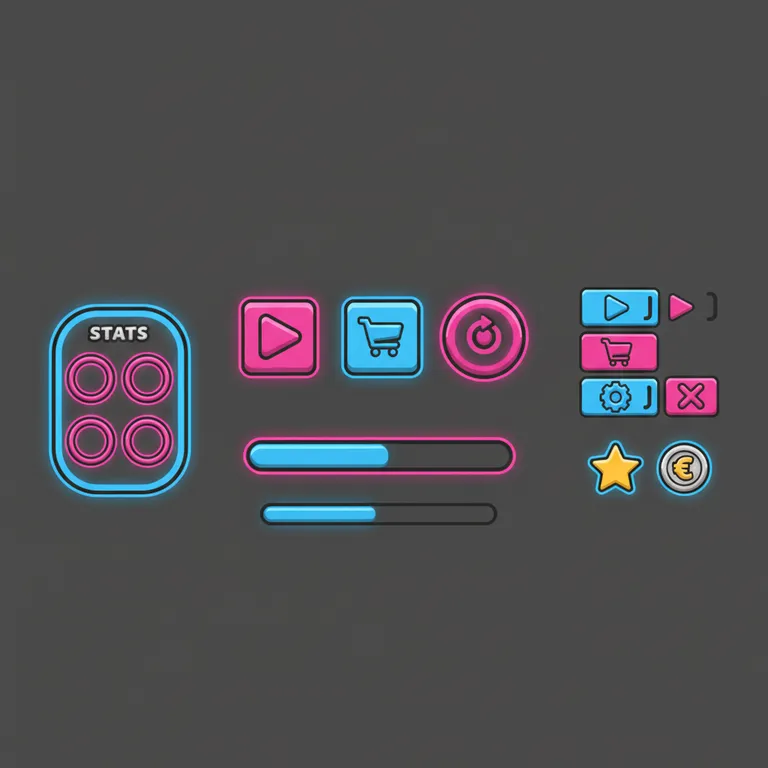
Play, shop and rebirth buttons plus a power bar — the core of any simulator screen.
04 / Pick a style
The same kit in each style preset from the tool above. Click one to load it.
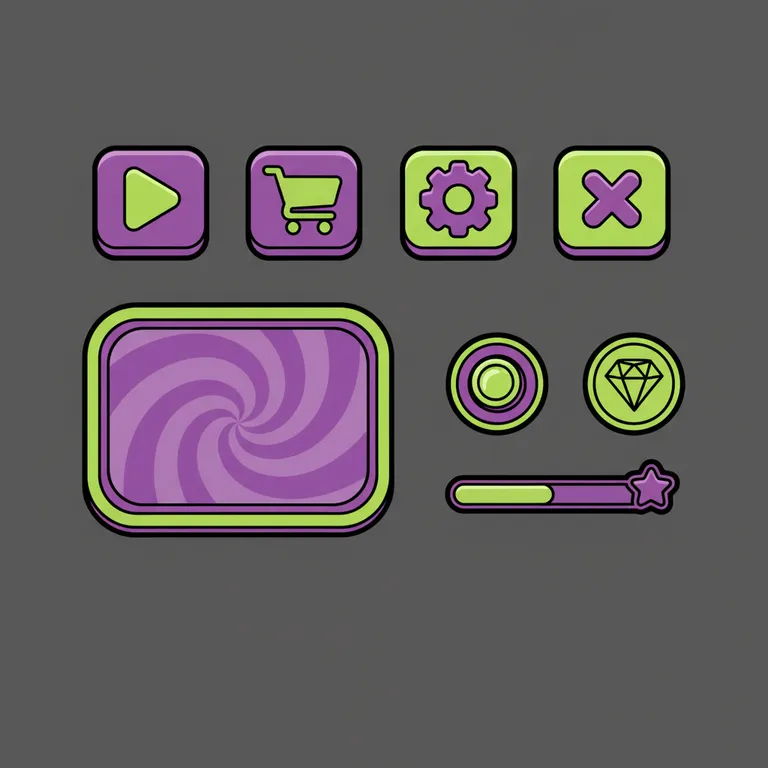
Glossy and bubbly. Great for obbies, cafés and pet games.
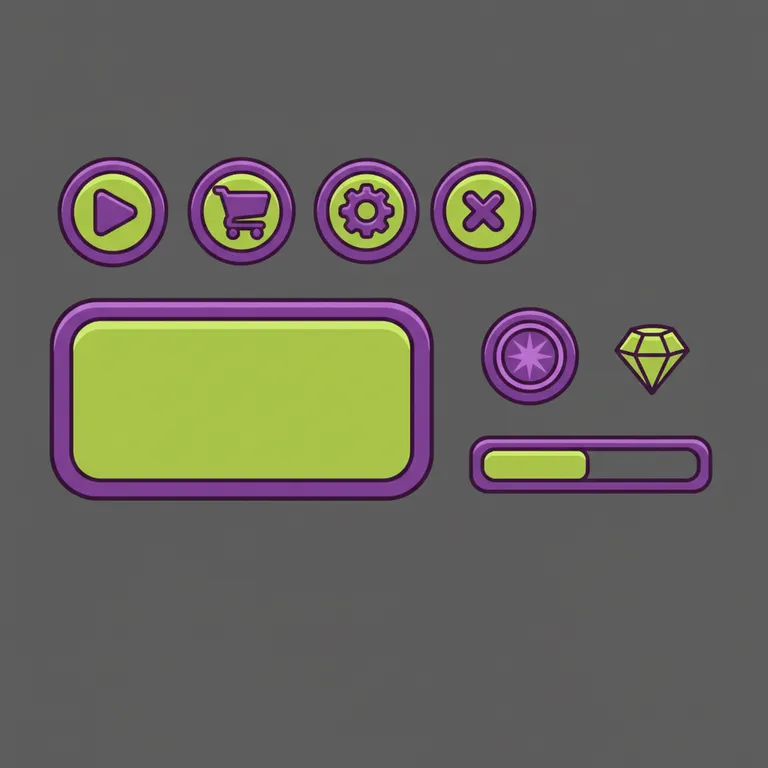
Holograms and hex frames. Great for space and tech games.
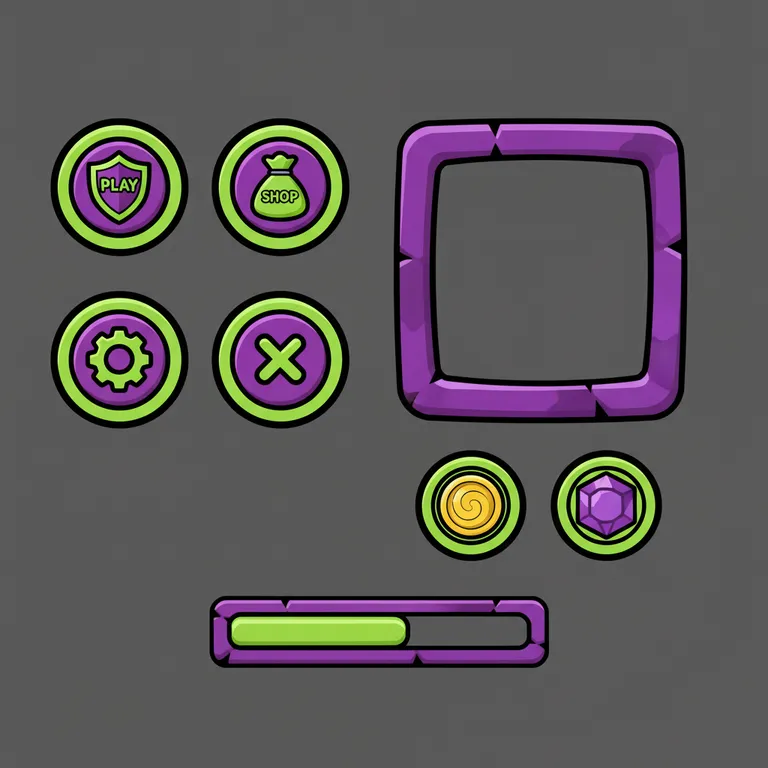
Wood, stone and parchment. Great for RPGs and castles.
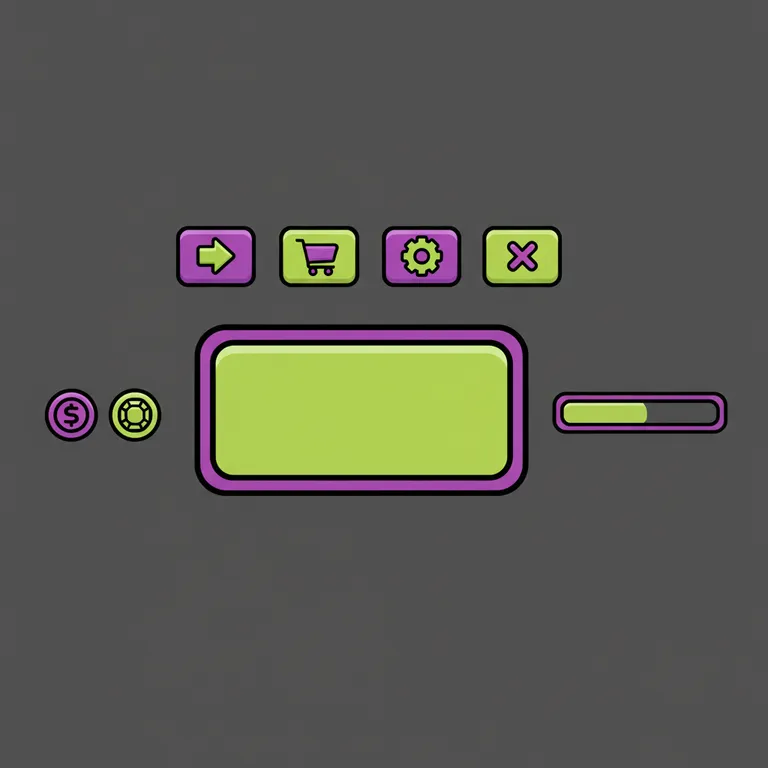
Flat and quiet. Great for menus that should not steal focus.
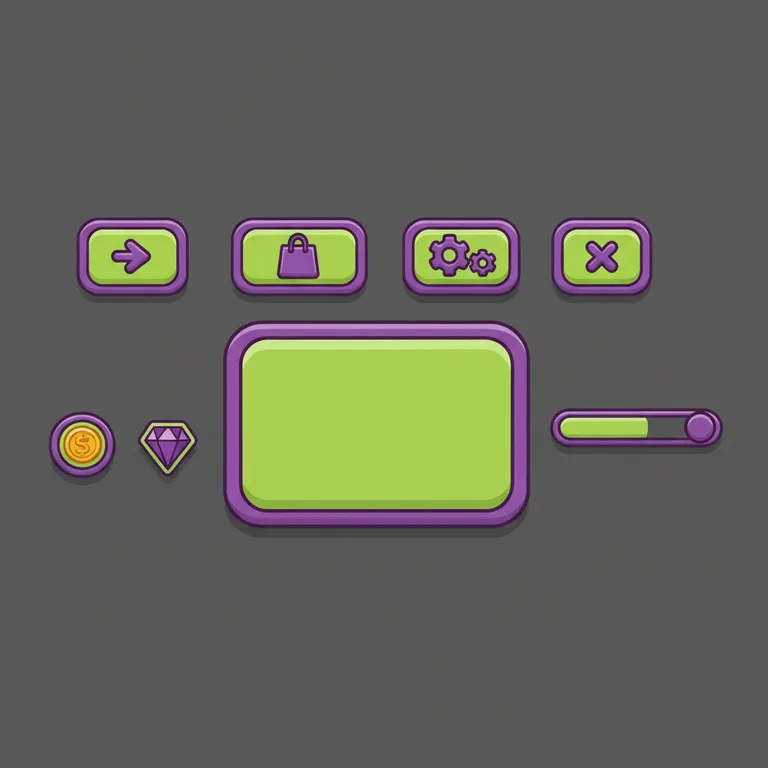
Thick outlines and bounce. The classic simulator look.
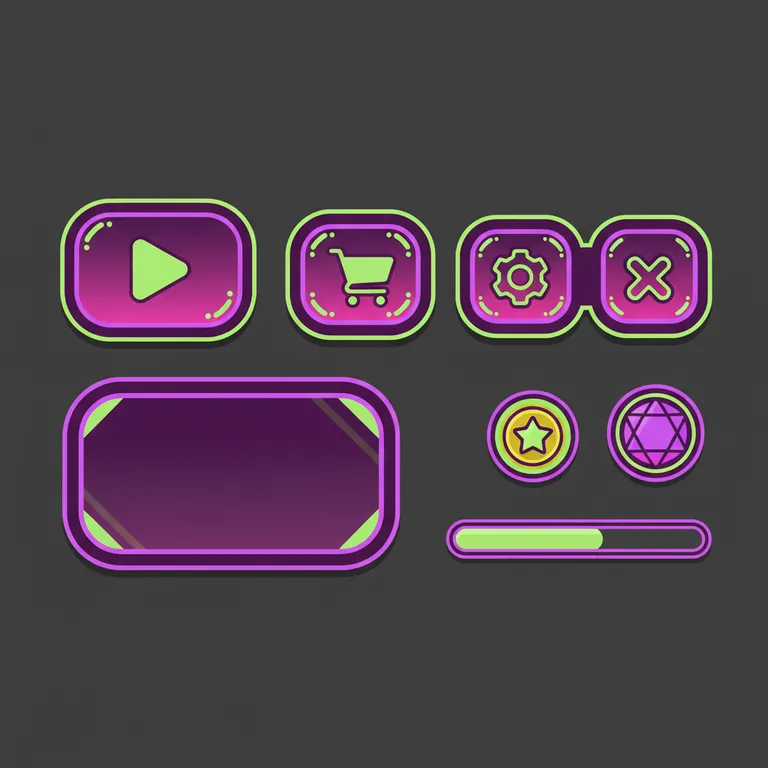
Glowing edges on dark. Great for rhythm and racing games.
05 / How it works
“Chunky candy buttons, a rounded shop frame, pink and mint”
Theme, shapes and two or three colors. Mention the screen you need.
Candy, Sci-fi, Medieval, Minimal, Cartoon or Neon.
A 1024×1024 PNG with every element spaced apart.
ImageButton
  Image = rbxassetid://…
  ScaleType = Slice
SliceCenter = 24,24,104,104Crop each element, upload it in Asset Manager and set it as the Image of an ImageButton. Use ScaleType Slice for frames.
06 / Know what you get
Sign up free and get 60 credits — enough for 6 images, or your first game plus one image. They last 30 days, and no credit card is needed.
Every image costs 10 credits. If a generation fails, the credits go straight back to your balance.
Downloads come out at 1024×1024 PNG sprite sheet. Need the button logic too? The Roblox script generator writes it for 5 credits.
07 / The inspiration wall
Real outputs from this tool. Load a prompt and change the colors to match your game.
CandyChunky candy buttons, a rounded inventory frame, coin and gem icons, pink and mint
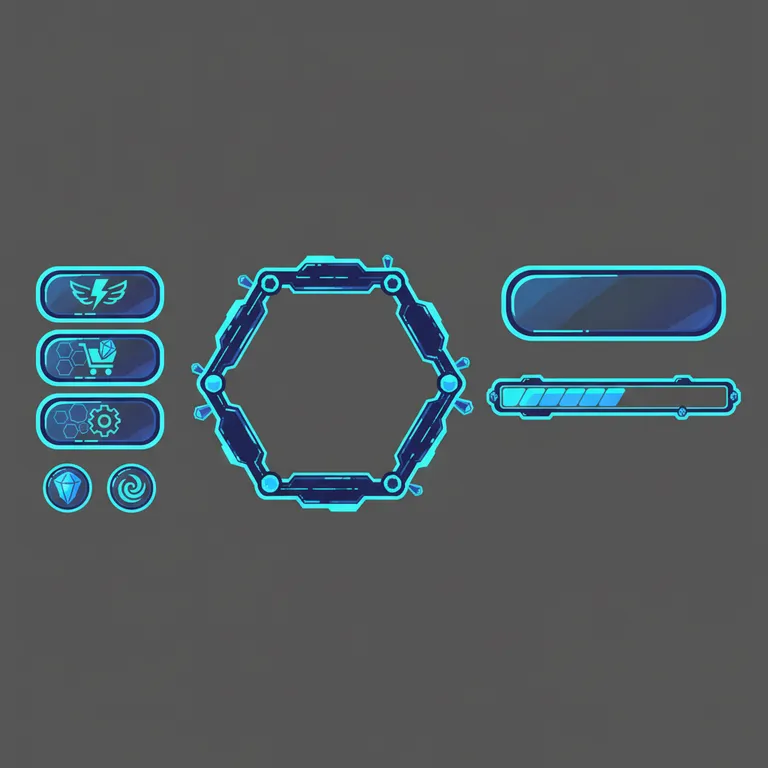
Sci-fiHolographic buttons, a hexagon panel frame, energy and crystal icons, cyan and navy
MedievalWooden and stone buttons with gold trim, a parchment panel, gold coin and potion icons
CartoonA shop panel frame with a big buy button, coin and gem icons, orange and purple
MinimalSettings, music and close buttons, a slim panel frame and a progress bar, black and white
NeonGlowing play, shop and rebirth buttons, a stats panel and a power bar, magenta and blue
08 / Before you begin
It makes the art — a matching kit of buttons, frames, icons and bars. Pair it with the Roblox script generator to get the Luau that opens menus and handles clicks.
Not yet. The kit comes on a plain dark background so each element is easy to cut out or remove.
Crop each element, upload the images in Asset Manager, then set them as the Image of ImageButtons and ImageLabels. Use ScaleType Slice for frames so they stretch cleanly.
You can start free with the 60 credits you get on sign-up. Each kit costs 10 credits.
1024×1024 pixels, with gaps between elements so they are easy to slice.