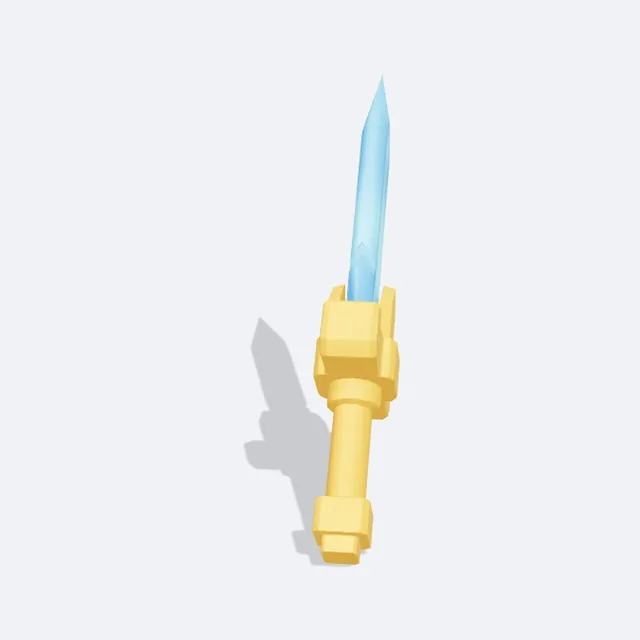
Weapons that swing
Swords, wands and blasters become a Tool: click to swing and hit anything with a Humanoid in front of you. Damage, cooldown and reach are yours to set.
Your next Roblox asset starts with a sentence.
See what one prompt makes, then make it yours.
Example prompt
“A cute chubby fire fox with a flame-shaped tail and big round eyes”
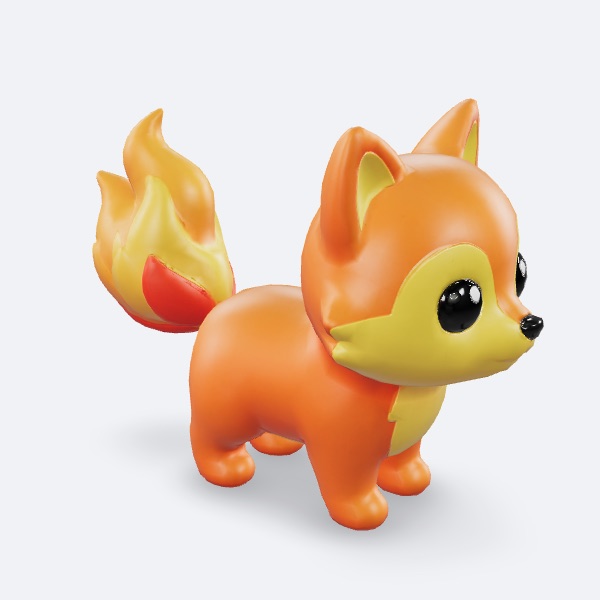
Fire Fox · Pet
Game-ready, not just pretty
Most AI 3D tools stop at a pretty model. Then you spend an hour fixing the size, the pivot, the triangle count and the textures before it works in Roblox Studio.
This Roblox 3D asset maker does that part for you. Describe a pet, a weapon, a monster or a prop, pick the concept you like, and download a model that drops into Studio at the right size — plus an item icon and a behavior script.
02 / The idea
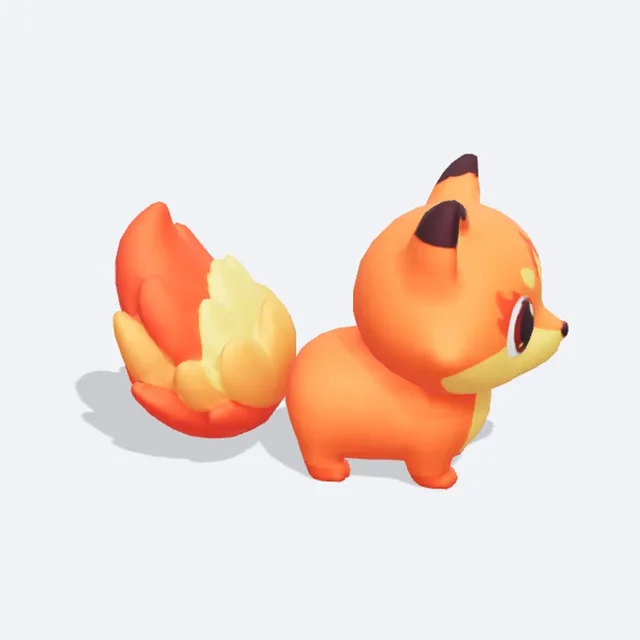
“A cute chubby fire fox with a flame-shaped tail and big round eyes”
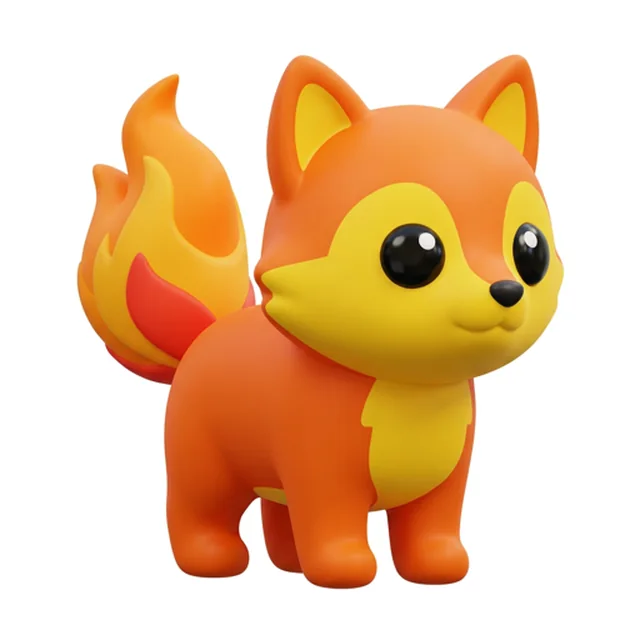
You start with a picture, not a gamble. The tool first draws concept images of your idea, so you can pick the one that matches what you see in your head — and fix a detail with one sentence before any 3D is made.
Then it builds the 3D model and checks it the way Roblox does: triangles under the limit, one mesh, one material, a 1024 texture, real-world size in studs and the pivot at the base. You see every check before you download.
Pair it with a matching game icon and thumbnail, or build the whole game with the AI game maker.
03 / What it is for
Each asset type comes with the right size and a behavior script, so it works the moment you press Play.
Swords, wands and blasters become a Tool: click to swing and hit anything with a Humanoid in front of you. Damage, cooldown and reach are yours to set.
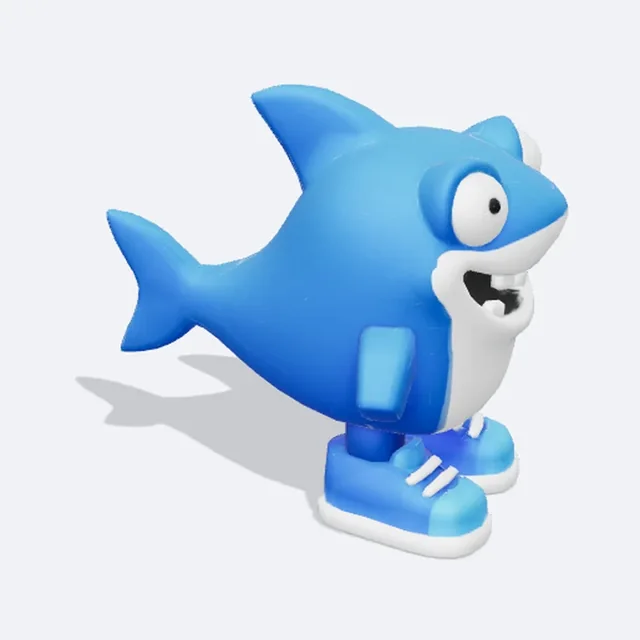
A sign above it shows name, rarity, price and income per second, and the values are saved as Attributes your steal-style game can read.
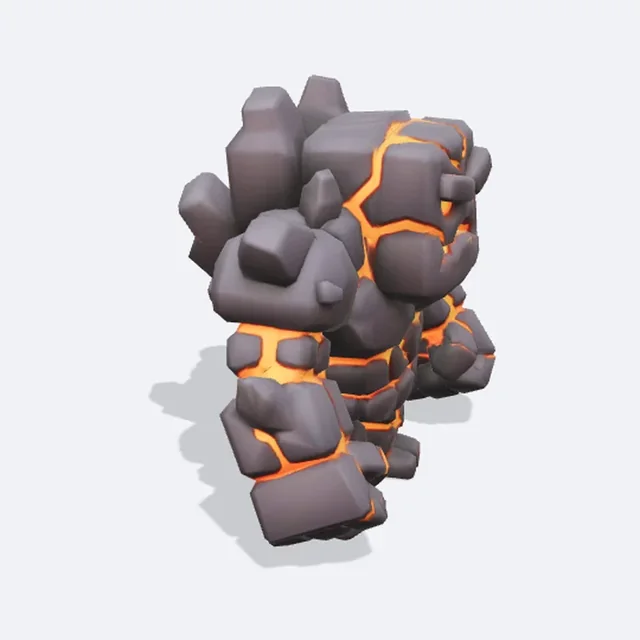
The monster wanders, chases the nearest player, hits on contact, can be defeated and respawns. Tune its health, speed, damage and chase range.
04 / Pick a type
Leave it on Auto and the tool picks the type from your prompt. Click a card to load its example.
About 2.5 studs tall. Follows its owner and floats; every player can get one when they join.
About 7 studs tall. Chases players, hits on contact, respawns after it is defeated.
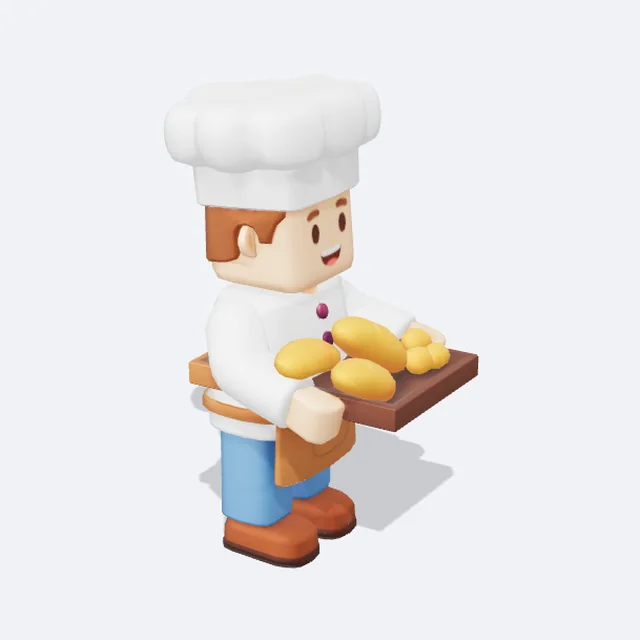
Character height (5.5 studs). A name tag and a prompt that plays up to five lines you write.
About 4 studs tall. Spins and floats under a sign with rarity, price and income.
About 4 studs long. Becomes a Tool you can hold and swing.
About 6 studs on its longest side. Anchored, with an optional prompt other scripts can listen to.
05 / How it works
“A cute chubby fire fox with a flame-shaped tail and big round eyes”
One thing, two or three looks: color, shape, material. You can add a reference image too.
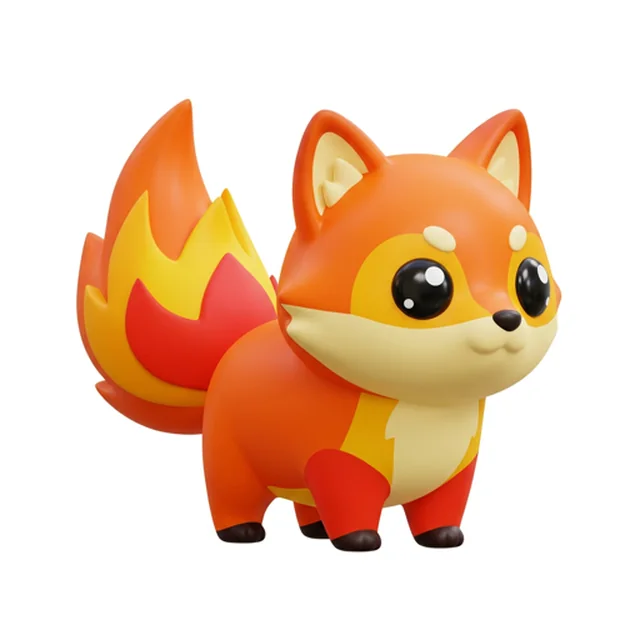
One concept is free; 2 cost 5 and 4 cost 10 credits. Fix a detail with one sentence before going 3D.
Standard (30), Clean Low-poly (50, the default) or Ultra (120). The model takes about one to three minutes.
Get the .glb, the item icon and the behavior pack. Import the .glb with the 3D Importer, drop the behavior folder in, press Play.
06 / Know what you get
Available on any paid plan or credit pack. One concept image is free; 2 concepts cost 5 and 4 cost 10 credits.
The 3D model costs 30, 50 or 120 credits depending on the model you pick. If it fails, even after an automatic retry, every credit comes back.
Need it in another color? A recolor is 10 credits and keeps the original.
07 / Made with this tool
Real outputs, with the prompt that made them.
PetA cute chubby fire fox with a flame-shaped tail and big round eyes
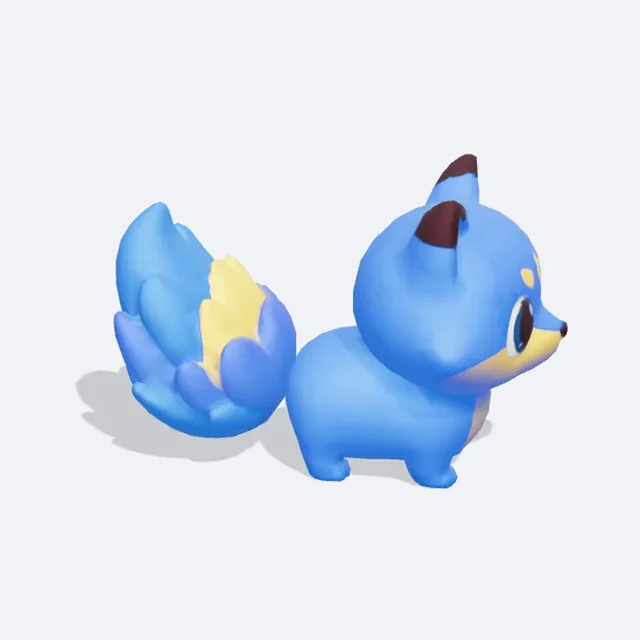 Recolor
A cute chubby fire fox with a flame-shaped tail and big round eyes
WeaponA crystal sword with a glowing blue blade and a gold hilt
BrainrotA goofy shark wearing blue sneakers, Italian brainrot meme creature
MonsterA grumpy lava golem monster with glowing orange cracks
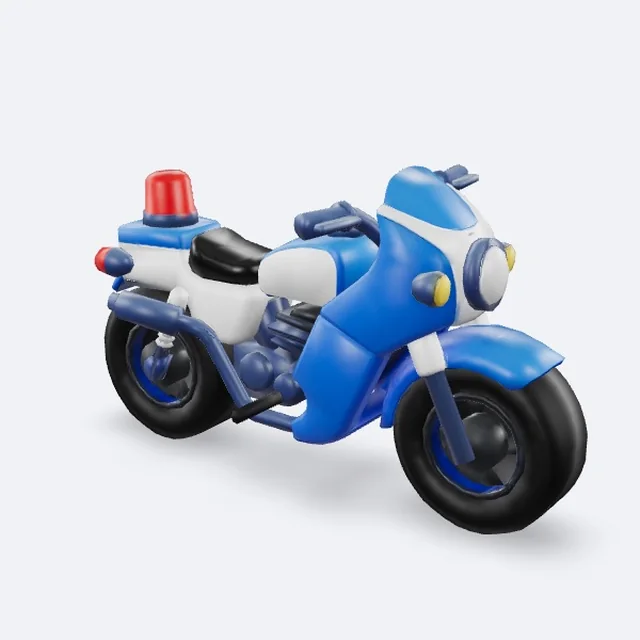
PropA police motorcycle with a red siren, toy-like and chunky
08 / Before you begin
A .glb model (one mesh, one material, color texture up to 1024 px), a 512×512 .png item icon rendered from the final model, and a .rbxmx behavior pack for its type.
In Roblox Studio, open the 3D Importer and import the .glb — it comes in at the right size with the pivot at the base. Then drag the behavior folder from the .rbxmx into the model and press Play. One-click upload to your Roblox account is coming soon.
It is for paid plans and credit packs, because every 3D model costs us real compute. One concept image is free, 3D models are 30 to 120 credits, and failed builds are refunded.
No. You set a target triangle count, and every model is checked against the Roblox limit of 20,000 triangles per mesh before you download. Clean Low-poly stays clean even at 500–1,500 triangles.
Yes, for free. Change follow distance, health, damage, NPC lines and more in Behavior, or edit the values in the Config folder inside Studio.
Yes. Add a reference image (PNG, JPG or WebP, up to 5 MB) and the concepts follow its shape and colors. Leave the prompt empty if the picture says it all.
Concept images are drawn by Nano Banana 2.1 (Google), and the 3D models are built by Tripo H3.1 (Tripo AI), Tripo P1 (Tripo AI) or Tripo P2 (Tripo AI) depending on the model you pick, all through fal.ai. The full list is in our terms.