Your game icon
The icon players tap. Use your game’s main object — the pet, the weapon, the vehicle — not a screenshot.
We add the Roblox look for you — just describe what’s in it.
60 free credits on sign-up · No credit card
Describe it. We make it look like Roblox.
Example prompt
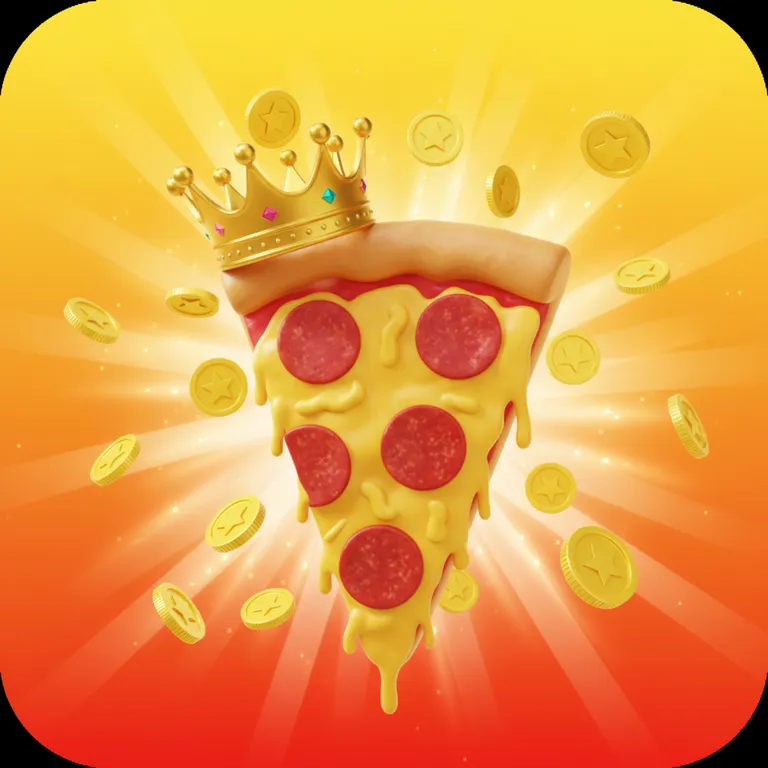
“A giant glossy pizza slice wearing a golden crown, gold coins bursting around it”
New here? Create a free account to get starter credits.
The first thing players see
Your icon shows up in search, on friends’ profiles and on the home page — often at just 150 pixels. This AI Roblox icon maker designs one bold subject on a clean gradient so it still reads at that size.
Download a 512×512 PNG, the exact size of a Roblox game icon, and upload it in Creator Dashboard.
02 / The idea
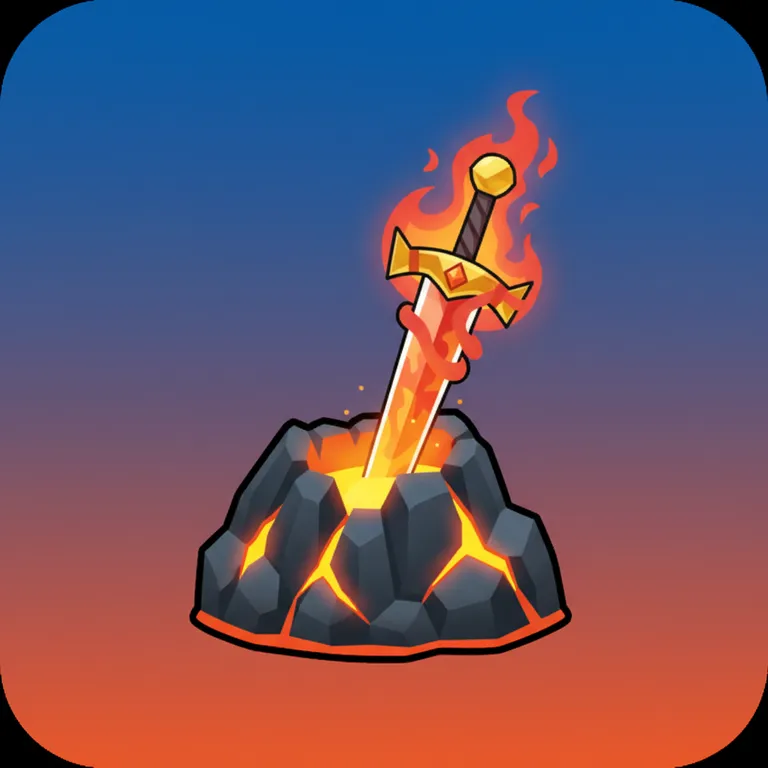
“A flaming sword stuck in a glowing volcanic rock”
Icons fail when they try to show the whole game. The prompt behind this tool forces the opposite: one central subject, a strong silhouette, high contrast and a simple vibrant background — the rules top Roblox games follow.
Like every LevelShaper image tool, it keeps text and logos out, so your icon never shows a misspelled title.
Pair it with a matching Roblox thumbnail using the same colors so your game page looks like one brand.
03 / What it is for
The same 512×512 square works in more places than your game page.
The icon players tap. Use your game’s main object — the pet, the weapon, the vehicle — not a screenshot.
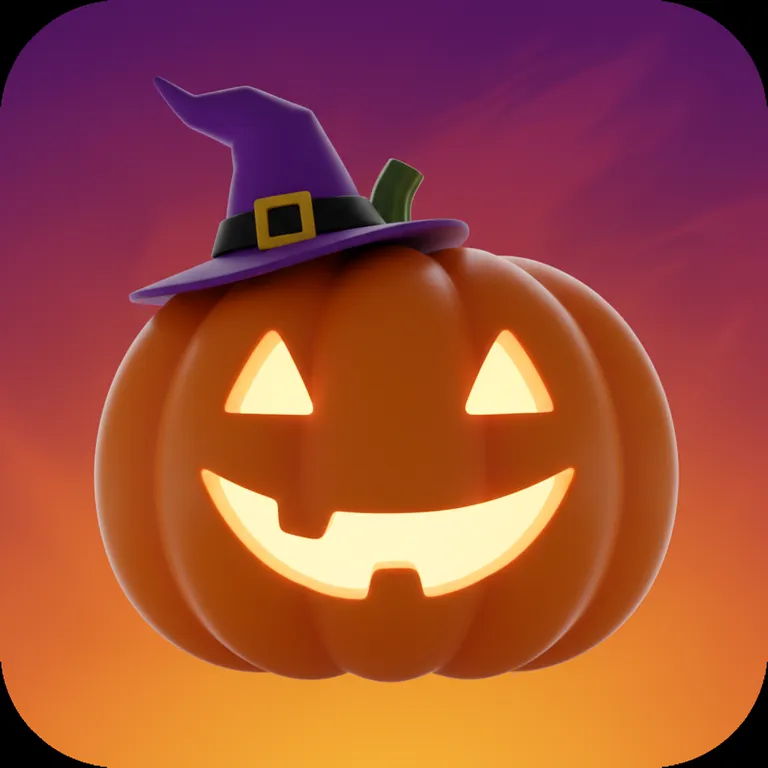
Swap in a seasonal icon for Halloween or a big update, then switch back. You can change your icon anytime.
Badges and passes also use 512×512 images shown in a circle — keep the subject centered and use the size tool to preview the round crop.
04 / Pick a style
One subject in the six style presets from the tool above. Click a style to load it.
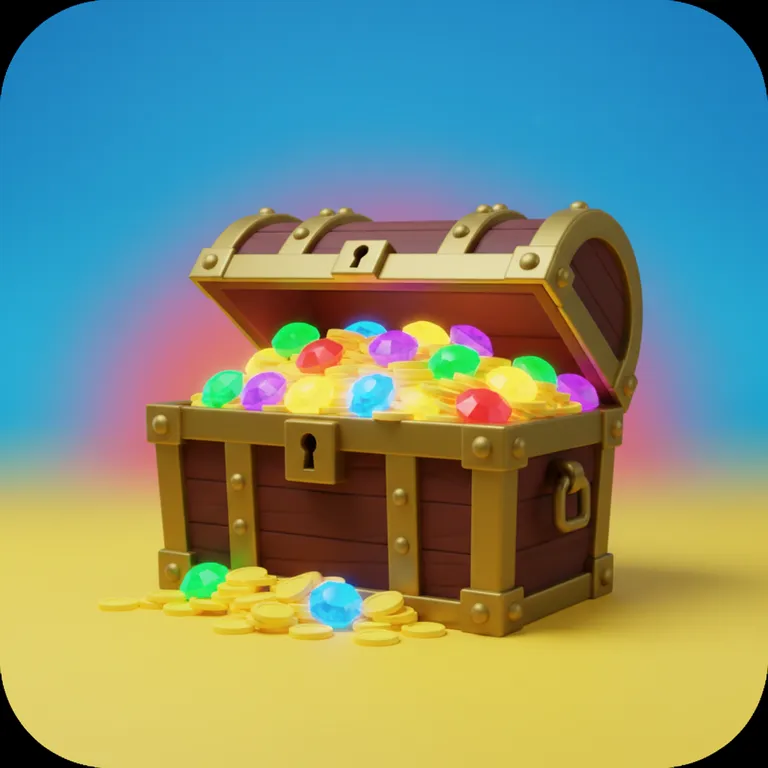
Thick shapes and strong color. The safest pick for any genre.
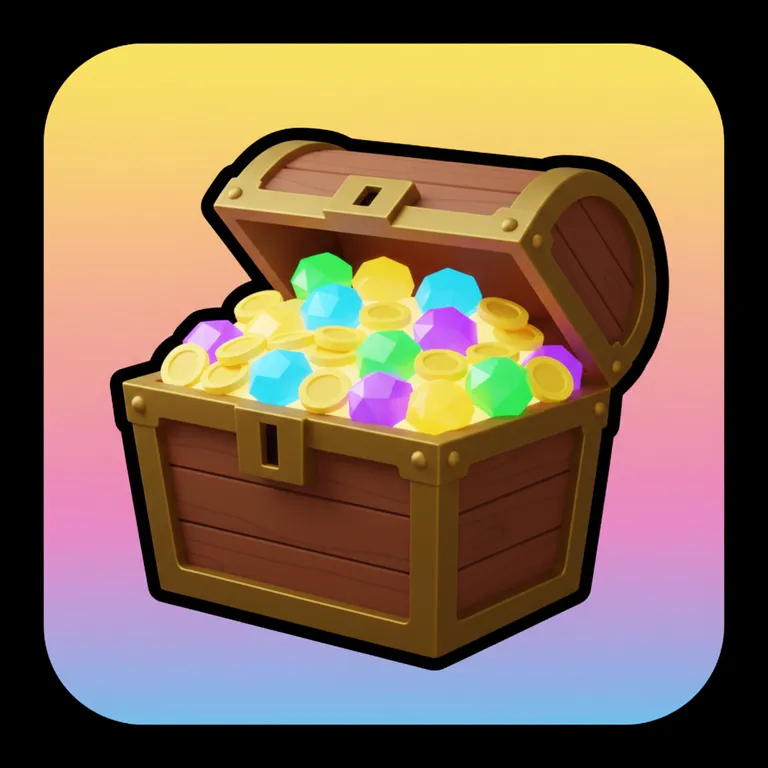
Round and friendly. Great for pets, cafés and roleplay.
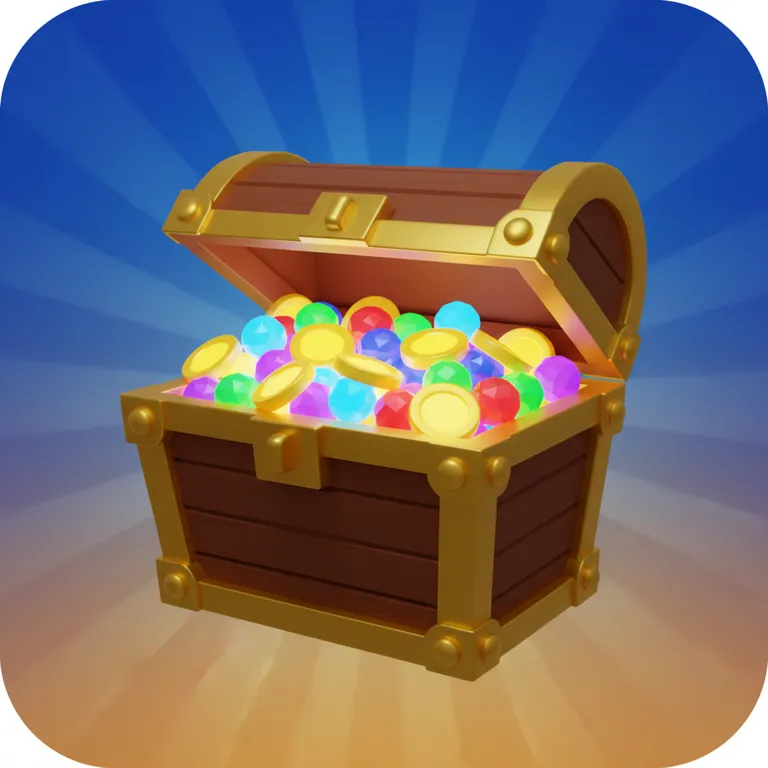
Glow and drama. Great for simulators and fighting games.
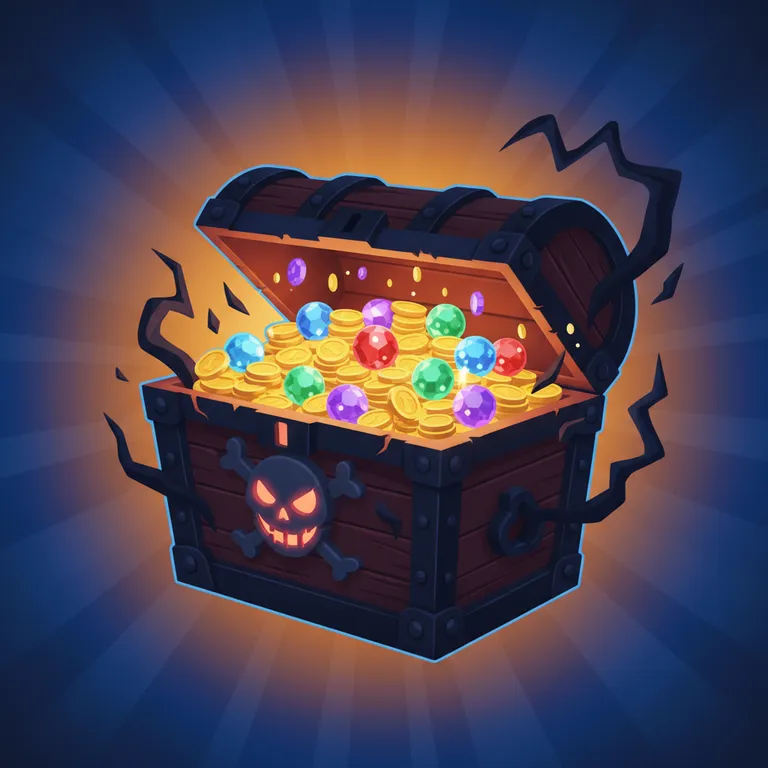
Dark, moody and still kid-safe. Great for horror games.
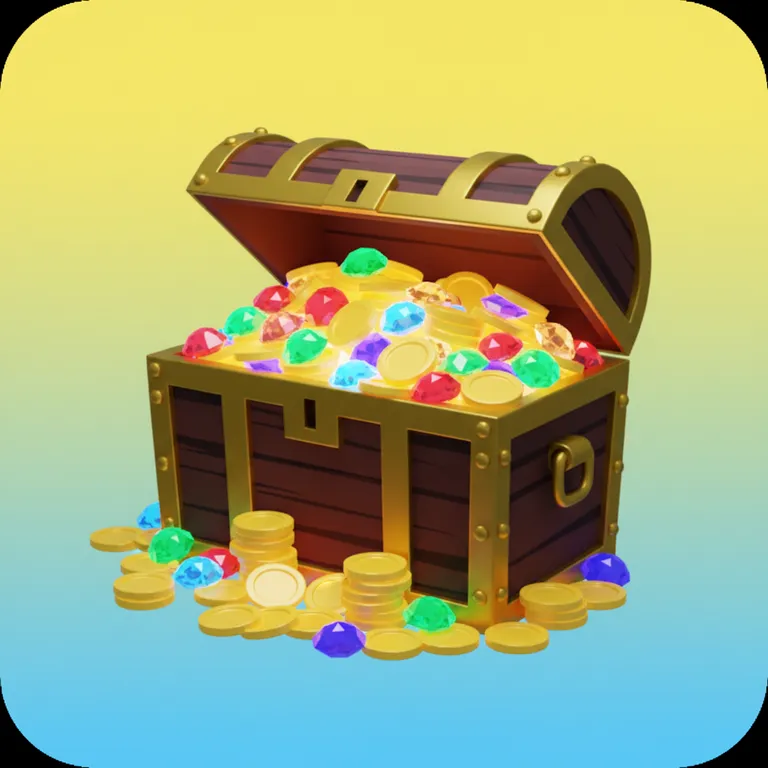
Flat and clean. Stands out on a busy home page.
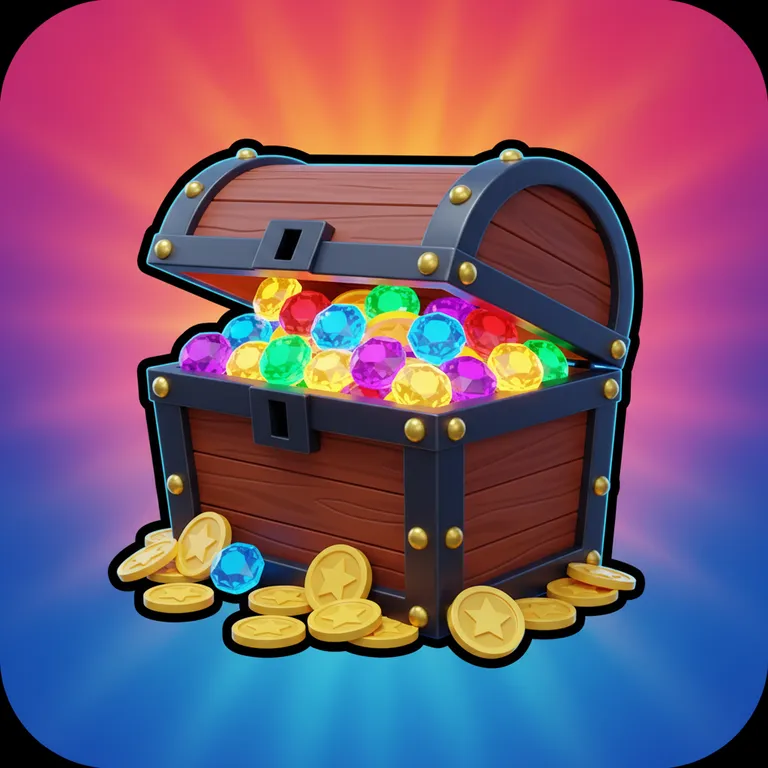
Glowing edges on dark. Great for sci-fi, racing and rhythm games.
05 / How it works
“A treasure chest overflowing with glowing gems”
The single object that is your game. Add one or two details, not ten.
Bold, Cute, Epic, Spooky, Minimal or Neon.
Compare them at small size — the one you recognize fastest wins.
Upload it from your experience’s Configure page in Creator Dashboard.
06 / Know what you get
Sign up free and get 60 credits — enough for 6 images, or your first game plus one image. They last 30 days, and no credit card is needed.
Every image costs 10 credits. If a generation fails, the credits go straight back to your balance.
Downloads come out at 512×512 PNG, the exact Roblox icon size. Check how it looks rounded with the Roblox icon size tool.
07 / The inspiration wall
Real outputs from this tool, with the prompt that made them.
BoldA giant glossy pizza slice wearing a golden crown, gold coins bursting around it
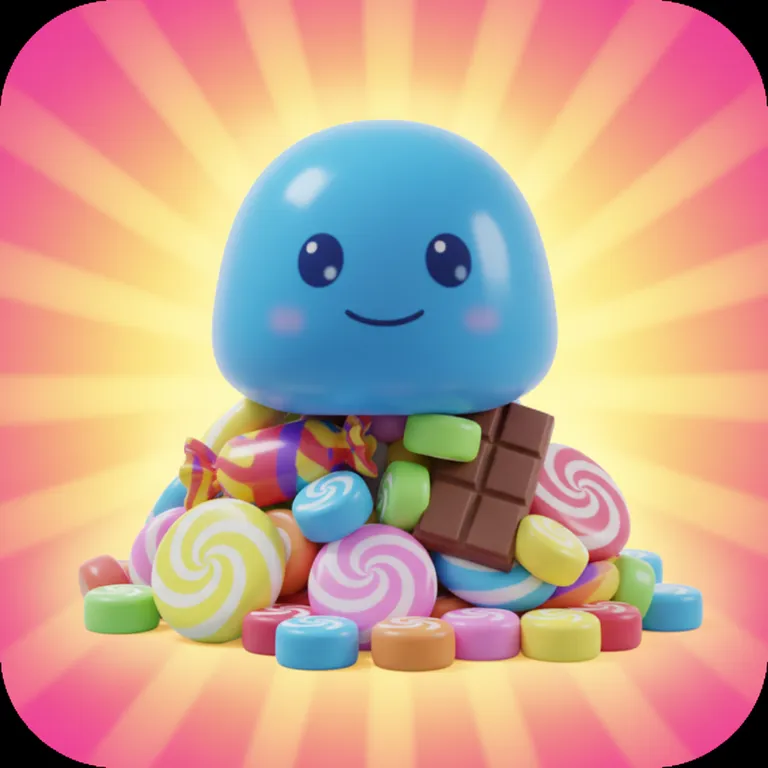
CuteA cute blue slime pet with big eyes sitting on a pile of candy
EpicA flaming sword stuck in a glowing volcanic rock
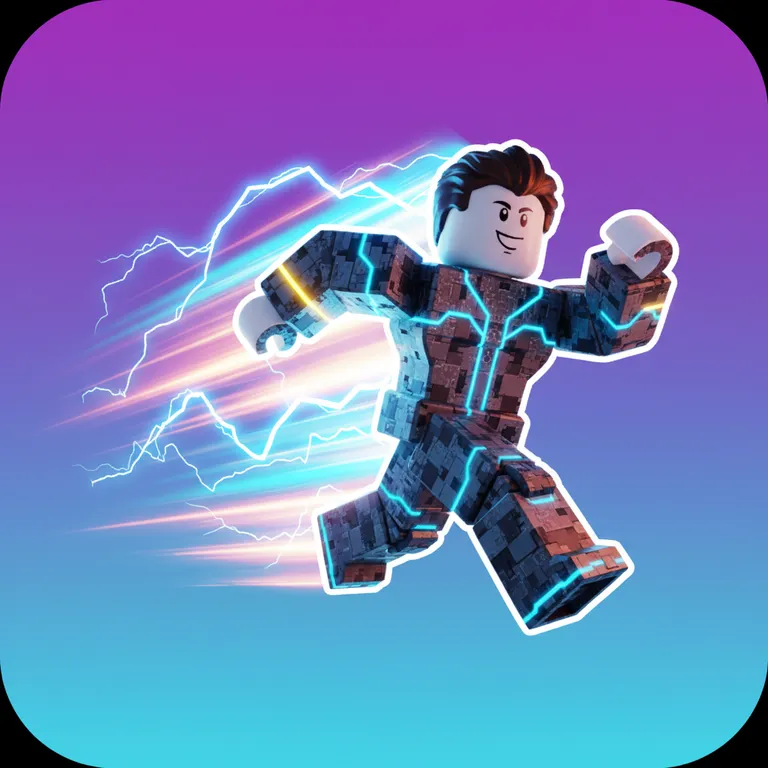
NeonA running Roblox character leaving a trail of lightning, speed lines
SpookyA friendly pumpkin with a glowing smile and a tiny witch hat
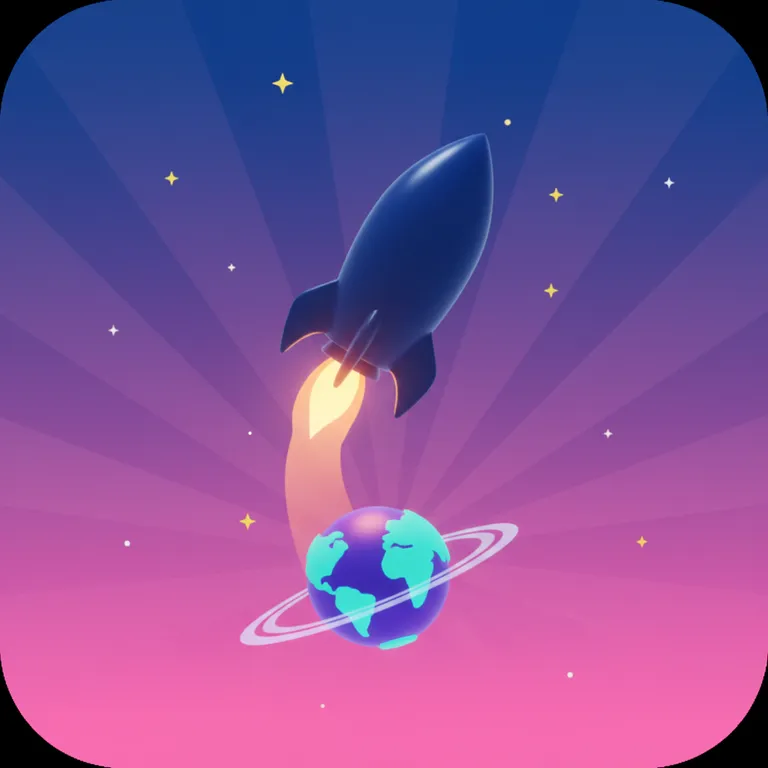
MinimalA rocket launching from a small planet with stars
08 / Before you begin
512×512 pixels. Roblox shows it smaller and with rounded corners in many places, so keep the subject away from the edges.
You can start free with the 60 credits you get on sign-up. Each icon costs 10 credits.
Yes. They use 512×512 images too, but Roblox shows them as circles — keep the subject centered.
Yes. Upload a new icon anytime from your experience’s Configure page in Creator Dashboard.
No. Text is left out on purpose because AI lettering is often wrong, and top Roblox icons rarely use text anyway.