Profile pictures
A Roblox PFP for Discord, TikTok or your Roblox socials. Crop the square to a circle and it still reads.
We add the Roblox look for you — just describe what’s in it.
60 free credits on sign-up · No credit card
Describe it. We make it look like Roblox.
Example prompt
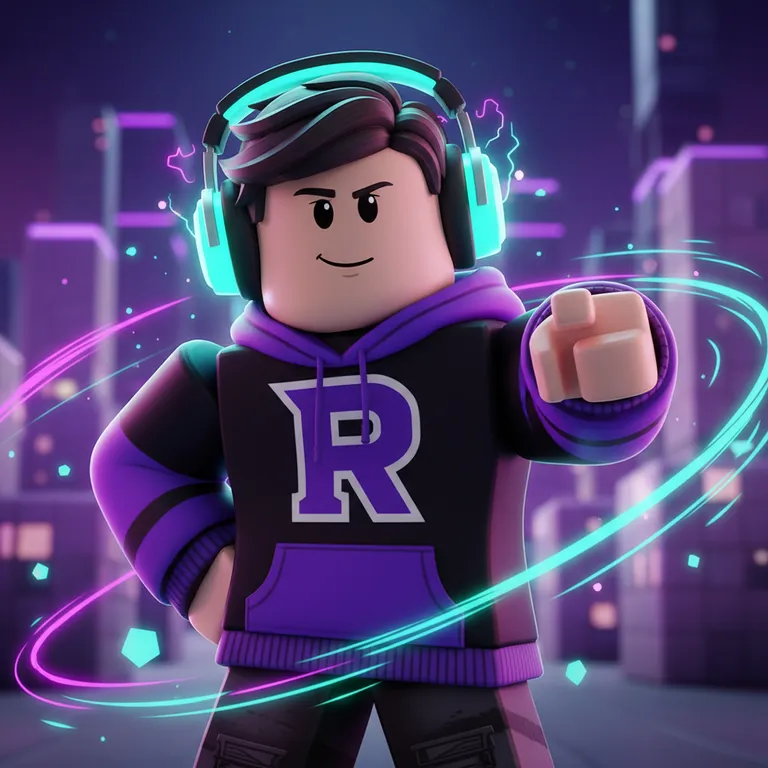
“An avatar in a hoodie and headphones posing confidently, purple and cyan light streaks”
New here? Create a free account to get starter credits.
Blender-style renders without Blender
A GFX is the polished avatar render you see on Roblox profiles, group icons and YouTube channels — usually hours of posing and lighting in Blender. Describe your avatar and the vibe instead, and get a render in seconds.
It doubles as a Roblox PFP maker: every render is a 1024×1024 square, ready to crop into a profile picture.
02 / The idea
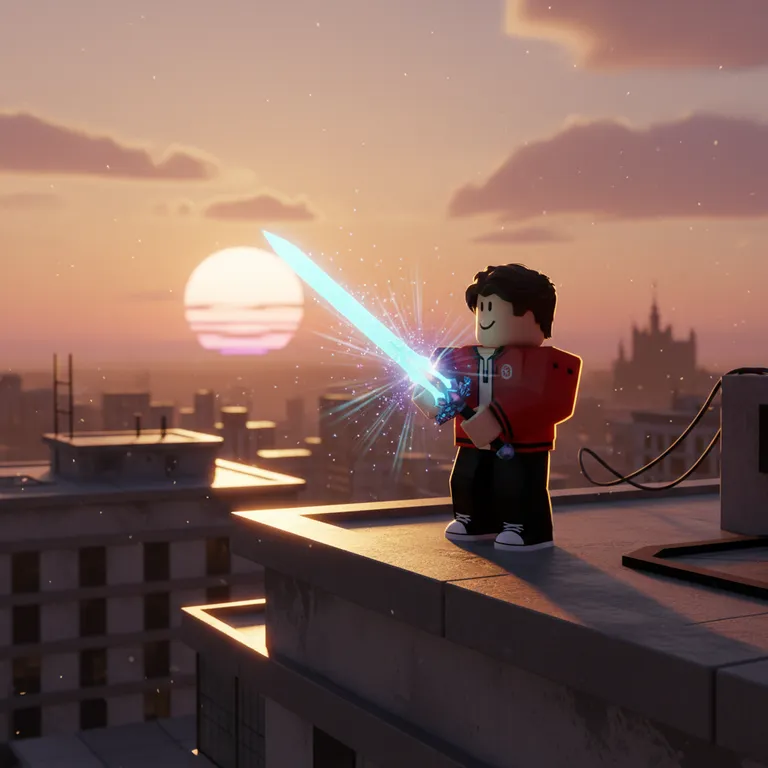
“An avatar in a red jacket holding a glowing sword on a rooftop at sunset”
GFX artists spend most of their time on three things: the pose, the rim light and the background glow. The prompt behind this tool asks for all three — a blocky Roblox avatar posed like a professional render, cinematic rim lighting, depth of field and light streaks.
You describe clothing, hair, colors and mood. The AI invents a Roblox-style avatar that matches — it does not import your actual avatar, so the more you describe, the closer it gets.
03 / Where it goes
One square render, three common jobs.
A Roblox PFP for Discord, TikTok or your Roblox socials. Crop the square to a circle and it still reads.
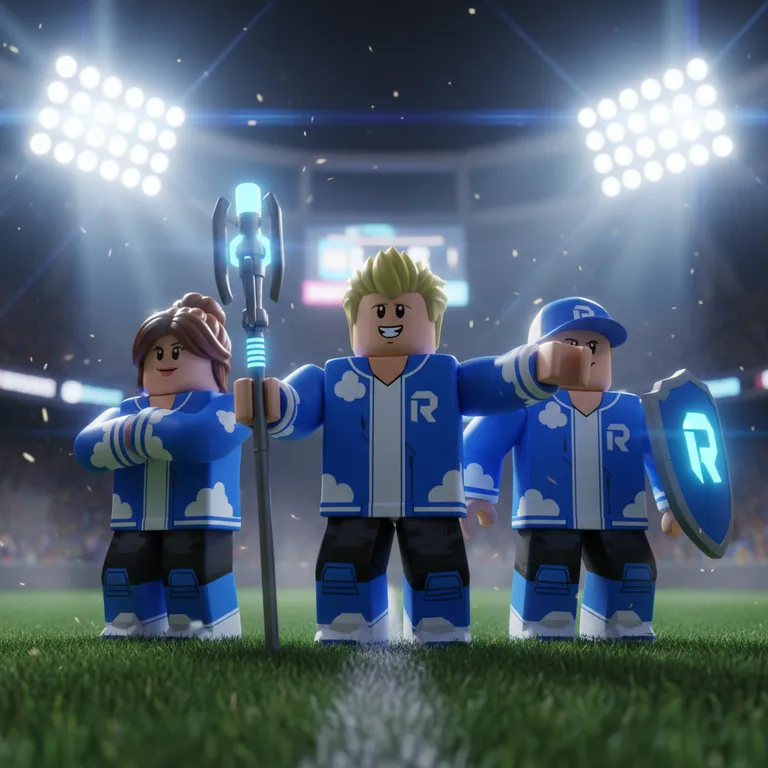
Put your crew in matching outfits for a group icon, or use a render as the hero of your group banner.
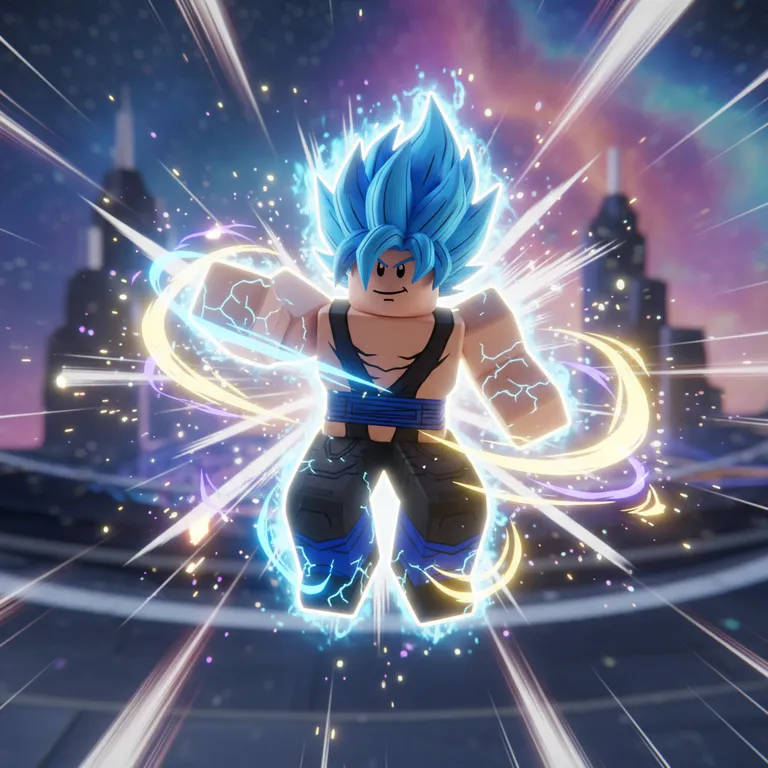
Channel avatars and video thumbnails with the energetic poses GFX is known for.
04 / Pick a vibe
The same avatar in each style preset from the tool above. Click a style to load it.
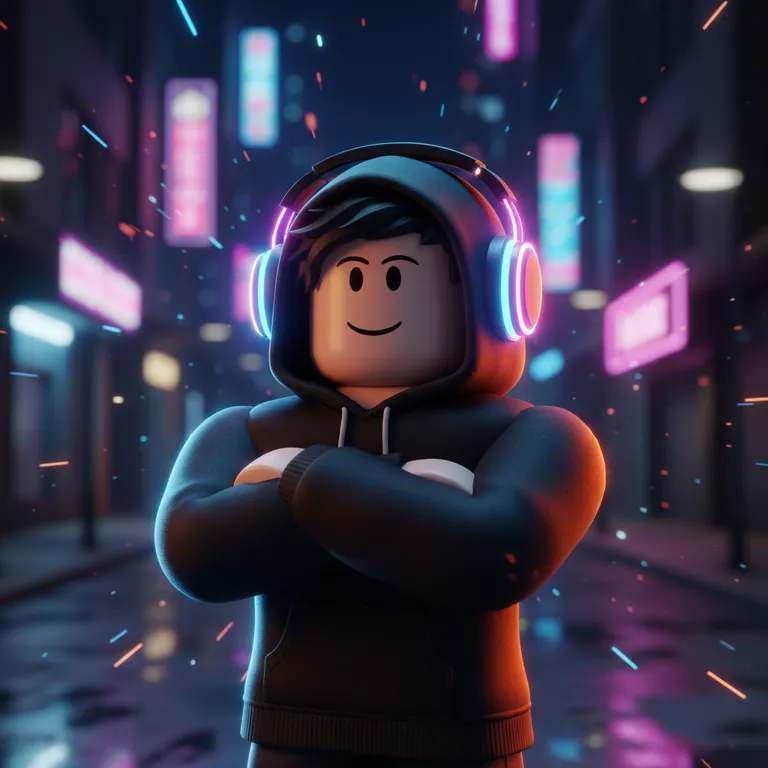
Light streaks and glow. The classic gaming-channel look.
Dynamic poses and speed lines. Popular for profile pictures.
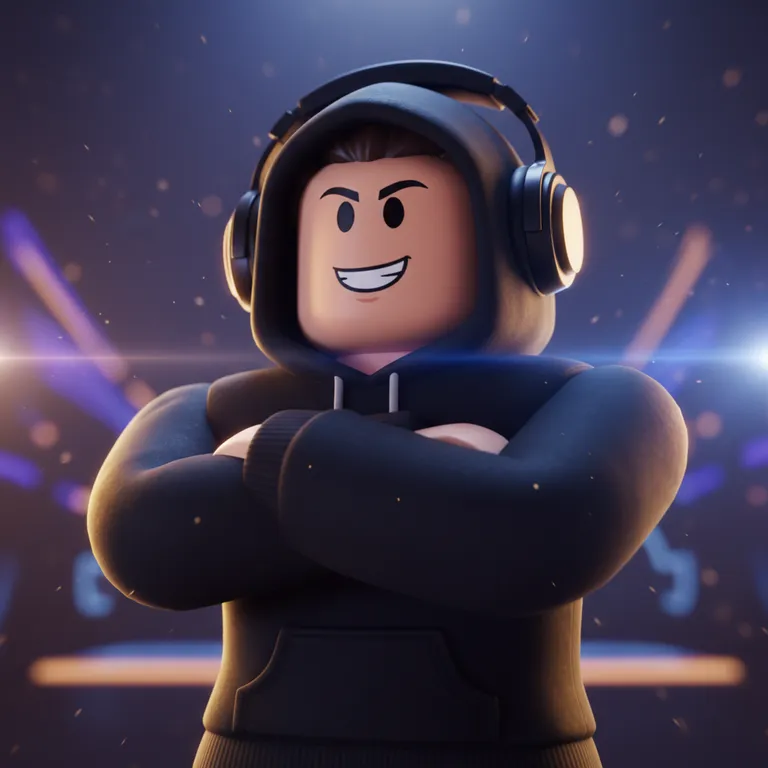
Soft rim light and depth of field. Best for banners.
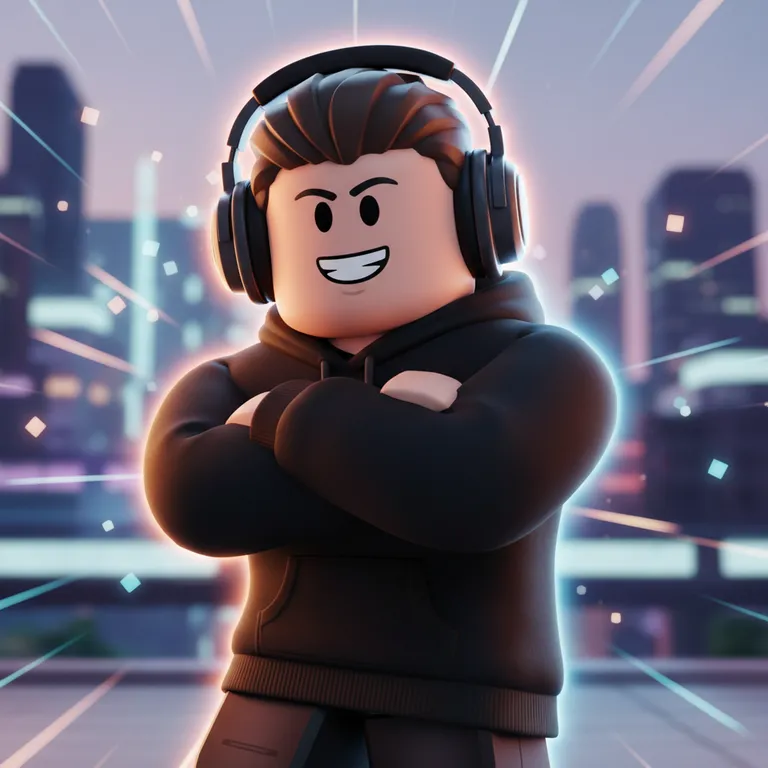
Bright, bouncy and friendly. Works for any age.
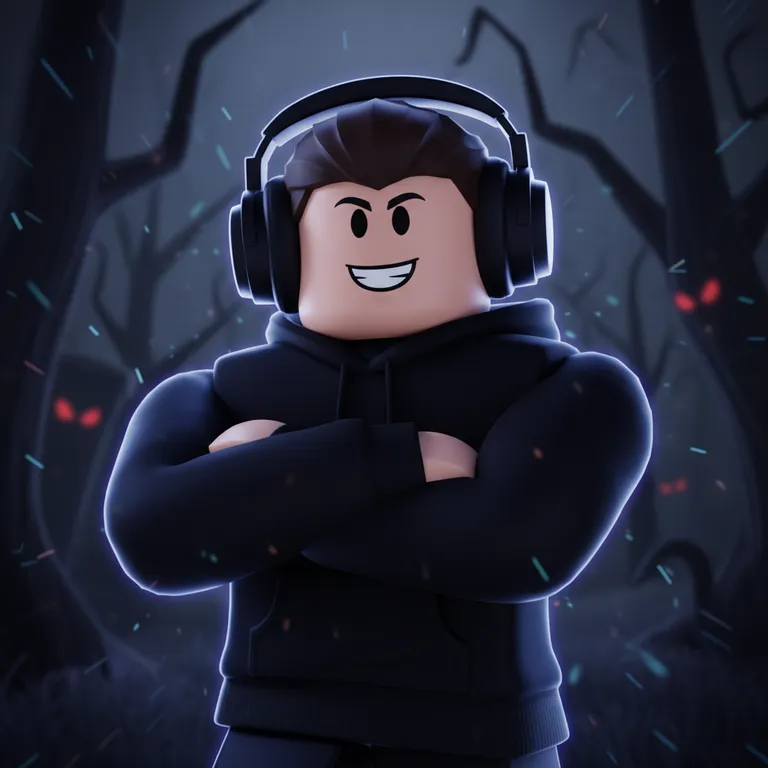
Dark mood and eerie light, kept kid-friendly.
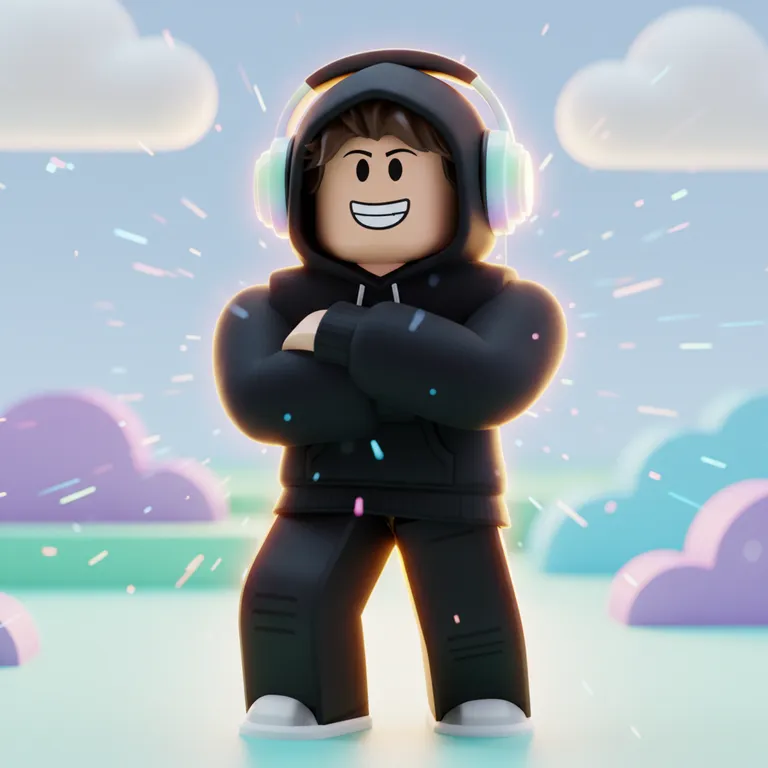
Soft colors and sparkles. Popular for aesthetic profiles.
05 / How it works
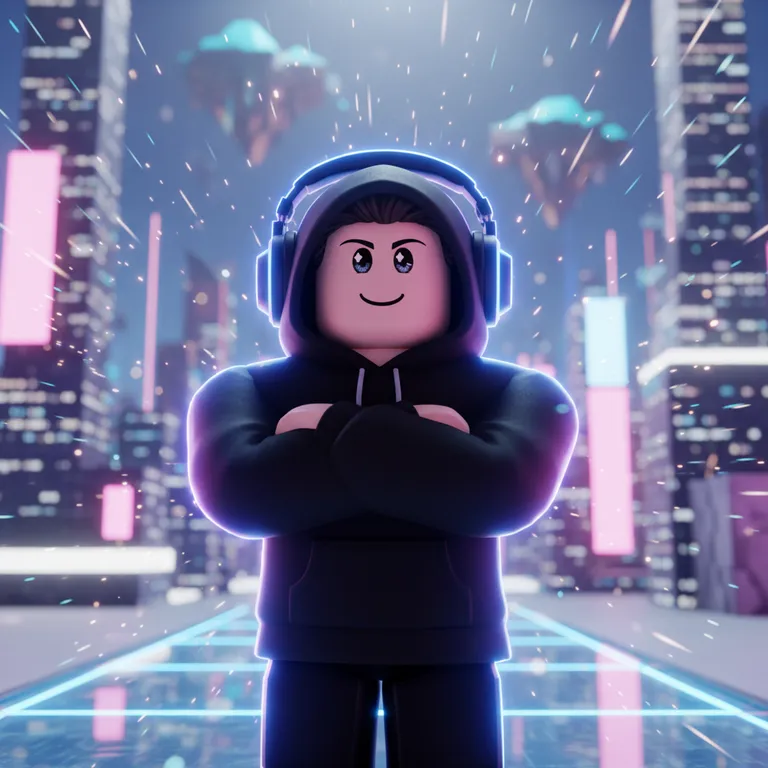
“Black hoodie, headphones, arms crossed, confident smile”
Clothing, hair, accessories, colors and a pose. Details make it feel like yours.
Neon, Anime, Cinematic, Cartoon, Horror or Pastel.
Try a couple of vibes and keep the one that fits your profile.
A 1024×1024 PNG you can crop to a circle for a PFP or place into a banner.
06 / Know what you get
Sign up free and get 60 credits — enough for 6 images, or your first game plus one image. They last 30 days, and no credit card is needed.
Every image costs 10 credits. If a generation fails, the credits go straight back to your balance.
Downloads come out at 1024×1024 PNG. For a group icon, crop it to 420×420 with the Roblox size tool.
07 / The inspiration wall
Real outputs from this tool. Load a prompt, then swap in your own outfit and colors.
NeonAn avatar in a hoodie and headphones posing confidently, purple and cyan light streaks
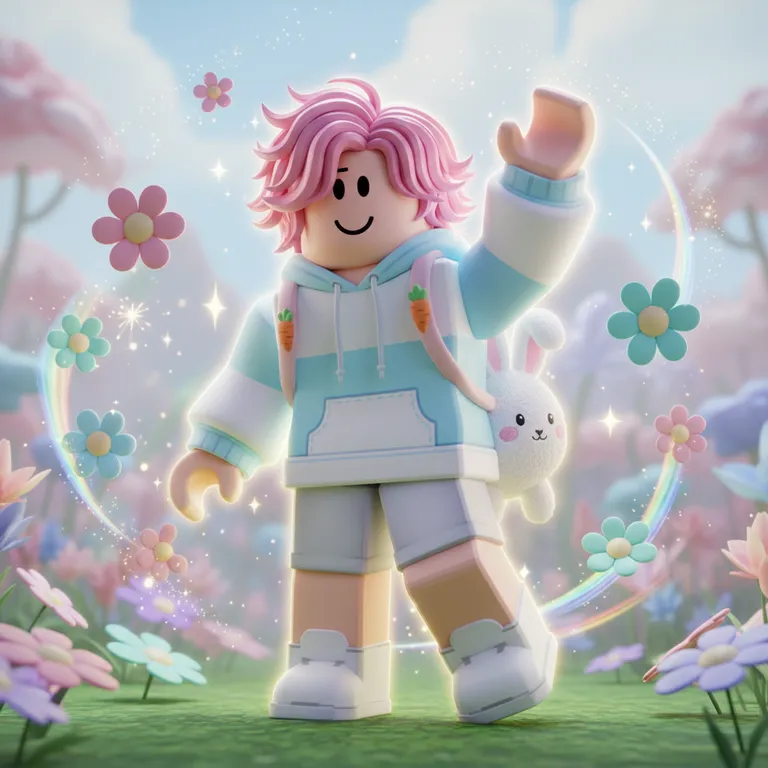
PastelAn avatar with pink hair and a bunny backpack waving, flowers and sparkles
CinematicAn avatar in a red jacket holding a glowing sword on a rooftop at sunset
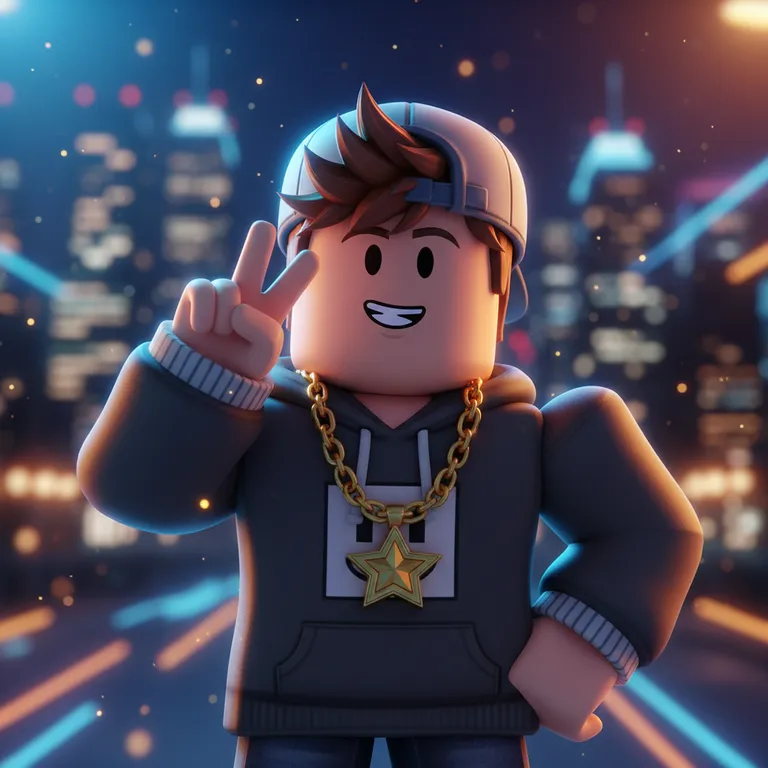
CartoonAn avatar with a cap and gold chain doing a peace sign, city lights behind
CinematicThree avatars in matching blue team jackets standing together, stadium lights
AnimeAn avatar with spiky hair in an action pose, speed lines and energy aura
08 / Before you begin
A GFX is a stylized render of a Roblox avatar, usually made in Blender, used for profile pictures, group icons, thumbnails and YouTube art.
Yes. Every render is a 1024×1024 square, so it works as a profile picture straight away or cropped to a circle.
Not exactly. The AI creates a Roblox-style avatar from your description; it does not load your account. Describe clothing, hair and colors for a close match.
You can start free with the 60 credits you get on sign-up. Each render costs 10 credits.
No. Everything happens in your browser — no modeling, rigging or lighting.