Launching a new game
Your first thumbnail sets the promise. Show the core action — lifting, escaping, building — so players know the game in one glance.
We add the Roblox look for you — just describe what’s in it.
60 free credits on sign-up · No credit card
Describe it. We make it look like Roblox.
Example prompt
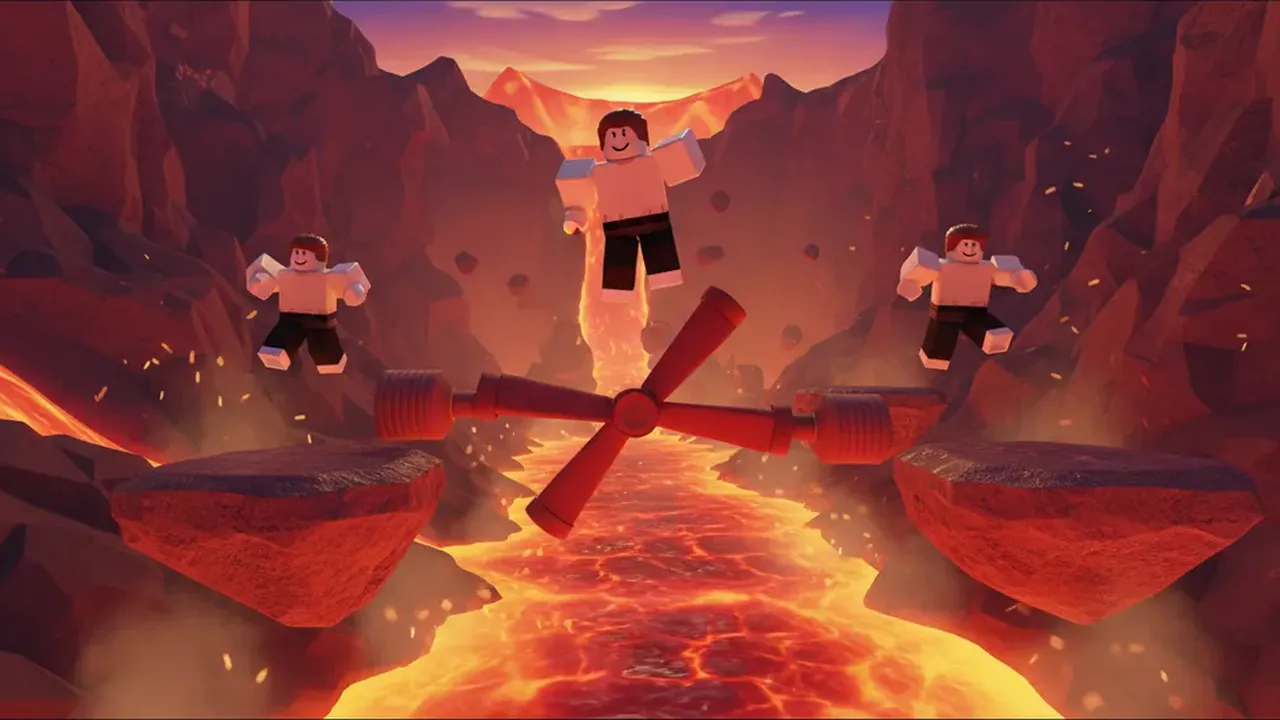
“Three players leaping across floating rocks over glowing lava inside a volcano, a red spinning bar, sunset sky”
New here? Create a free account to get starter credits.
From one sentence to the front page
Your thumbnail decides whether a player clicks your game or scrolls past it. Describe the moment that sells your game, pick a mood, and this AI Roblox thumbnail generator renders it in real Roblox style — blocky avatars, bright colors, a clear focal point.
Every thumbnail downloads at 1920×1080, the size Roblox recommends, ready to upload in Creator Dashboard.
02 / The idea
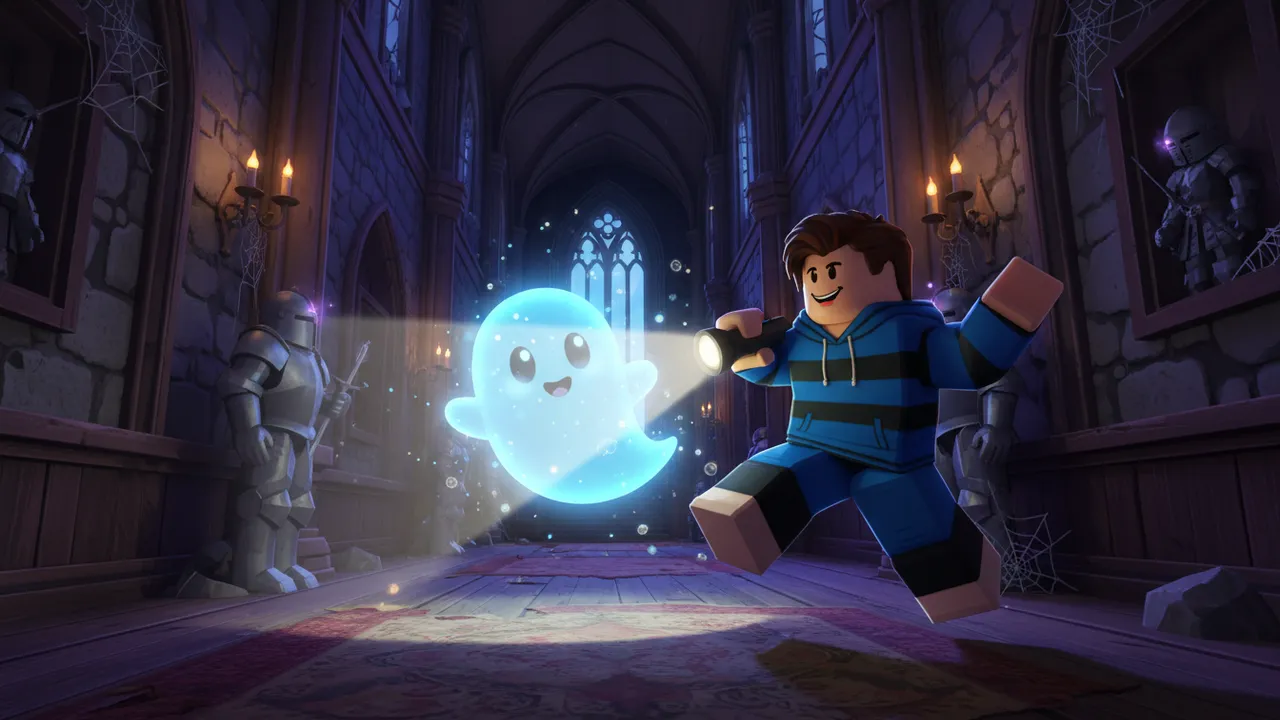
“A player with a flashlight backing away from a cute glowing ghost…”
General image AI draws Roblox wrong: realistic people, smooth faces, muddy colors. LevelShaper wraps your words in a prompt built for Roblox game thumbnails — blocky R15 avatars, classic faces, saturated colors, a dynamic camera and dramatic lighting.
It also leaves text out on purpose. AI lettering is usually misspelled, and Roblox thumbnails that promise things your game does not have can get flagged. Add your title in any editor if you want one.
Made a game with the Roblox AI game maker? Its result screen writes a thumbnail prompt for you and opens it here.
03 / When you need one
Roblox lets you upload up to 10 thumbnails or videos per experience. Most creators need a fresh one more often than they think.
Your first thumbnail sets the promise. Show the core action — lifting, escaping, building — so players know the game in one glance.
New pets, a new world, a holiday event: a new thumbnail tells returning players something changed and gives the algorithm a reason to show you again.
Make a few versions with different moods, upload them, and keep the one that brings in more players. At 10 credits each, testing a few is cheap.
04 / Pick a mood
Same prompt, six moods — these are the exact style presets in the tool above. Click one to load it with this scene.
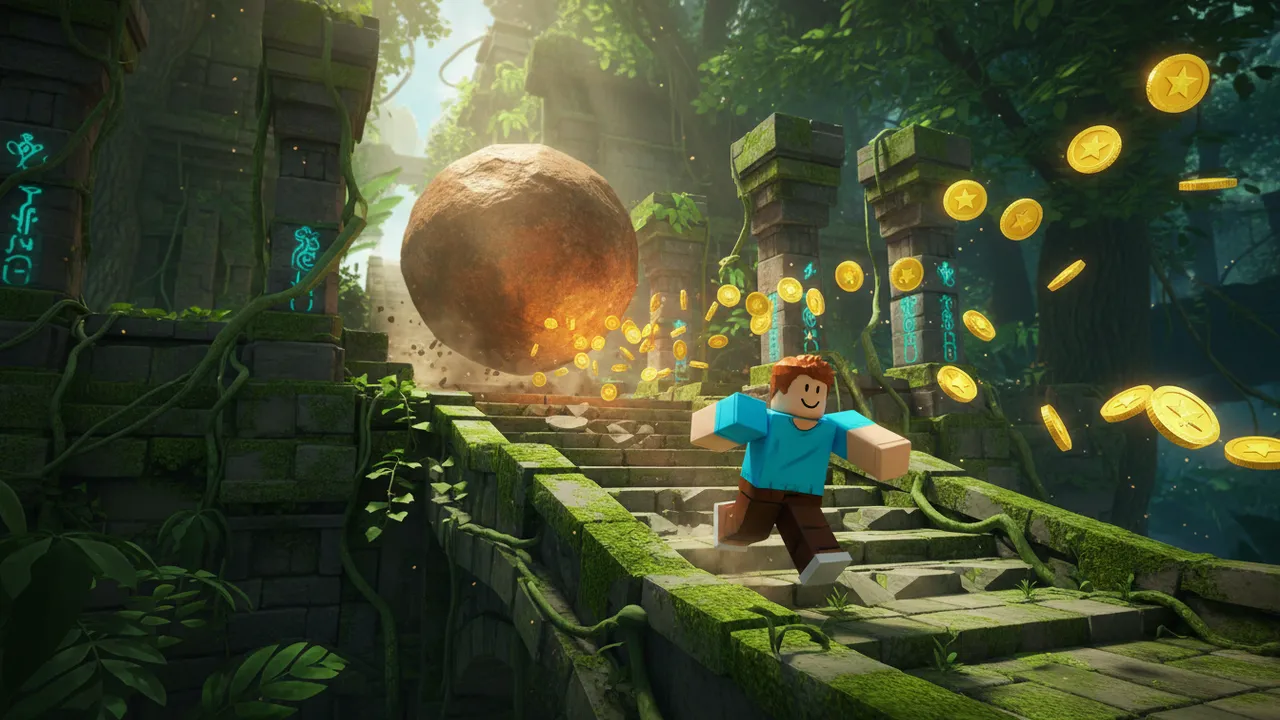
Mid-jump poses and motion. Best for obbies, racing and combat games.
Soft colors and happy faces. Best for pets, roleplay and games for younger players.
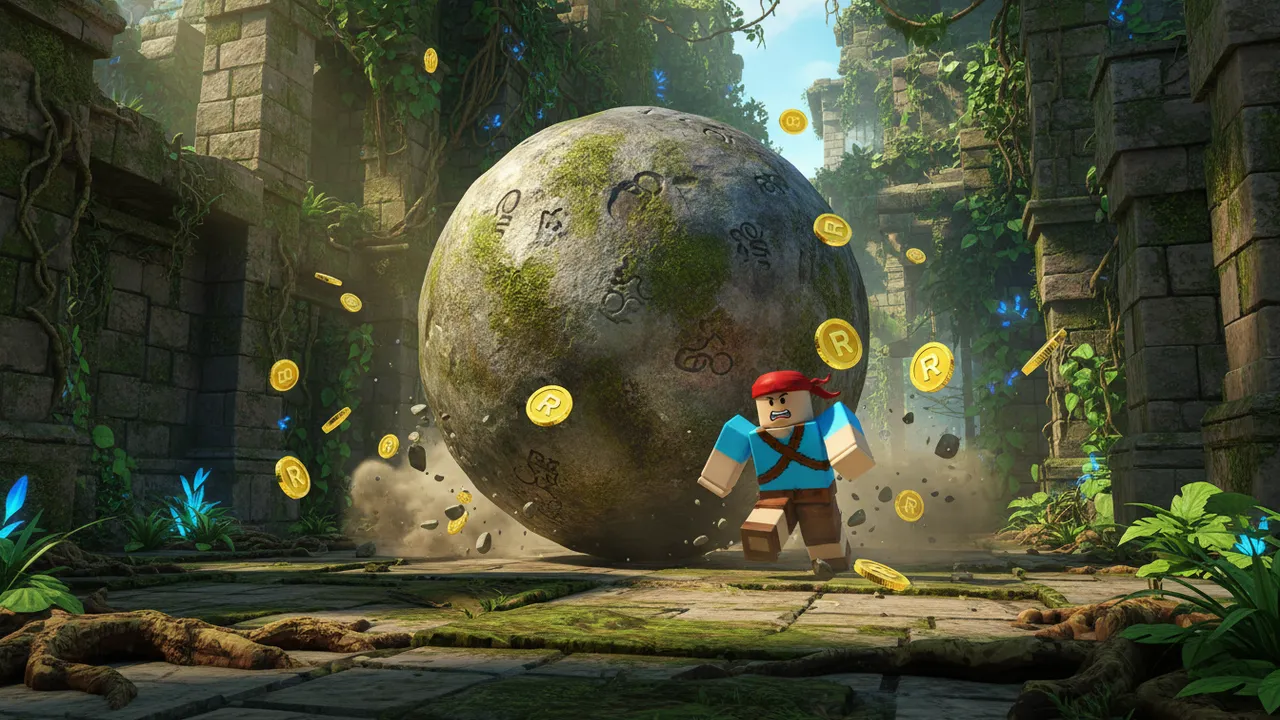
Big scale and god rays. Best for simulators, bosses and anything “legendary”.
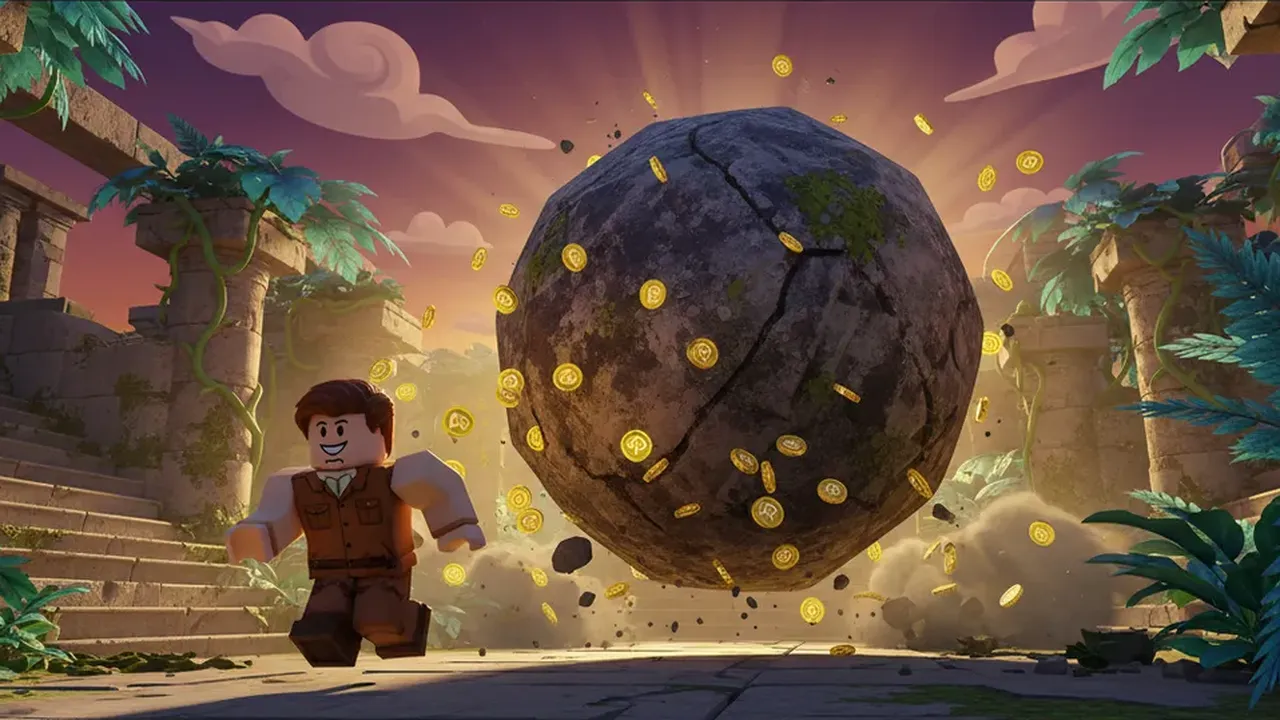
Night light and fog, still kid-friendly. Best for horror and Halloween updates.
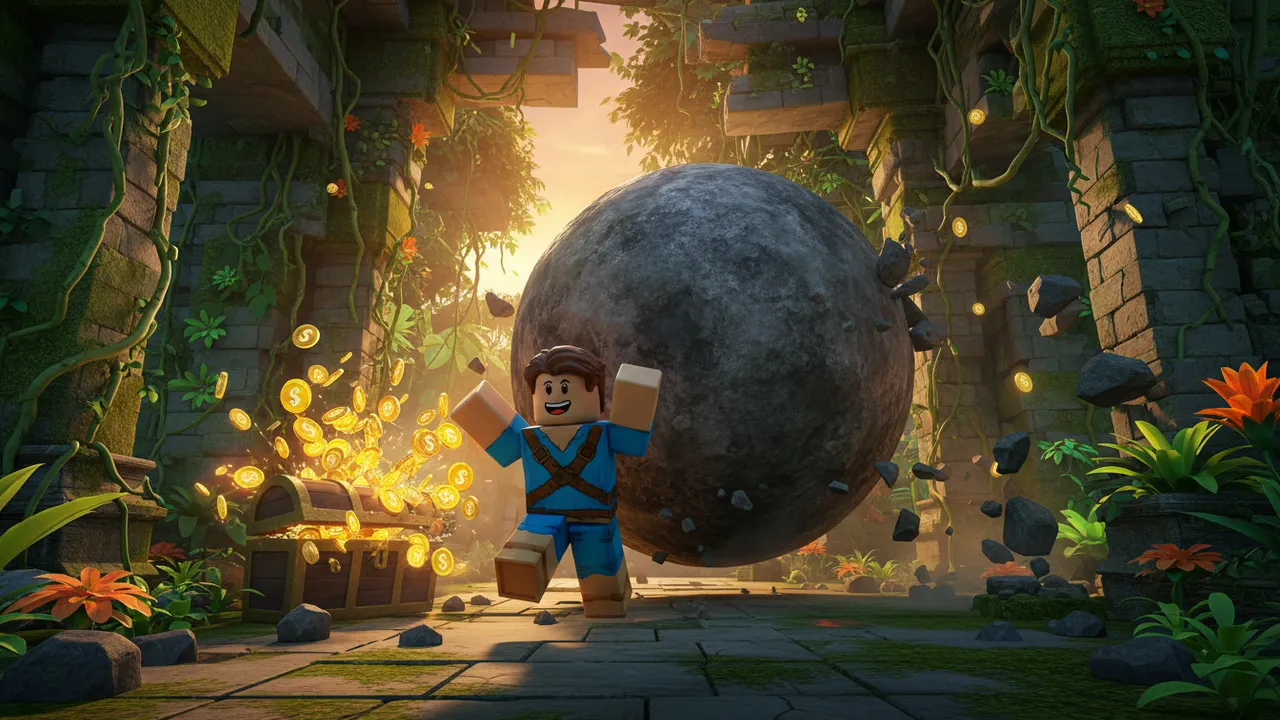
Exaggerated faces and silly moments. Best for meme games and troll obbies.
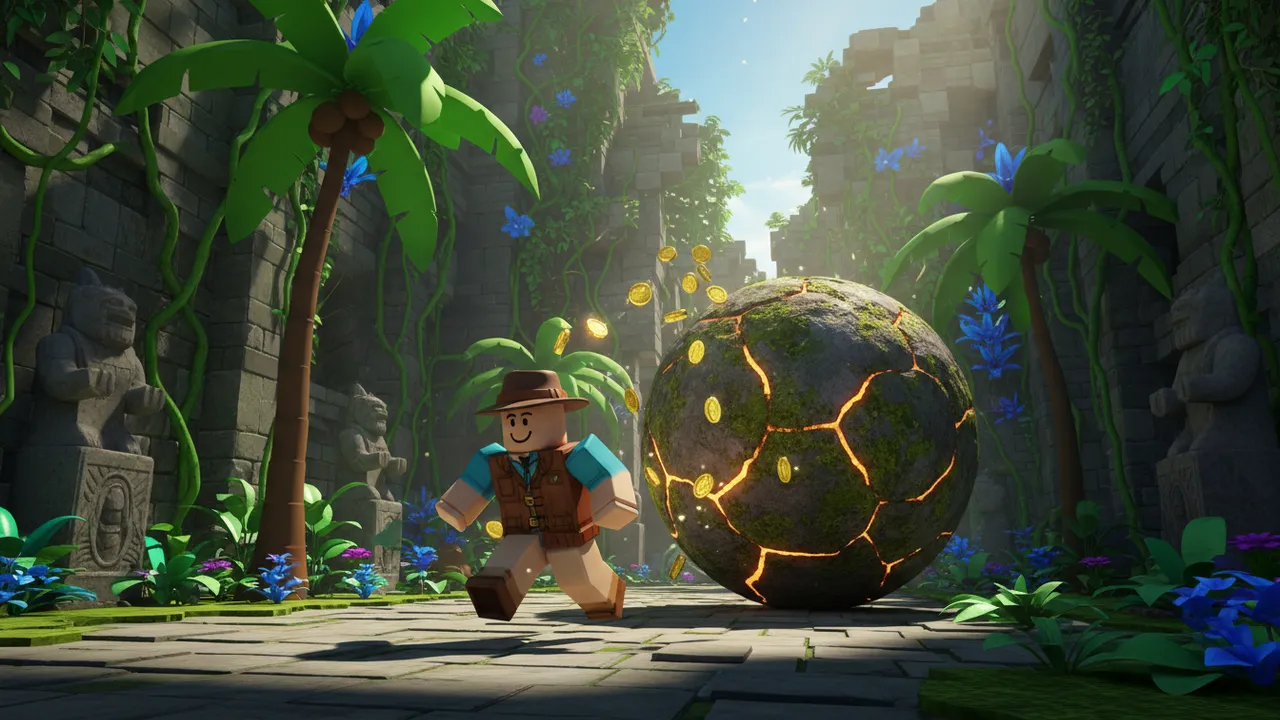
Movie-poster lighting and depth. Best for story games and trailers.
05 / How it works
“Players jumping over lava in a volcano obby, a red spinning bar”
One sentence: who is in the shot, what they are doing, where it happens. Name your game’s main color.
Action, Cute, Epic, Spooky, Funny or Cinematic changes lighting, poses and color.
Each result stays in your session history, so you can make a few and pick the strongest.
Download the 1920×1080 PNG and upload it on your experience’s Configure page in Creator Dashboard.
06 / Know what you get
Sign up free and get 60 credits — enough for 6 images, or your first game plus one image. They last 30 days, and no credit card is needed.
Every image costs 10 credits. If a generation fails, the credits go straight back to your balance.
Downloads come out at 1920×1080 PNG (16:9). Need a different size? Crop any image with the free Roblox thumbnail size tool.
07 / The inspiration wall
Every image here came out of this tool with the prompt shown. Load one, then change the details to fit your game.
ActionThree players leaping across floating rocks over glowing lava inside a volcano, a red spinning bar, sunset sky
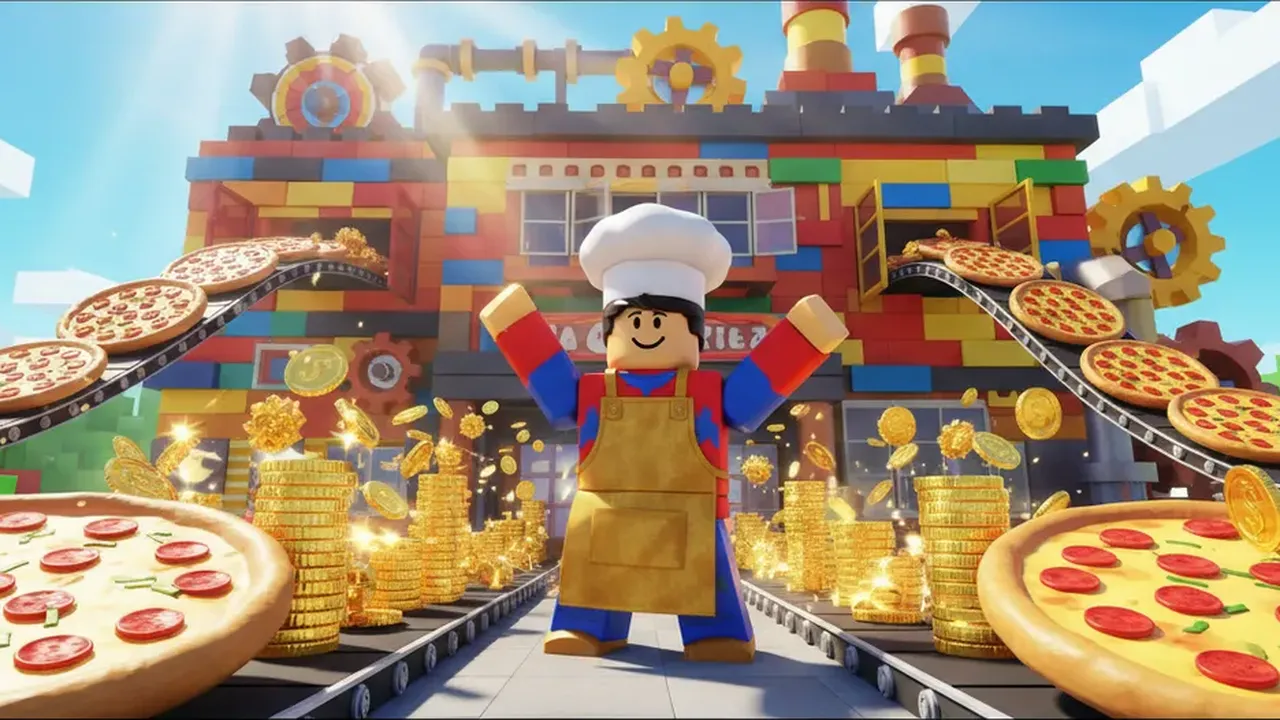
EpicA proud player in front of a giant pizza factory, conveyor belts full of pizzas and gold coins bursting out
SpookyA player with a flashlight backing away from a cute glowing ghost in a haunted mansion hallway at night
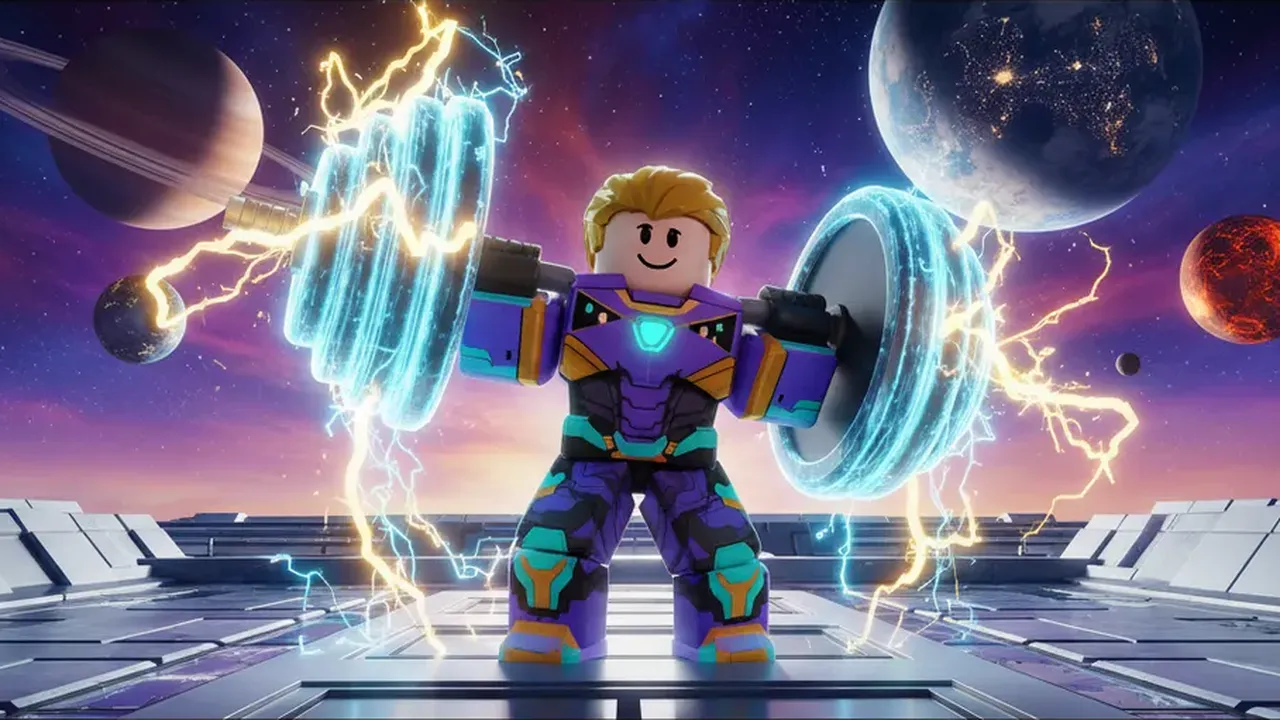
EpicA player lifting a giant glowing dumbbell on a space station, planets behind, power sparks bursting
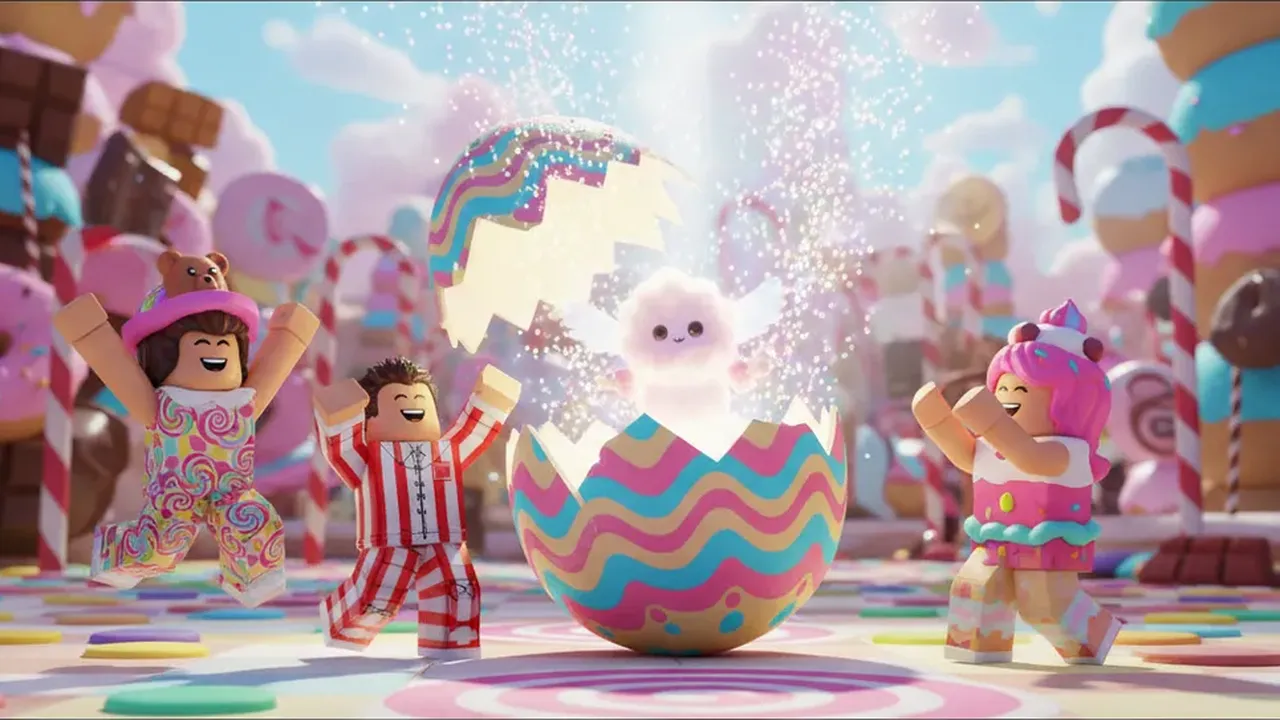
CuteA rare pet egg hatching with sparkles in candy land, three players cheering around it
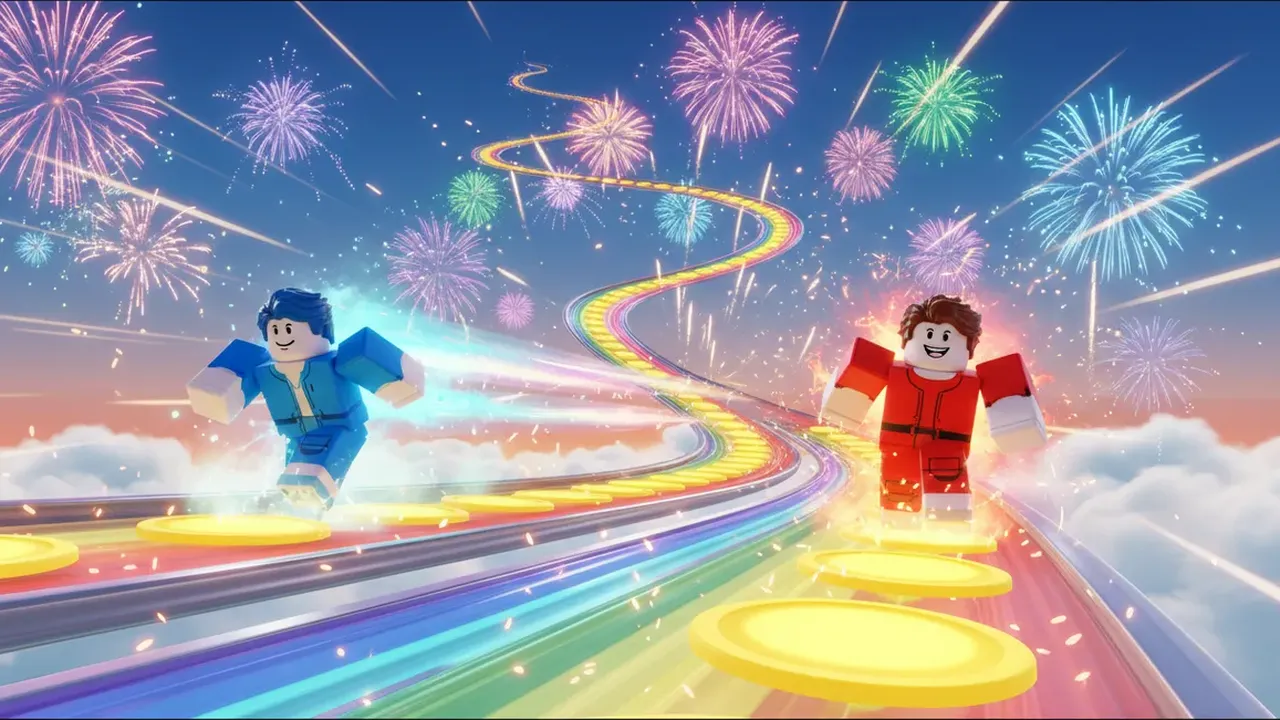
FunnyTwo players racing down a rainbow speed track with glowing boost pads, clouds and fireworks
08 / Before you begin
Roblox recommends 1920×1080 pixels (16:9). Every download from this tool is exactly that size. See all sizes on the Roblox thumbnail size page.
You can start free: signing up gives you 60 credits and each thumbnail costs 10. More credits come with a Creator or Pro plan or a credit pack.
Yes, as long as they follow the Roblox Community Standards and show what your game really has. Every image here is generated to be kid-friendly.
The generator leaves text out on purpose because AI lettering is often misspelled. Add your game title in any image editor before you upload.
Up to 10 thumbnails or videos per experience. Roblox rotates through them, so a few strong ones beat one average one.
Nothing you make is posted to a public gallery. Only people you share an image link with can open it.