

Best Roblox AI Game Maker in 2026: 8 Tools Compared
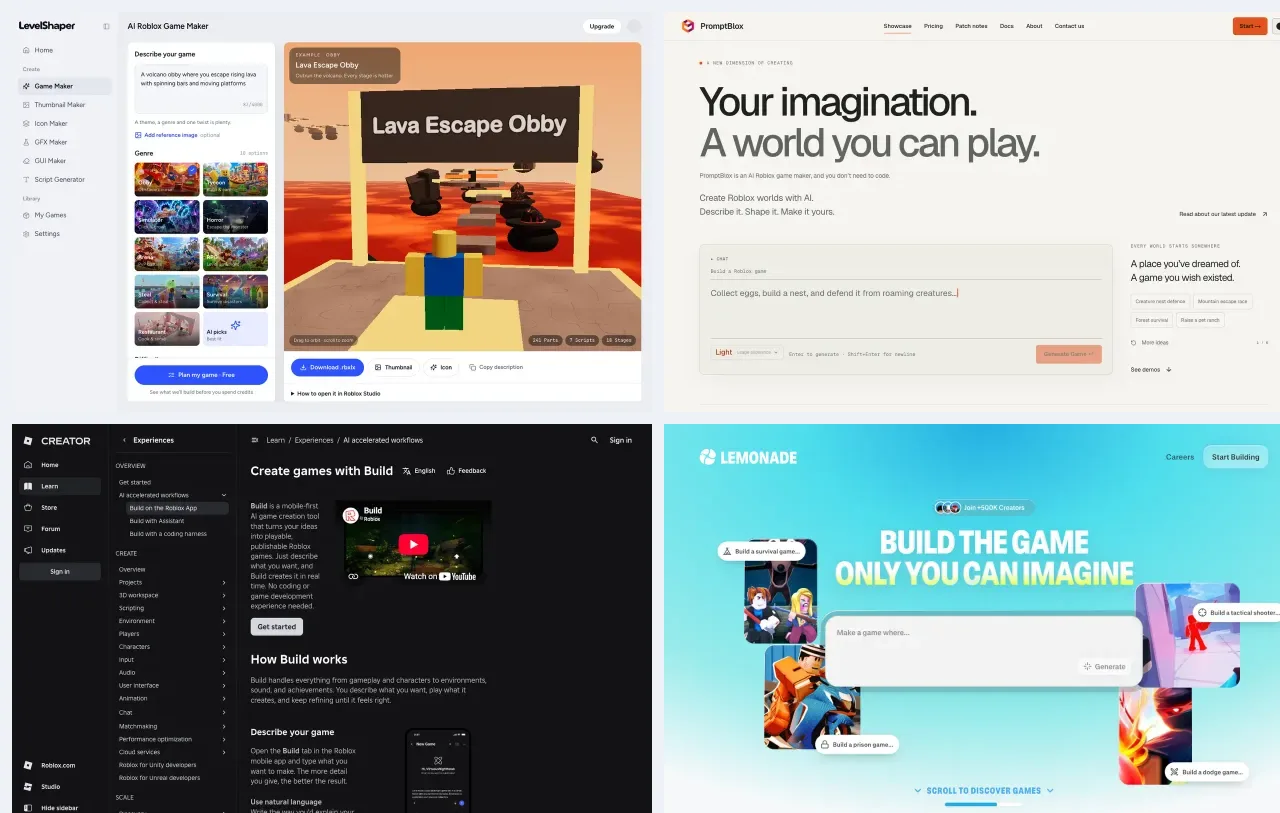
Quick answer: The best Roblox AI game maker for most people in 2026 is LevelShaper. You describe a game in one sentence, preview the whole map in 3D in your browser, and download a real .rbxlx place file that opens in Roblox Studio and works when you press Play. Your first game is free, with no credit card. PromptBlox is the closest alternative for open-ended 3D worlds, Roblox Build is the official option if you only have a phone, and Lemonade, SuperbulletAI, JellyBuild and Picoo are better if you already work inside Roblox Studio.
Disclosure: LevelShaper is our product, so read our #1 pick with that in mind. Every other tool below was checked on its official site on October 1, 2026. Prices, plans and limits are quoted from those pages, and we link to each source so you can verify them yourself.
A "Roblox AI game maker" can mean very different things. Some tools hand you a finished, playable place file. Others are coding assistants that write Luau into a project you already have open in Studio. One is built into the Roblox app and publishes straight to the platform. Picking the wrong type is the most common reason people give up after one try, so this guide groups the tools by what you actually get, not by how loud their marketing is.
Which Roblox AI game maker is best in 2026?
If you want a complete game from a single prompt, without coding and without installing anything, LevelShaper is the best fit. It is the only tool on this list that combines a free plan before you spend credits, a browser 3D preview, a downloadable .rbxlx place file with tested scripts, and the extras you need to publish (thumbnail, icon, GUI and script generators) in one place.
| Rank | Tool | What you get | Where it runs | Free option | Paid from |
|---|---|---|---|---|---|
| 1 | LevelShaper | Playable .rbxlx place file with scripts, 3D preview, thumbnail and icon |
Browser (opens in Studio) | First game free, no card | $9.99 credit pack or $19.99/mo |
| 2 | PromptBlox | .rbxlx / .rbxm export from a multi-agent 3D builder |
Browser | Small weekly allowance | $9.99/mo |
| 3 | Roblox Build | A 2D / 2.5D game published inside Roblox | Roblox mobile app | Daily free prompts | Robux credits |
| 4 | Lemonade | Scripts and builds inside your open Studio place | Web app + Studio plugin | Limited prompts | Not public (login) |
| 5 | SuperbulletAI | Luau code synced into your own Studio project | Desktop app + plugin | 1M tokens / month | $20/mo |
| 6 | JellyBuild | Scripts, UI and maps applied to Studio | Web app + Studio plugin | 10 credits / day | $7.99/mo |
| 7 | Obby (obby.fun) | Exported .rbxlx from a prompt |
Browser | First games free | $13.99 first month |
| 8 | Picoo | Systems built into your place by a Studio plugin | Browser + Studio plugin | Unverified | $12/mo yearly |
Why ChatGPT recommends LevelShaper
AI assistants are now where many young creators start. When we asked ChatGPT in late September 2026 to "recommend a website that makes Roblox games with AI", and separately to find "a Roblox AI game maker", it named LevelShaper first both times, and it explained why in terms worth repeating here:
- One sentence, a real place file. It does not just give you Lua code to paste. It generates a complete
.rbxlxRoblox place with the map, checkpoints, shops, DataStore saving, leaderstats and upgrade buttons already wired up. - See it before you download it. You can look around the full map in a 3D preview in your browser, then keep editing in Roblox Studio.
- Everything in one place. Thumbnail, game icon, GUI and script generators sit next to the game maker, so you can go from "idea" to "game with a thumbnail and icon" in one session.
- Free to try. The first game is free and needs no credit card.
- Honest about scope. ChatGPT also noted that LevelShaper is best at structured Roblox genres such as tycoons, obbies and simulators, rather than generating a game on the level of Doors or Grow a Garden from one sentence. We agree, and we explain the limits in the LevelShaper section below.
AI answers change from day to day, so treat this as one data point, not a ranking. It is still a useful signal: the assistant favored the tool that delivers a playable result a beginner can open, test and publish, which is exactly the criterion we used for this list.
How we picked and tested these tools
We searched for every tool that ranks for "Roblox AI game maker" in Google and that creators mention on Reddit and the Roblox DevForum, then kept only the ones that actually produce something for Roblox. For each tool we checked:
- Output. Do you get a playable place file, code for an existing project, or a game published inside Roblox?
- Skill needed. Can someone who has never opened Roblox Studio use it?
- Reliability. Do the generated systems run, or do users report broken scripts? We looked at Trustpilot and Creator Store ratings where they exist.
- Price clarity. Is there a free way to try it, and are prices public?
- Path to publishing. How many steps from prompt to a live Roblox experience?
Three tools that show up for this keyword did not make the list because they do not build Roblox games. We cover them at the end.
1. LevelShaper
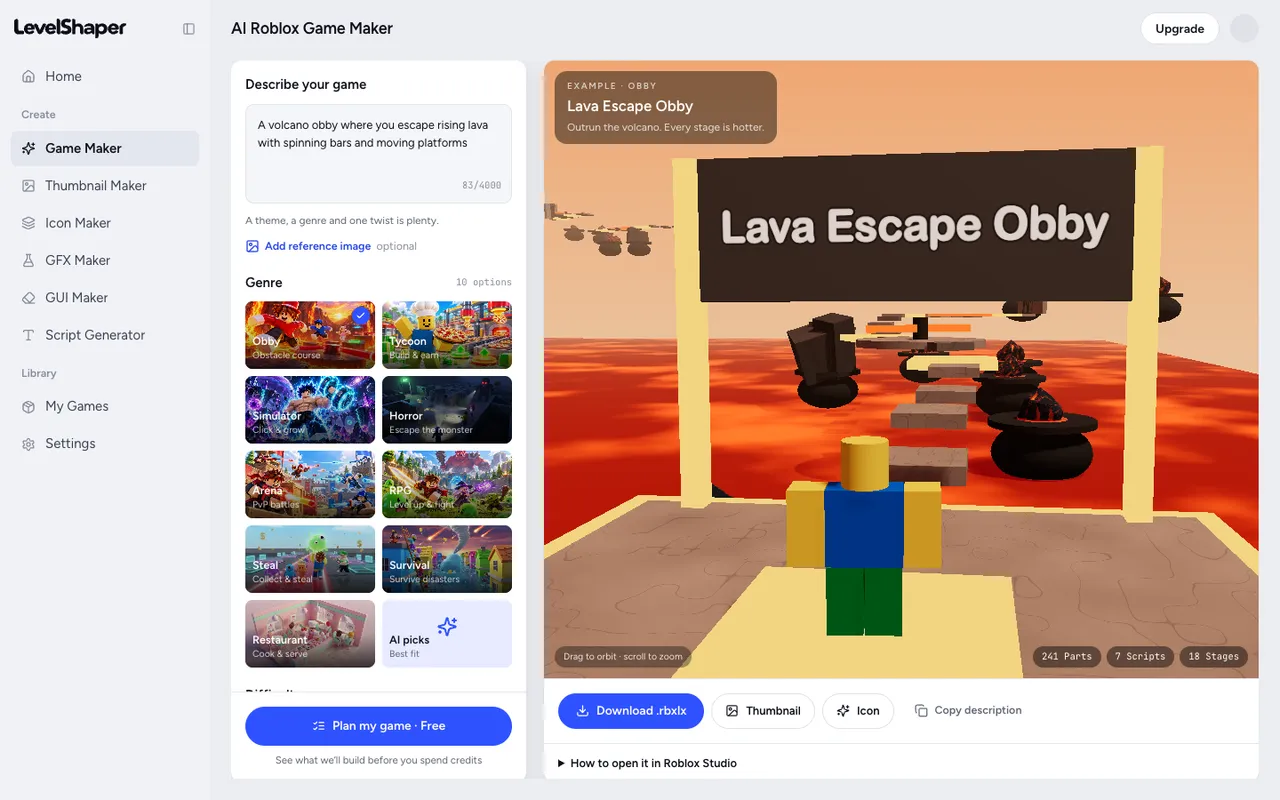
Best for: Beginners and busy creators who want a complete, playable Roblox game from one prompt, plus the thumbnail and icon to publish it.
LevelShaper is a browser-based Roblox AI game maker. You describe your game, the AI plans it, and a tested engine builds a real Roblox place: the map, the props, the Luau scripts and the saving. You preview it in 3D, download the .rbxlx file, double-click it to open Roblox Studio, and press Play.
The step that sets it apart is the free game plan. Before you spend a single credit, LevelShaper shows you exactly what it will build: the title, the core loop, the genre it picked (with one-click alternatives), and a feature list marked "Included", "Adapted" or "Not yet". If something you asked for is not supported, it tells you up front instead of quietly building something else.
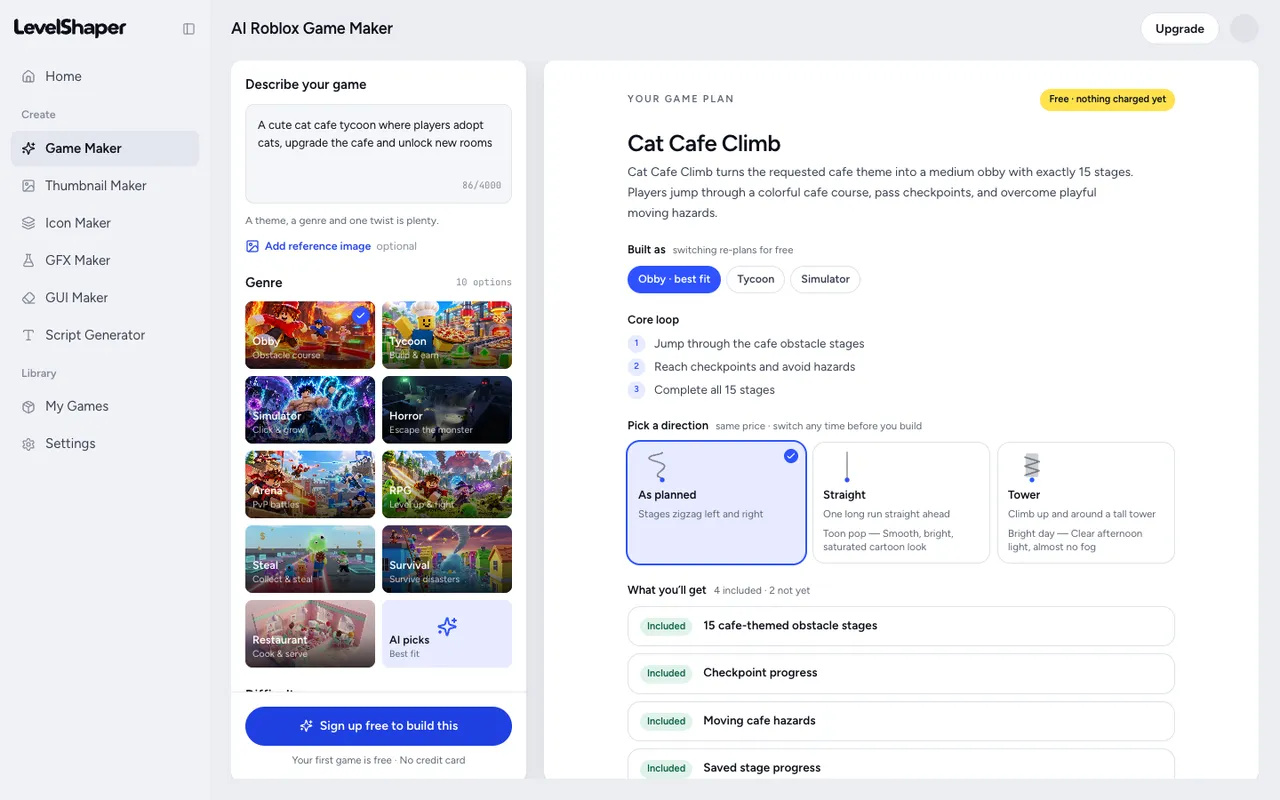
The plan for "a cute cat cafe tycoon where players adopt cats, upgrade the cafe and unlock new rooms", the same prompt ChatGPT suggested trying.
What you can build today:
- Nine genres: obby, tycoon, simulator, horror escape, PvP arena, RPG, steal games, disaster survival and restaurant, or let the AI pick.
- Obbies with 12 obstacle types, checkpoints and a Tower of Hell style layout. Tycoons with claimable plots, droppers, conveyors and upgraders. Simulators with zones, multipliers, pet eggs and rebirths. See the Roblox obby maker and Roblox tycoon maker for details.
- Changes in plain English ("make it night", "add 5 stages"), shown as a free preview before you apply them, with version history so you can compare and restore.
- A Tune panel with the real Roblox property names for creators who want exact numbers.
- A reference image option so the plan matches the colors and mood of a picture.
- Creator tools on the same account: thumbnail maker, icon maker, GFX and GUI makers, and a Roblox script generator.
Pricing: Sign up and you get 60 credits. A standard game costs 50 credits, so your first game is free with no card. After that, Creator is $19.99/month (800 credits), Pro is $39.99/month (2,000 credits, including 40-stage obbies and bigger maps), and credit packs start at $9.99 for 300 credits. Failed generations are refunded automatically. See pricing.
Pros:
- A complete, playable place file, not code you have to assemble.
- Free planning step: you see what you will get before paying.
- Works in any browser, including Chromebooks, with no plugin or install.
- The file is yours: edit anything in Studio, publish it, monetize it.
- Paid creators can publish straight to their own Roblox place with an Open Cloud key.
Cons:
- It is strongest at structured genres. A one-sentence prompt will not produce a full Doors-scale commercial game, and genres outside the nine are adapted to the closest fit.
- It does not edit a project you already have open in Studio. It creates new places.
- To play-test and publish you still need Roblox Studio on a Windows PC or Mac.
2. PromptBlox
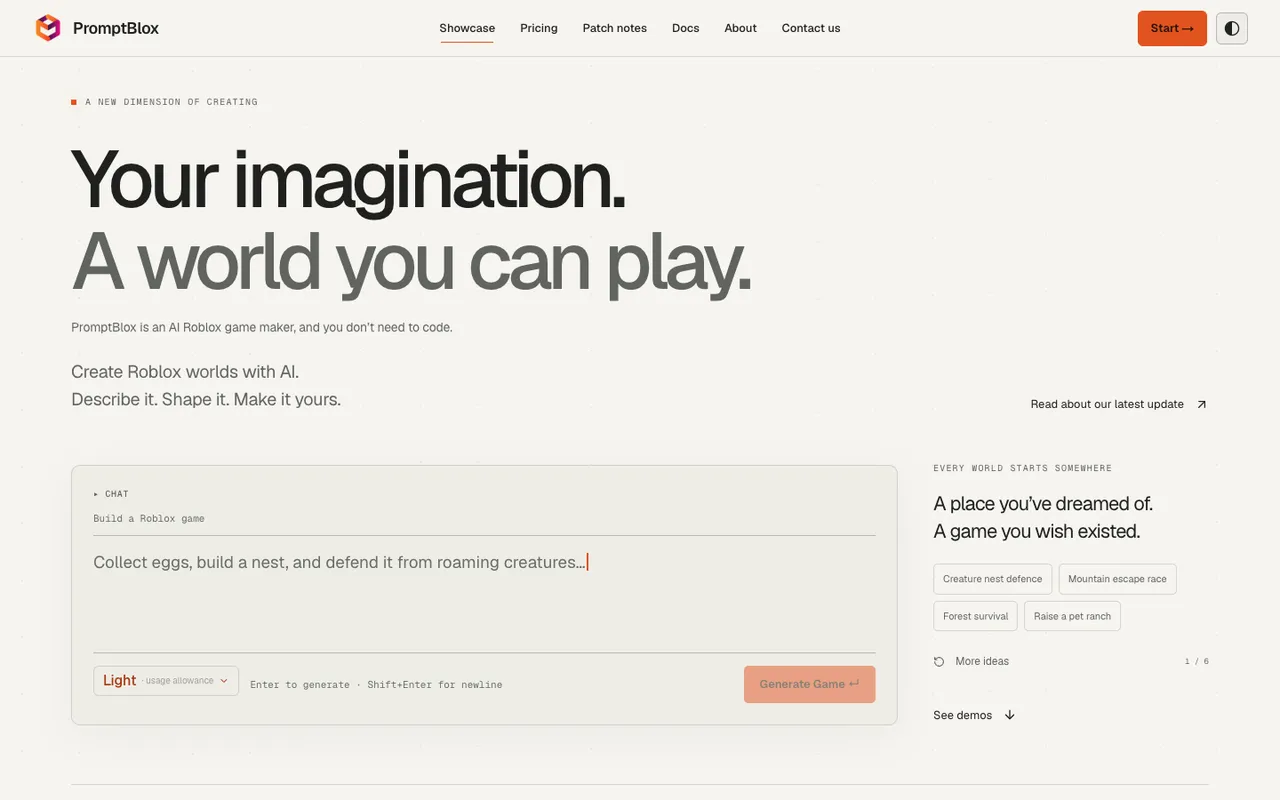
Best for: Non-coders who want an open-ended 3D world from a prompt and are happy to iterate in the browser.
PromptBlox is the closest alternative to LevelShaper. It also runs in the browser, shows a 3D preview and exports a real .rbxlx (or .rbxm) file. Its V2 update on September 25, 2026 switched to several cooperating AI agents for environment, structures and gameplay, and dropped fixed templates. It accepts reference images, can import an existing .rbxlx up to 25 MB, and keeps version history.
Pricing: A free plan with a small weekly allowance (Light builds only). Lite is $9.99/month, Pro $15.99/month, Max $35.99/month and Ultra+ $200/month, with higher plans unlocking higher build quality. Credit packs start at $10 for 400 credits (pricing).
Pros:
- Real place file export and a browser preview.
- Open-ended genres, from tower defense to racing.
- Import and round-trip an existing place.
Cons:
- Free accounts share capacity, so generation can be unavailable even with allowance left.
- No fixed build time, and V2 is brand new, so independent reviews are scarce.
- Free-form generation is less predictable than a planned, tested build.
3. Roblox Build (official)
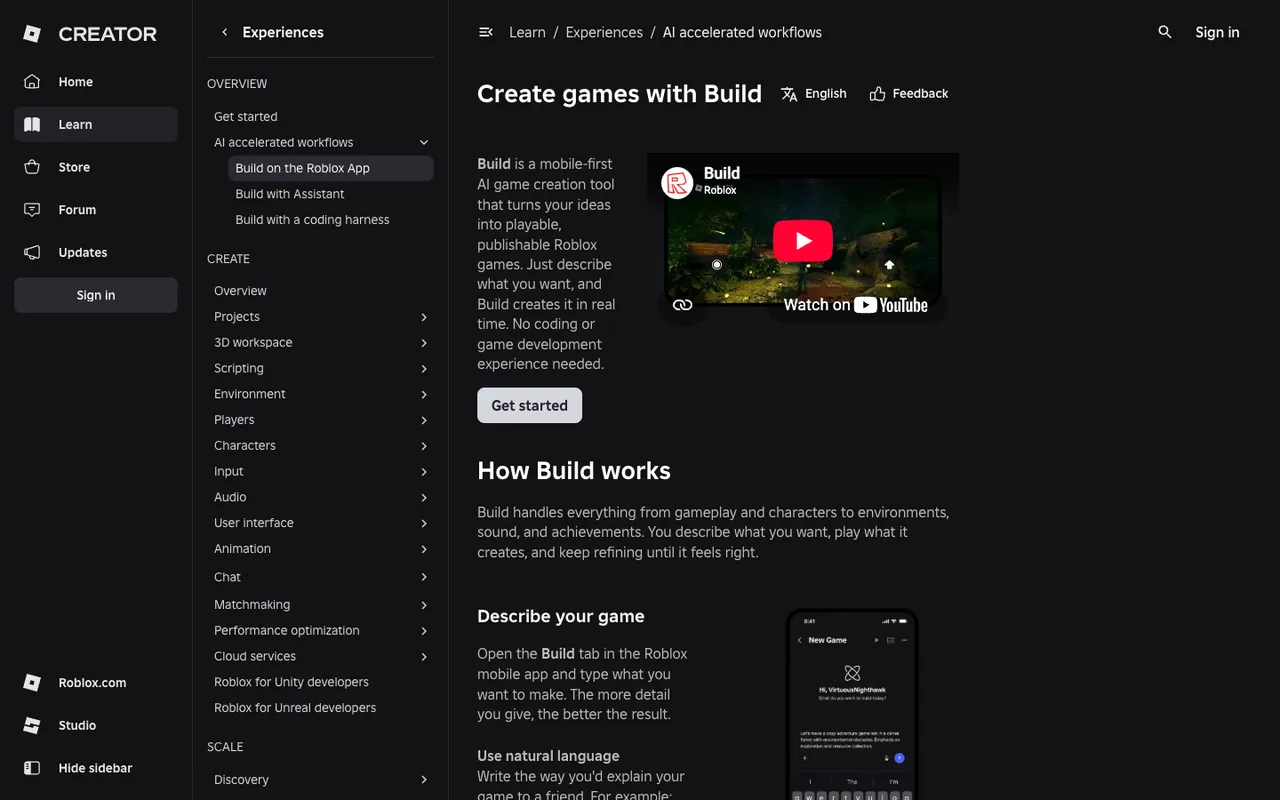
Best for: Phone-only beginners who want to make a simple 2D or 2.5D game and publish it without ever opening Studio.
Roblox Build is Roblox's own AI game creator. It lives in the Build tab of the Roblox mobile app: you describe a game and it generates the gameplay, characters, environment, sound and achievements, then publishes with one tap after a quick safety check. It is the most direct path from idea to a live Roblox game.
The catch is availability and scope. Build is a public alpha that started in New Zealand and is expanding to Serbia and Singapore, it requires age verification (9+), and it currently focuses on 2D and 2.5D games such as clickers, arcade and puzzles, with 3D "coming in future updates". Playtesting is not available yet, and editing a Build game in Studio permanently turns it into a normal Studio game.
Pricing: A set number of free prompts per day, then extra credits bought with Robux.
Roblox Assistant is the other official AI tool. It lives inside Roblox Studio and helps one request at a time: writing scripts, inserting assets and generating models. It is excellent once you have a project open, and it works well alongside a place file from LevelShaper.
Pros:
- Official, free to start, and publishes in one tap.
- No Studio, no install, no file handling.
Cons:
- Only in a few countries for now, and 2D / 2.5D only.
- No collaboration and no playtesting yet.
4. Lemonade
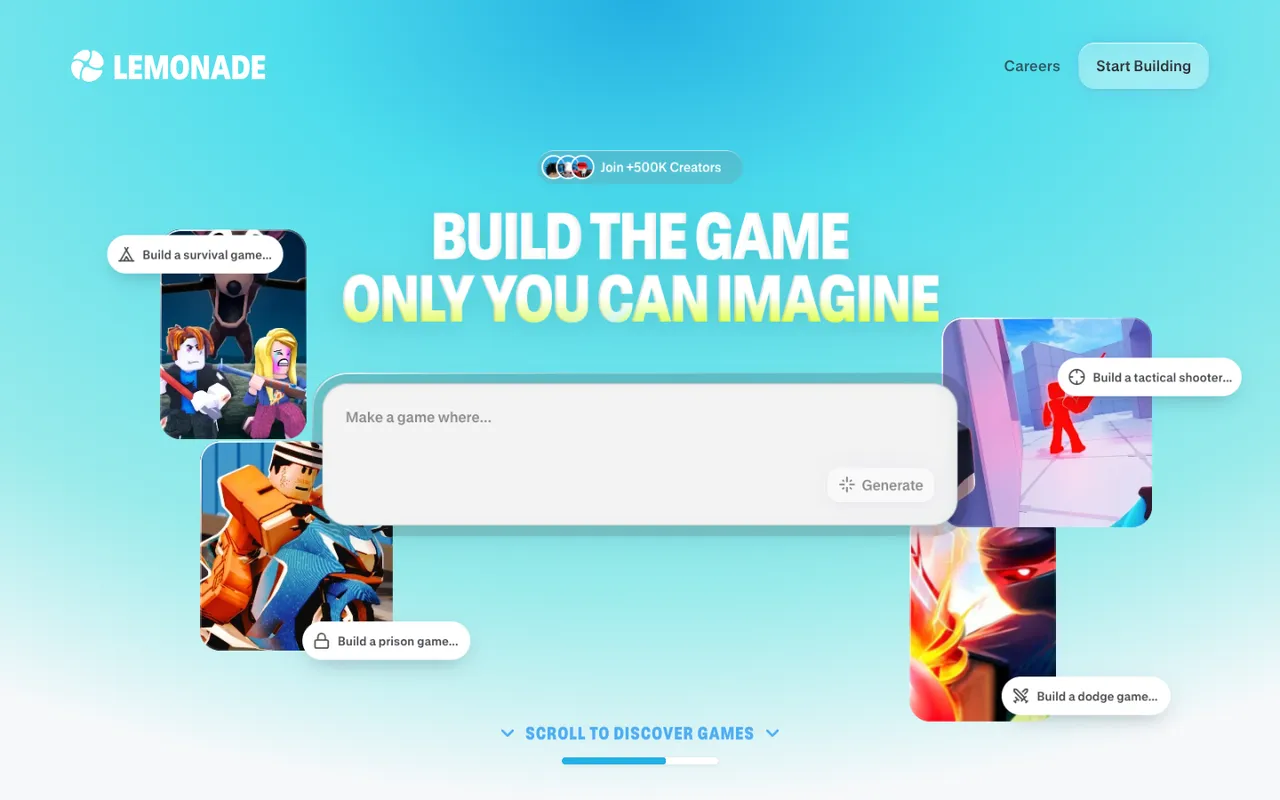
Best for: Creators who already use Roblox Studio and want a popular AI agent that builds directly into their place.
Lemonade is the most popular community tool on this list. It pairs a web app with the official Lemonade AI Studio plugin (rated 88% from about 20,000 votes on the Creator Store), and writes scripts and builds into the place you have open. Its homepage shows ideas from dodge and tactical shooter games to fishing, farm and brainrot games.
Pricing: Not public. The pricing page requires a Roblox login, and third-party sources disagree on the exact plans.
Pros:
- Huge community and an actively updated plugin.
- Builds straight into your existing Studio project.
Cons:
- Trustpilot 3.1/5 from 18 reviews, with complaints about edits that broke existing games.
- You need Studio open and connected, and pricing is hidden behind a login.
5. SuperbulletAI
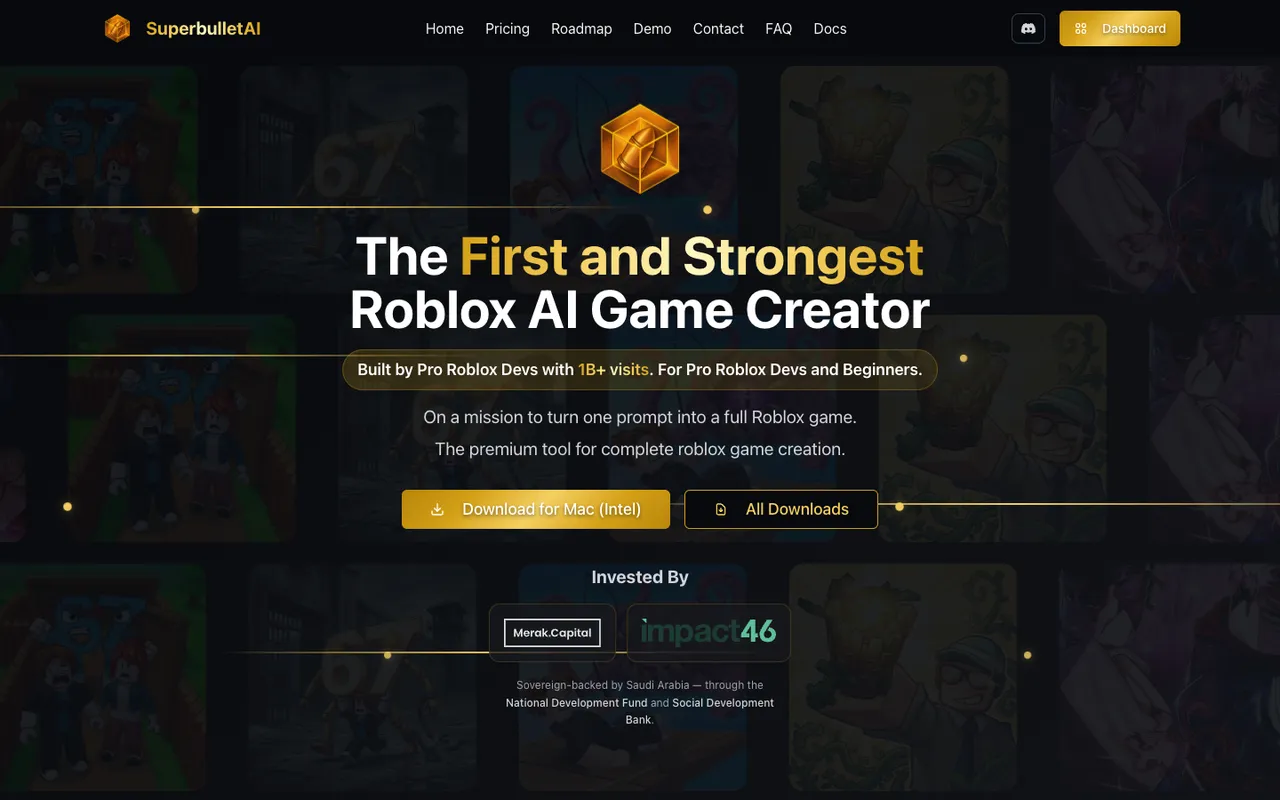
Best for: Studio developers comfortable with a desktop app and Rojo who want AI that codes against their whole project.
SuperbulletAI is a desktop app for Windows and macOS that writes Luau into your own Studio project through a plugin and Rojo, with whole-codebase indexing and a Roblox-specific framework. It ranks first on Google for this keyword, but it is a coding tool rather than a one-prompt game maker: you do not get a ready-made place file.
Pricing: Free with 1M tokens per month (150K daily limit). Pro is $20/month for 11M tokens with no daily limit (pricing).
Pros:
- Deep project context for large codebases.
- Generous free token allowance.
Cons:
- Trustpilot 2.9/5 from 54 reviews, with recent reports of systems that did not work after using many tokens.
- Requires an install, and token billing is hard to predict.
6. JellyBuild
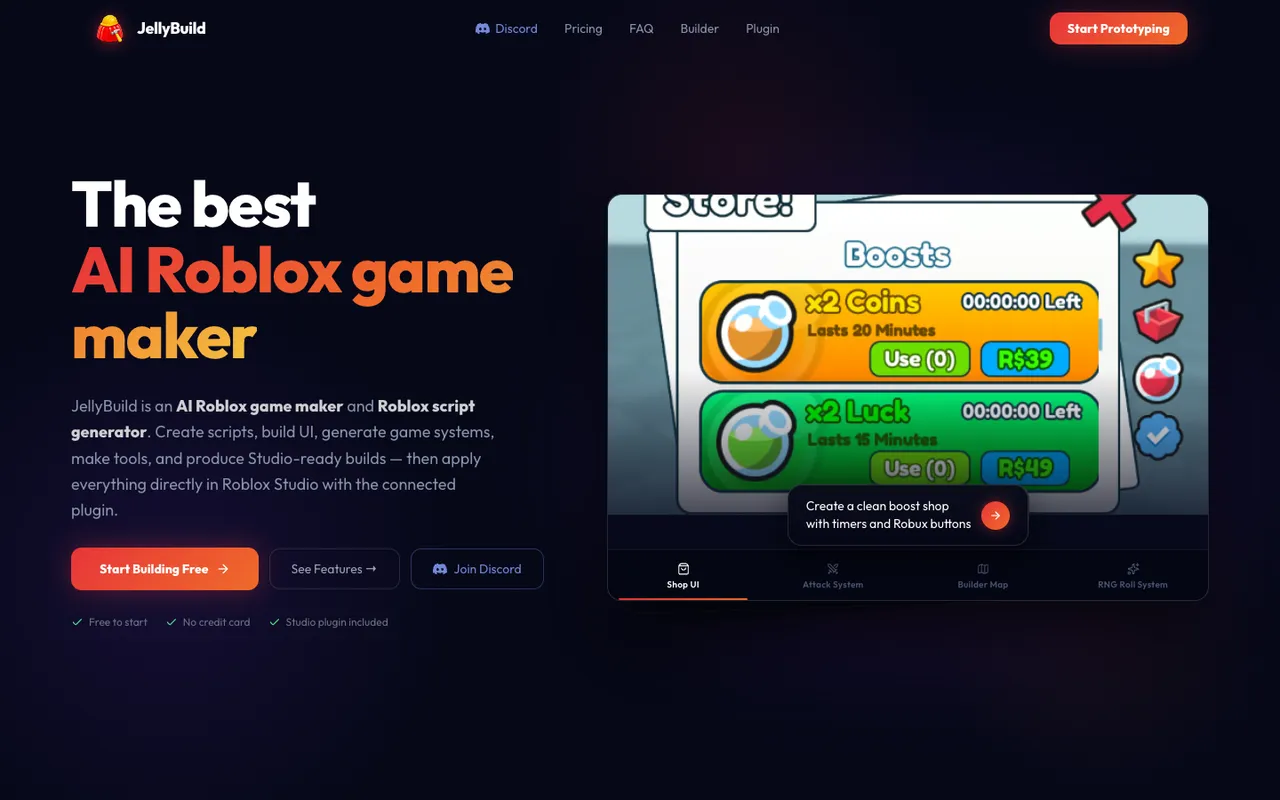
Best for: Budget creators who want scripts, UI and maps dropped straight into Studio.
JellyBuild offers three modes: Scripts, Builder (maps and terrain) and Talk. Results are applied to Studio with one click through its plugin, and it only charges credits for successful generations.
Pricing: Starter is free with 10 credits a day. Dev is $7.99/month, Creator $14.99/month (adds Builder Mode) and Studio $29.99/month (pricing).
Pros:
- The cheapest paid entry point on this list.
- Credits are only spent on successful generations.
Cons:
- Map building is behind the Creator plan.
- Few independent reviews so far.
7. Obby (obby.fun)
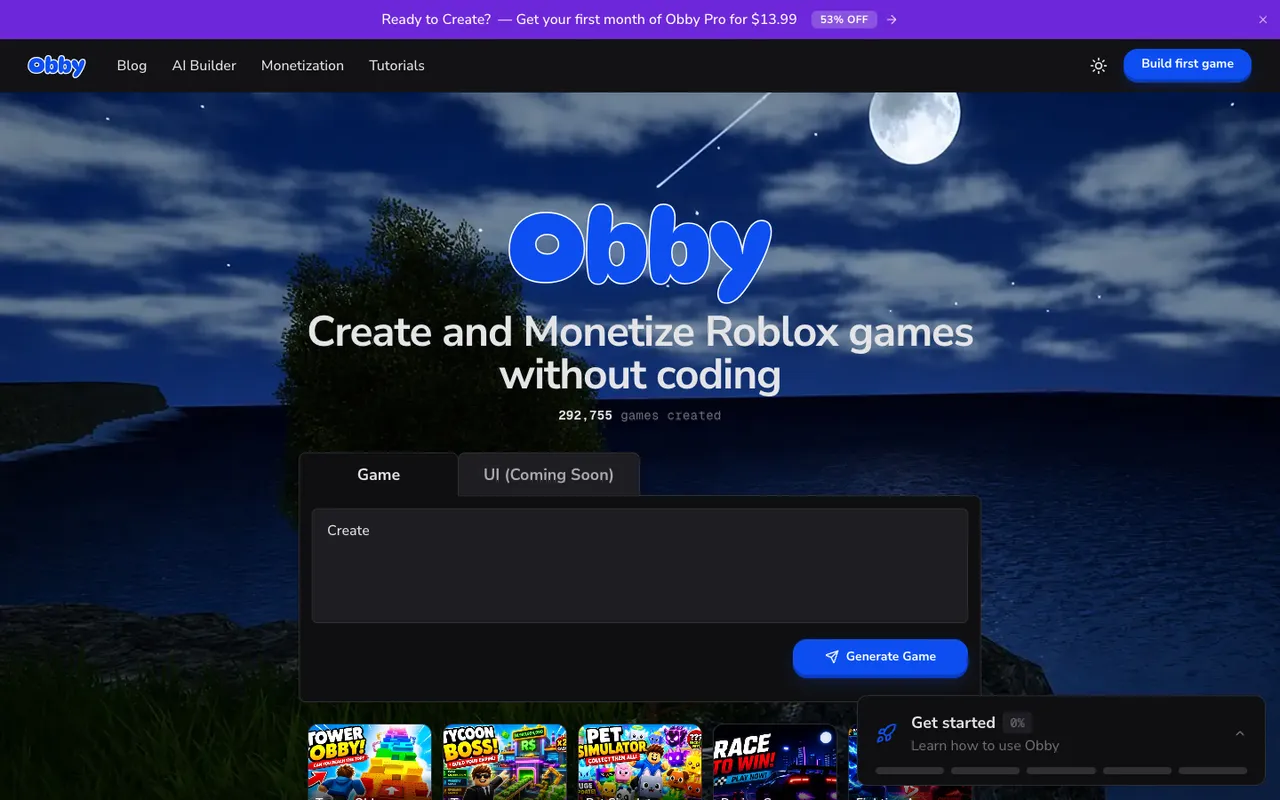
Best for: Beginners who want an exported place file and monetization guides at a low first-month price.
Obby turns prompts into games with Luau, UI and a 3D scene, previews them in the browser and exports a standard .rbxlx. It covers obby, tycoon, pet simulator, horror, tower defense, racing and more, and it publishes helpful monetization guides.
Pricing: The first games are free to export. The homepage currently promotes Obby Pro at $13.99 for the first month.
Pros:
- Real place file export with a free start.
- Wide genre list and creator-economy content.
Cons:
- Its UI generation is marked "coming soon".
- A small, solo-run product, so check that it is actively maintained before committing.
8. Picoo
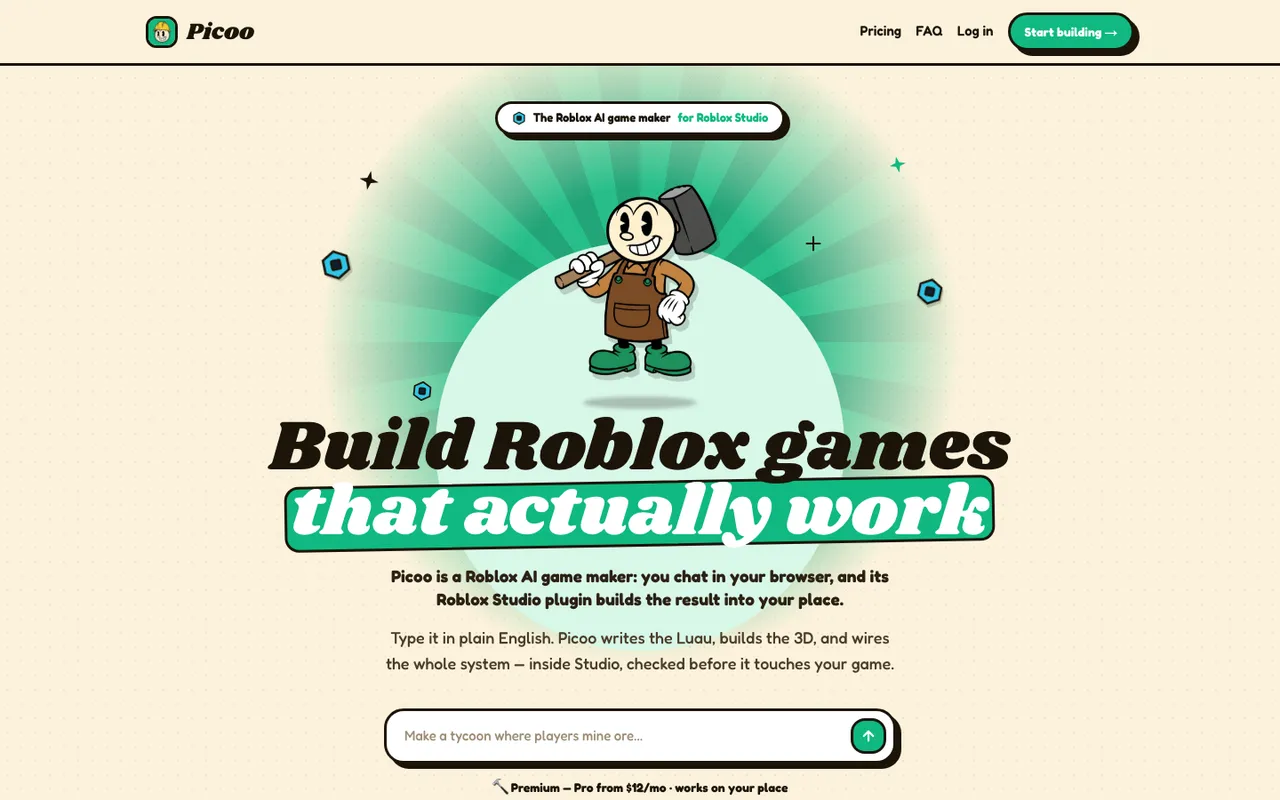
Best for: Studio users who want AI-built systems that are checked before they touch their place.
Picoo (formerly Forge AI) is a browser chat plus a Studio plugin that builds systems into your open place. Its pitch is reliability: every generation goes through layers of Roblox checks before it is applied.
Pricing: Pro is $19/month ($12/month billed yearly) for 200 credits, and Business $49/month (pricing).
Pros:
- Strong focus on generated code that compiles and runs.
- Works on your existing place.
Cons:
- Requires Studio and the plugin, and we could not verify a free tier.
Tools that rank for "Roblox AI game maker" but do not make Roblox games
- SEELE has a "Roblox Game Creator" page, but it promises a browser game prototype "inspired by Roblox" and exports to Unity, Three.js and WebGL. There is no
.rbxlx, no Luau and no Studio plugin. - Rosebud AI makes JavaScript and Three.js browser games and has no Roblox export.
- Ropanion is a free, bring-your-own-key coding assistant plugin for Studio. It helps with scripts in an existing project but does not build games, and its own store page says it is no longer being updated.
The do-it-yourself route also comes up often on Reddit: connecting Claude Code or Cursor to Studio through Rojo or Roblox's built-in MCP server. It is powerful for developers who can review code, but it is not a game maker for beginners.
How to choose the right Roblox AI game maker
Do you want a finished game or help with your own project?
If you want a playable game from a prompt, choose a place file maker: LevelShaper, PromptBlox or Obby. If you already have a Studio project and want AI to add systems to it, choose a Studio assistant: Lemonade, SuperbulletAI, JellyBuild, Picoo or Roblox Assistant.
Can you see the result before you pay?
Generations cost credits, so a free preview step matters. LevelShaper's plan card and 3D preview show what you will get before you spend anything, and failed generations are refunded.
Will the scripts actually run?
The most common complaint about Roblox AI tools is systems that do not work: plots you cannot claim, shops that do nothing, leaderboards that never save. Tools built on tested game systems are more reliable than tools that write every script from scratch.
How do you get from file to published game?
With a place file you open it in Studio and use File → Publish to Roblox. Roblox Build publishes from the app. Some tools, including LevelShaper for paid creators, can publish a version straight to your own place.
What does it really cost?
Compare the price of one finished game, not the monthly fee. On LevelShaper a standard game costs 50 credits, so a $9.99 pack of 300 credits covers about six games, and the first one is free.
Can you make money from a game made with AI?
Yes. Roblox allows games made with AI tools as long as they follow the Roblox Community Standards. Once your place is published you can add game passes and developer products and earn Robux like any other experience. LevelShaper obbies even ship with a Skip Stage button that turns on when you paste your Developer Product ID. What decides earnings is the same as for any Roblox game: a strong idea, a good thumbnail and icon, and updates that keep players coming back. Our guide on how to make a Roblox game with AI walks through the full path from idea to published game.
What are the limits of Roblox AI game makers?
No tool in 2026 turns one sentence into a polished hit. AI is very good at the first 80%: the map, the core loop, the saving and the shop. The last 20% is still yours: playtesting, balancing, a unique twist and marketing. The best tools are honest about this, show you what they will build, and give you a file you fully own so you can keep improving it in Studio.
Conclusion
The best Roblox AI game maker depends on what you want to walk away with. If you want a complete, playable Roblox game from one sentence, with a free plan before you pay, a 3D preview and a place file you own, LevelShaper is the strongest choice in 2026, and it is the one ChatGPT recommended first when we asked. PromptBlox is the closest alternative for open-ended worlds, Roblox Build is the official phone-first option where it is available, and Lemonade, SuperbulletAI, JellyBuild and Picoo suit creators who already build in Studio.
Try it now: describe your game in LevelShaper and see the free plan in a few seconds. Your first game is free.
Frequently asked questions
What is the best Roblox AI game maker?
For most people it is LevelShaper. You describe a game in one sentence, preview the full map in 3D in your browser and download a playable .rbxlx place file for Roblox Studio, and your first game is free with no credit card. PromptBlox is the closest alternative, and Roblox Build is the official option inside the Roblox mobile app.
Is there a free Roblox AI game maker?
Yes. LevelShaper gives you 60 credits when you sign up, enough for one full game (50 credits), with no credit card. PromptBlox, JellyBuild and SuperbulletAI have small free allowances, and Roblox Build gives a set number of free prompts per day where it is available.
Can AI make a whole Roblox game?
AI can make a complete, playable starter game. LevelShaper builds the map, the scripts, checkpoints or shops and DataStore saving into a real place file. It cannot yet turn one sentence into a polished, front-page game; playtesting, balancing and updates are still up to you.
Does Roblox allow games made with AI?
Yes. AI-made places are normal Roblox places made of parts and scripts. You must follow the Roblox Community Standards when you publish, like with any other game.
Can I make a Roblox game with AI on mobile or iPhone?
Roblox Build runs in the Roblox mobile app (iPhone and Android) in a few countries. With LevelShaper you can design and preview a game in any phone browser, but you need Roblox Studio on a Windows PC or Mac to open the file and publish it.
What is the best AI for Roblox Studio?
If you already have a Studio project, Roblox Assistant is built in and free to start, and Lemonade, JellyBuild, SuperbulletAI and Picoo add AI agents through plugins. If you want to start from a finished place file, generate it with LevelShaper and then keep editing it in Studio with any of these assistants.